
You hit record on a client call, and 30 minutes in, Otter stops. That is the cap on every conversation on Otter’s free Basic plan, which also limits you to 300 minutes a month.
Paying fixes some of it, but the bill grows with every seat. Otter Pro lists at $8.33 per user a month on annual billing or $16.99 monthly, and Business costs $19.99 (or $30 monthly) per seat.
To be fair, Otter is popular for good reasons. Its live transcript is excellent, it works in person and online, and it often runs discounts for first-time subscribers (50% off Pro as of November 2026).
Still, owners switch for clear reasons: per-seat costs, tight minute and import limits, and a bot that joins calls on its own. A good alternative gives you more free minutes, no bot if you want, or better value per person.
Here are the 7 best Otter.ai alternatives, and who each one suits.
Quick answer
- Best overall for small businesses: Fireflies.ai (official Otter import, from $10 a month)
- Best free plan: Fathom (unlimited recordings and storage)
- Best with no meeting bot: Granola
- Cheapest paid plan: Notta ($8.17 a month, billed annually)
- Best for privacy and EU hosting: Jamie
What’s the Best Otter.ai Alternative?
| Tool | Best for | Free plan | Starting price |
|---|---|---|---|
| Fireflies.ai | Switching from Otter with your history | Yes | $10/user/mo |
| Fathom | A free plan with no recording caps | Yes | $16/mo |
| Granola | Notes with no bot in the call | Yes | $14/user/mo (monthly) |
| Read AI | Meeting reports and speaker coaching | Yes (5 meetings/mo) | $15/user/mo |
| Notta | Lowest paid price and translation | Yes (3-min recordings) | $8.17/mo |
| Bluedot | Botless recording, pay only for recorders | 5 meetings (lifetime) | $14/user/mo |
| Jamie | Privacy-first notes with EU hosting | Yes (10 notes/mo) | $24/mo |
Prices checked November 2026. Starting prices use annual billing unless noted.
1. Fireflies.ai
Best for: Small teams that want to move their Otter recordings over and connect notes to the tools they already use
Fireflies.ai joins your Zoom, Google Meet, Teams or Webex calls, then writes the transcript, summary and action items. It transcribes in more than 100 languages and says it is used across 1 million+ companies.
It is the easiest switch on this list because it has an official Otter import tool, which support switches on when you ask. It brings over your recordings, transcripts, notes and speaker labels. A 4-person consultancy could move two years of Otter calls, then ask AskFred which clients raised pricing concerns last quarter.
Key Capabilities
- Otter import: An official migration tool for Otter recordings, transcripts, notes and speakers, available on request through support.
- AskFred: An AI assistant that answers questions across all your meetings and connected apps.
- CRM sync: Pushes notes and deal details to HubSpot, Salesforce and other CRMs.
- Bot or no bot: A bot joins calls by default, and the desktop app can record without one.
- Mobile and in-person: iOS and Android apps plus a web recorder for meetings in the room.
Works With
Zoom, Google Meet, Teams, Slack, Notion, HubSpot, Salesforce, Asana, Jira, Gmail and Outlook, from a long list of integrations.
Pros
- Official Otter import tool
- Transcription in 100+ languages
- Unlimited AI summaries from the $10 Pro plan
- Huge list of integrations
Cons
- Free plan stores only 400 minutes per team
- Small monthly AI credit allowance on every plan
- Recordings capped at 2 hours on Free and Pro
- You must ask support to turn on the Otter import
Plans & Pricing
- Free: $0. Unlimited transcription, limited AI summaries, 400 minutes of storage per team, 2-hour recording limit.
- Pro: $10 per seat per month (billed annually; $18 monthly). 8,000 minutes of storage per seat, unlimited AI summaries.
- Business: $19 per seat per month (billed annually; $29 monthly). Unlimited storage, 3-hour recordings, conversation intelligence.
- Enterprise: $39 per seat per month, billed annually only. 4-hour recordings, SSO and advanced admin controls.
Bottom line: Switch to Fireflies.ai if you want your Otter history to come with you and plan to connect notes to a CRM. Skip it if you mainly need long free storage.
2. Fathom
Best for: Solo owners and small client teams who want unlimited free recording and storage
Fathom records, transcribes and summarizes Zoom, Google Meet, Teams and Slack huddle calls. It says more than 500,000 companies use it.
Where Otter’s free plan stops at 300 minutes a month, Fathom’s free plan has unlimited recordings, transcription and storage. The catch is that Ask Fathom and AI action items get only limited use on Free. A freelance designer with 20 client calls a month could stay on the free plan and still search every transcript.
Key Capabilities
- Unlimited free recording: No minute caps and no storage limit on the free plan.
- Ask Fathom: Ask questions across your calls and get answers with sources (full use on paid plans).
- Bot-free capture: Record without a bot on Mac, or let the Fathom Notetaker join.
- iOS app: Record in-person meetings from your iPhone.
- Sales tools: CRM field sync, Deal View and scorecards on the Business plan.
Works With
HubSpot, Salesforce, Slack, Asana, Notion, Zapier and Make, plus a public API.
Pros
- Most generous free plan here
- Unlimited storage on every plan
- Paid plans for one person or a team
- Choice of bot or bot-free recording
Cons
- AI features are limited on Free
- No Android app
- Bot-free recording is Mac only for now
- CRM field sync needs Business at $25 per user
Plans & Pricing
- Free: $0. Unlimited recordings, transcripts and storage; limited Ask Fathom and AI action items.
- Premium: $16 per month (billed annually; $20 monthly). For one person. Full AI summaries, action items and Ask Fathom.
- Team: $15 per user per month (billed annually; $19 monthly). 2-user minimum, shared workspace.
- Business: $25 per user per month (billed annually; $34 monthly). 2-user minimum, CRM field sync, Deal View, scorecards.
- Enterprise: $35 per user per month, billed annually. SSO, SCIM, custom data retention.
Money saver
Before you pay for any note taker, run your next two weeks of calls through a free plan like Fathom’s or Granola’s. Many small businesses find they never hit a limit.
Bottom line: Switch to Fathom if Otter’s free minutes run out every month. Skip it if your team is on Android phones or you want full AI features without paying.
3. Granola
Best for: Founders, coaches and consultants who want AI notes without a bot showing up in their meetings
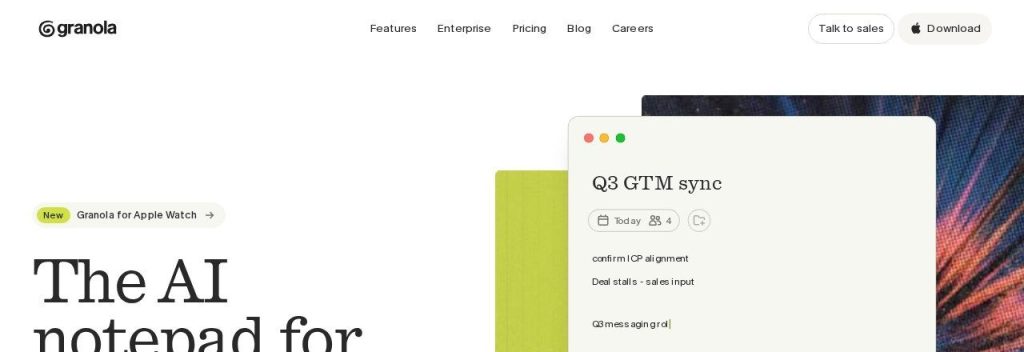
Granola is a notepad for meetings. It listens to your computer’s audio, so no bot joins the call, and it blends your own quick notes with its AI notes. It works with Zoom, Google Meet, Teams, Slack huddles and in-person meetings.
That fixes the most common complaint about Otter: a bot that joins calls on its own and makes clients uneasy. Granola’s free plan has no meeting caps, but it only shows your last 30 days of notes. A business coach could type three words during a session and get clean, structured notes the moment the call ends.
Key Capabilities
- No bot: Records from your device, so other people on the call see nothing new.
- Your notes plus AI: Jot key points and Granola fills in the details from the transcript.
- AI chat: Ask about one meeting or many, and reuse templates for repeat tasks.
- CRM sync: Send notes to HubSpot, Attio or Affinity on Business.
- API and MCP: Pull your meeting notes into other tools and AI assistants on Business.
Works With
Slack (free plan), plus Notion, HubSpot, Attio, Affinity, Zapier, an API and MCP on Business.
Pros
- No bot joining your calls
- Free plan has no meeting limits
- Works with any meeting app and in person
- Simple, fast notes
Cons
- Free plan shows only the last 30 days of notes
- No annual discount on Business
- No video recording or playback
- SSO and HIPAA need Enterprise
Plans & Pricing
- Basic: $0. Unlimited meetings, notes from the last 30 days visible, Slack integration.
- Business: $14 per user per month, billed monthly (annual billing is for Enterprise contracts only). Unlimited history, CRM and Notion integrations, API.
- Enterprise: $35 per user per month. SSO, HIPAA workspaces, usage analytics.
Bottom line: Switch to Granola if a meeting bot is the thing you dislike most about Otter. Skip it if you need recordings you can replay or share.
4. Read AI
Best for: Teams that want summaries plus coaching on how their meetings and calls actually go
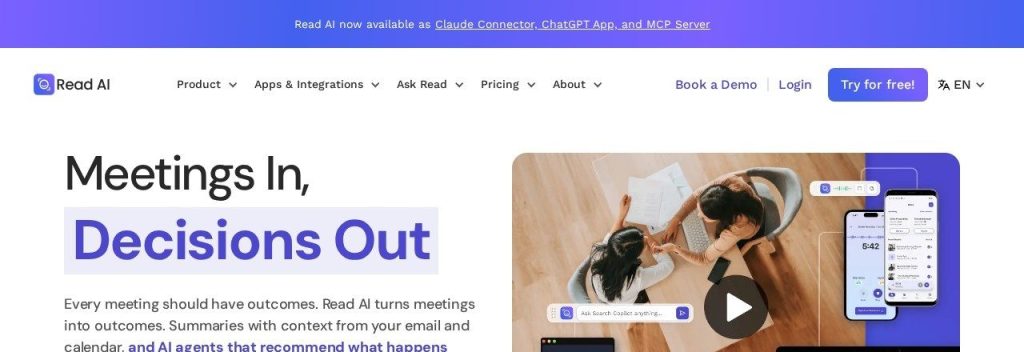
Read AI writes summaries, transcripts and action items for Zoom, Teams and Google Meet, and it adds something Otter does not: a meeting coach that tracks talking speed, filler words and engagement.
Its search covers your meetings plus email and chat, so answers pull from more than calls. Read AI’s Pro plan costs $15 per user a month on annual billing, close to Otter Pro’s monthly price but with unlimited transcripts. A small sales team could use the coach to spot reps who talk 80% of the call.
Key Capabilities
- Meeting coach: Feedback on talking speed, filler words and engagement after each call.
- Search Copilot: AI search across meetings, email and messages.
- Desktop recording: Record Zoom, Teams, Meet and in-person meetings from the desktop app.
- Mobile apps: iOS and Android apps for in-person meetings.
- AI connectors: Use your meeting data in other AI assistants through MCP.
Works With
Slack, Salesforce, HubSpot, Notion, Jira, Confluence, Asana, Zapier, Gmail and Outlook.
Pros
- Coaching and analytics most rivals lack
- Search covers email and chat too
- Unlimited transcripts on Pro
- 4-hour meetings on Pro
Cons
- Free plan allows only 5 meetings a month, 1 hour each
- Video playback needs Enterprise
- The default bot is visible to everyone in the call
- Enterprise+ needs at least 5 licenses
Plans & Pricing
- Free: $0. 5 meeting transcripts a month, 1-hour meeting limit.
- Pro: $15 per user per month (billed annually; $19.75 monthly). Unlimited transcripts, 4-hour meetings.
- Enterprise: $22.50 per user per month (billed annually; $29.75 monthly). Audio and video playback, admin features.
- Enterprise+: $29.75 per user per month (billed annually; $39.75 monthly). 5-license minimum, 8-hour meetings, SSO.
Bottom line: Switch to Read AI if you want to improve how your team runs calls, not just record them. Skip it if you need a roomy free plan.
5. Notta
Best for: Solo professionals and multilingual teams who want a low-cost paid plan with translation
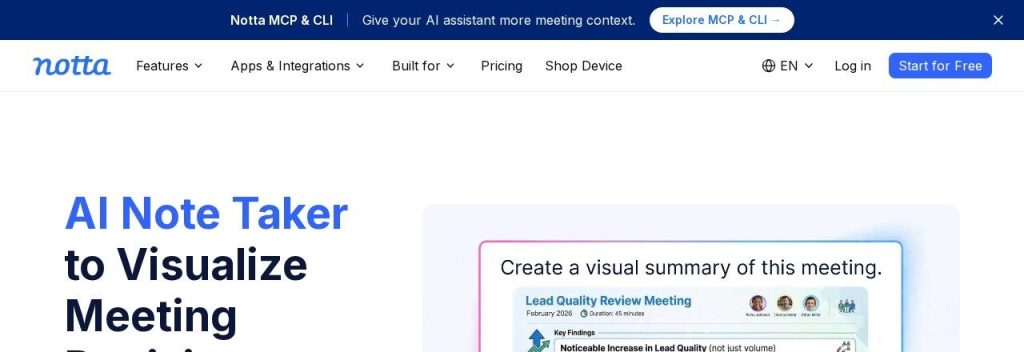
Notta transcribes online meetings, uploaded files and in-person recordings in 58 languages. It can send a bot to Zoom, Google Meet, Teams and Webex, or record on your device.
Notta Pro costs $8.17 a month on annual billing for 1,800 minutes, more than Otter Pro’s 1,200 minutes for a similar price. Business adds unlimited transcription at $16.67 per seat a month. An import business that talks to suppliers in Chinese and customers in English could transcribe and translate both in one place.
Key Capabilities
- 58 languages: Transcription in 58 languages, plus bilingual transcription and translation.
- AI summaries: Turn each recording into a summary with action items and follow-up emails.
- Bot or botless: Send a bot or record on your device without one.
- Mobile apps: iOS and Android apps for in-person meetings and calls.
- CRM sync: Salesforce, HubSpot and other CRM integrations on Business.
Works With
Zoom, Google Meet, Teams, Webex, Slack, Notion, Salesforce, HubSpot, Google Drive and Zapier.
Pros
- Cheapest paid plan on this list
- 58 transcription languages
- Unlimited transcription on Business
- Bot and botless recording
Cons
- Free plan caps each recording at 3 minutes
- Translation features cost extra
- 5-hour limit per recording
- Monthly billing prices are not clearly published
Plans & Pricing
- Free: $0. 120 minutes a month, 3 minutes per recording, 1 seat.
- Pro: $8.17 per month ($97.99 billed annually). 1 seat, 1,800 minutes a month, 5 hours per recording.
- Business: $16.67 per seat per month ($199.99 billed annually). Unlimited transcription, 5 hours per recording, team features.
- Enterprise: Custom pricing (contact sales). From 51 seats.
Bottom line: Switch to Notta if you want the lowest bill for real paid minutes or work in several languages. Skip it if you hoped to stay on a free plan.
6. Bluedot
Best for: Small sales, recruiting and client teams who want video recordings without a bot and only some people recording
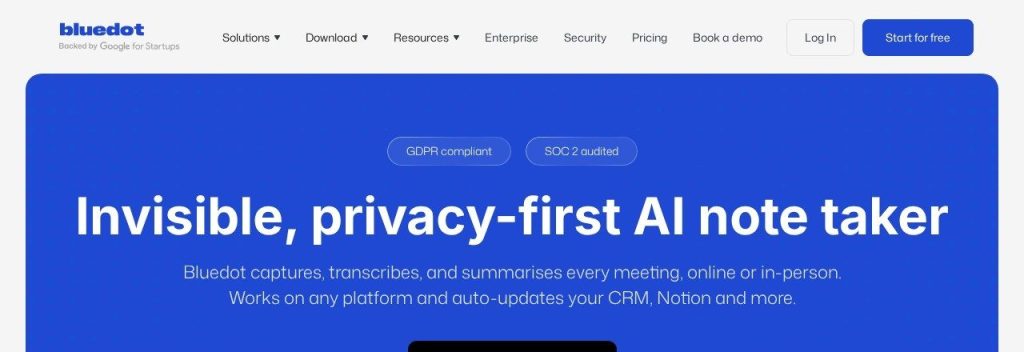
Bluedot records Zoom, Google Meet and Teams calls through a Chrome extension or desktop app, so no bot joins. It transcribes in 100+ languages.
Its billing is friendly for mixed teams: Bluedot says it only charges for users who record meetings. Every paid plan includes unlimited meetings and unlimited storage, unlike Otter’s monthly minute caps. A 6-person agency where only the 2 account managers run client calls would pay for 2 seats, not 6.
Key Capabilities
- No bot: Records through a Chrome extension, desktop apps or mobile apps.
- AI chat: Ask questions across all your meetings.
- Automatic CRM updates: Fill CRM and applicant tracking fields and draft follow-up emails on Business.
- Custom templates: Shape notes for sales calls, interviews or check-ins on Pro and up.
- Imports: Upload existing recordings from Zoom or Google Drive on Pro, useful for moving Otter audio files.
Works With
HubSpot, Salesforce, Pipedrive, Notion, Slack, Zapier, Make and Google Drive.
Pros
- Truly botless on desktop and mobile
- Unlimited meetings and storage on paid plans
- You pay only for people who record
- 100+ languages
Cons
- Free plan is just 5 meetings, ever
- Basic is audio only with a 1-hour limit per recording
- CRM sync needs Business at $32 per user
- Annual and monthly prices are not clearly labeled
Plans & Pricing
- Free: $0. 5 meetings in total, desktop and mobile apps, Slack, Notion, Zapier and Make.
- Basic: $14 per user per month (billed annually; $18 monthly). Unlimited audio meetings, 1 hour per recording, unlimited storage.
- Pro: $20 per user per month (billed annually; $25 monthly). Video, unlimited recording length, custom templates, imports.
- Business: $32 per user per month (billed annually; $39 monthly). CRM and ATS sync, SSO, custom data retention.
- Flat rate: Custom pricing (contact sales). One fixed company price.
Bottom line: Switch to Bluedot if you want botless video recordings and only a few people on your team record calls. Skip it if you want a free plan you can live on.
7. Jamie
Best for: Accountants, advisors and consultants who handle sensitive conversations and want EU-hosted data
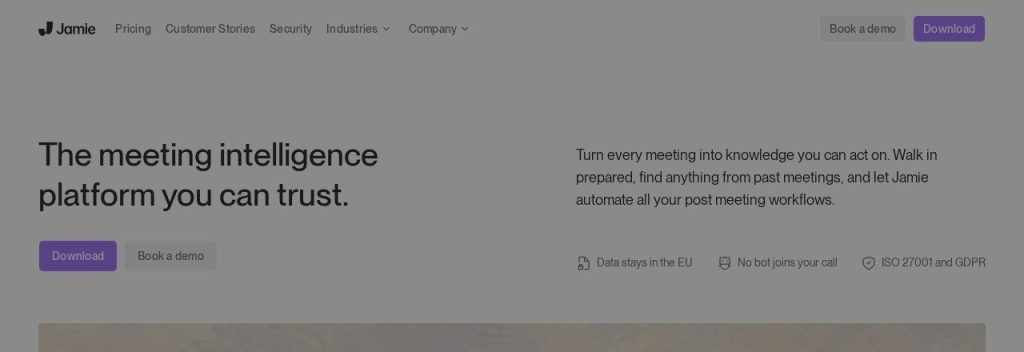
Jamie is a bot-free note taker that runs on your laptop or phone and works with Zoom, Teams, Google Meet or any other meeting app. It hosts data in the EU, is GDPR compliant and ISO 27001 certified.
If Otter’s auto-joining bot worries you or your clients, Jamie is the most privacy-focused pick here. It costs more than Otter, though: Plus starts at $24 a month. A small financial advisory firm could record in-person client reviews on a phone and push the notes into HubSpot or Pipedrive.
Key Capabilities
- Bot-free and in-person: Records from your computer or phone, with no bot.
- Ask Jamie: Chat across all your meetings to find decisions and tasks.
- Task detection: Pulls out tasks and decisions from every meeting automatically.
- CRM sync: Salesforce, HubSpot, Pipedrive, Attio and Microsoft Dynamics 365 on Pro and up.
- EU hosting: GDPR and ISO 27001 on every plan, with SOC 2 Type II listed as pending.
Works With
Google Docs, Notion and OneNote on every plan, plus Salesforce, HubSpot, Pipedrive, Attio, Asana and MCP on Pro.
Pros
- Strongest privacy setup on this list
- Bot-free, including in-person meetings
- Usable free plan (10 notes a month)
- 5-hour meetings on Pro and Team
Cons
- Expensive for solo users
- Free plan caps meetings at 30 minutes
- CRM integrations need Pro at $46 a month
- SOC 2 certification still listed as pending
Plans & Pricing
- Free: $0. 10 AI notes a month, 30 minutes per meeting.
- Plus: $24 per month. 20 AI notes a month, 2 hours per meeting, Notion, Google Docs and OneNote.
- Pro (called Individual on the main pricing card): $46 per month, billed annually. Unlimited notes, 5 hours per meeting, CRM integrations.
- Team: $37 per seat per month, billed annually. Unlimited notes, shared workspace and admin controls.
- Enterprise: Custom pricing (contact sales). 10+ users, SAML SSO, SCIM, audit logs.
Bottom line: Switch to Jamie if privacy and data location matter more than price. Skip it if you are a solo owner on a tight budget.
What to Look For in an Otter.ai Alternative
Every tool here turns calls into notes. These details decide whether switching actually saves you time and money:
- Switching cost and data migration: Only Fireflies.ai offers an official Otter import. With the others, export your Otter transcripts first and keep them as files.
- Free plan limits: Look at minutes, meeting length and history. Fathom has unlimited free recording, while Notta caps free recordings at 3 minutes.
- Bot or no bot: If clients dislike bots, choose Granola, Bluedot or Jamie, which record from your device.
- How you are charged: Most tools charge per seat. Bluedot charges only for people who record, and Fathom Premium is priced for one person.
- Languages: Fireflies.ai and Bluedot cover 100+ languages, and Notta adds translation.
- CRM sync: If notes should land in HubSpot or Salesforce, check the plan. Fathom, Bluedot and Notta keep CRM sync on their Business plans.
- In-person meetings: Fathom (iPhone), Read AI, Jamie and Bluedot all have mobile apps for meetings in the room.
Which Otter.ai Alternative Should You Choose?
- If you want to keep your Otter history, pick Fireflies.ai and ask support to switch on its Otter import.
- If you want a free plan you can actually live on, pick Fathom.
- If clients dislike meeting bots, pick Granola, or Bluedot if you also want video recordings.
- If you want the lowest paid price or work in several languages, pick Notta.
- If you handle sensitive client conversations, pick Jamie.
- If you mostly record in-person lectures or interviews and like live transcripts, staying on Otter Pro can still make sense, especially with a first-year discount.
Time saver
Whatever you pick, set up one note template for your most common call (sales, onboarding or weekly check-in). It turns every summary into a ready-to-send recap.
Which Otter.ai alternative are you going to use?
Pick one and see what other small business owners chose.
FAQs
What is the best free Otter.ai alternative?
Fathom has the best free plan as of November 2026, with unlimited recordings, transcription and storage. Granola’s free plan also has no meeting caps, but it only shows your last 30 days of notes.
Is there a cheaper alternative to Otter.ai?
Yes. On annual billing, Notta Pro costs $8.17 a month versus a list price of $8.33 for Otter Pro, with 1,800 minutes instead of 1,200. If you pay monthly, Granola Business at $14 per user costs less than Otter Pro’s $16.99, and Fathom’s free plan has no recording caps at all.
Can I move my data from Otter.ai?
Yes, to Fireflies.ai. Its official Otter import tool copies recordings, transcripts, notes and speakers once support turns it on for your account. For other tools, export your Otter transcripts and audio and upload what you need.
Which Otter.ai alternative works without a bot?
Granola, Bluedot and Jamie record from your device and never send a bot. Fathom, Fireflies.ai and Notta use a bot by default but also offer botless desktop recording.
Is Otter.ai still worth it?
It can be. Otter Pro is good value on annual billing, especially with a first-time discount, and its live transcript is strong. If you hit the 300-minute free cap or dislike its bot, one of the alternatives above will likely fit better.
Final Thoughts
You do not need to put up with minute caps or a bot your clients dislike. Decide what bothers you most about Otter, then pick the tool that fixes exactly that.
The easiest next step: start Fathom’s or Fireflies.ai’s free plan this week, run your next five calls through it, and compare the notes with Otter’s before your renewal date.
Want more options? See our full list of the best AI meeting note takers, or connect your notes to a CRM from our guide to the best CRM software for small businesses.