

Prices checked: October 2026
You know you should post every day. Then a customer calls, an order needs packing, and Instagram goes quiet for two weeks.
An AI social media scheduler fixes that. You batch a week of posts in one sitting, AI writes and adapts the captions, and the tool publishes at the right times while you run the business.
The right pick depends on how many accounts you manage, how much AI help you want, and if you also need an inbox and reports.
We checked the official pricing page of every tool below in October 2026.
Here are the 11 best picks, and who each one suits.
Quick answer
- Best for most small businesses: Buffer
- Best for analytics on a budget: Metricool
- Best for unlimited AI content: Publer (Business plan)
- Best for AI content planning: SocialBee
- Best for creating visuals with AI: Predis.ai
What’s the Best AI Social Media Scheduler?
| Tool | Best for | Free plan | Starting price |
|---|---|---|---|
| Buffer | Simple, cheap scheduling | Yes (3 channels) | $5/channel/mo |
| Metricool | Scheduling plus analytics | Yes (1 brand) | $20/mo |
| Publer | Unlimited AI on a budget | Yes (3 accounts) | $5/mo |
| SocialBee | AI content strategy and recycling | 14-day free trial | $24/mo |
| Later | Visual Instagram and TikTok planning | 14-day free trial | $18.75/mo |
| FeedHive | AI writing plus automations | 7-day free trial | $15/mo |
| Predis.ai | Creating AI posts and videos | 3-day trial (card) | $19/mo |
| Hootsuite | All-in-one for established teams | 14-day free trial | $99/user/mo |
| Sprout Social | Deep analytics and customer care | 30-day free trial | $79/seat/mo |
| Agorapulse | Inbox and reporting for less | Yes + 30-day trial | $79/user/mo |
| Vista Social | DMs, reviews and scheduling together | 14-day free trial | $79/mo |
Prices checked October 2026. Starting prices use annual billing unless noted.
What AI does in a social media scheduler
- Writes and rewrites captions: Turn a rough idea into a ready post in seconds.
- Adapts posts for each platform: One message becomes a LinkedIn post, an Instagram caption and a short X post.
- Creates visuals: Tools like Predis.ai and Publer generate images and carousels.
- Picks posting times: Metricool, Later and Sprout Social suggest when your audience is online.
- Helps you reply and report: AI suggests replies and explains what is working.
1. Buffer
Best for: Solo owners and small teams who want an easy scheduler with AI help from day one
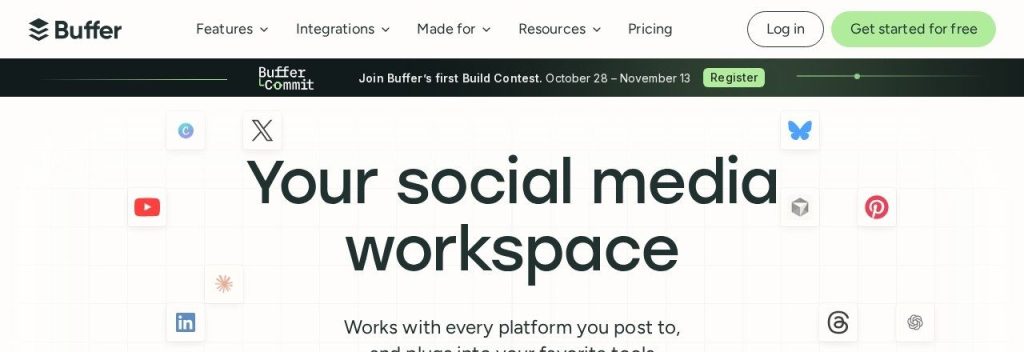
Buffer is one of the easiest social media schedulers to learn. You connect your accounts, write a post once, and drop it into a queue that publishes at the times you choose. Its AI Assistant helps with post ideas, rewrites and adapting one message for each platform.
Paid plans are priced per channel, so a bakery posting to Instagram, Facebook and Google Business Profile pays for exactly three channels. The free plan covers up to 3 channels and includes the AI Assistant.
Key Capabilities
- AI Assistant: Brainstorms ideas, rewrites captions and repurposes posts; unlimited on paid plans.
- Posting queue and calendar: Fill a weekly queue once and let Buffer publish on schedule.
- Community inbox: Reply to comments without opening every app (AI reply suggestions are limited to 5 a week on Free).
- Start Page: A simple link-in-bio page for your profiles.
- AI connections: Manage your queue from ChatGPT or Claude.
Platforms Supported
Instagram, Facebook, LinkedIn, TikTok, Pinterest, YouTube, X, Threads, Bluesky, Mastodon and Google Business Profile.
Pros
- Beginner friendly and fast to set up
- Pay only for the channels you use
- Useful free plan with AI included
Cons
- Analytics are lighter than Metricool or Sprout Social
- Approval workflows need the Team plan
- Cost climbs if you manage many channels
Plans & Pricing
- Free: $0. Up to 3 channels, AI Assistant included.
- Essentials: $5/channel/month ($60 per channel billed yearly). Unlimited AI credits. 14-day free trial.
- Team: $10/channel/month ($120 per channel billed yearly). Adds team members and approvals. 14-day free trial.
Bottom line: Pick Buffer if you want the simplest path to a consistent posting schedule. Skip it if detailed reporting matters more than ease of use.
2. Metricool
Best for: Owners and small agencies who want scheduling, analytics and ad reporting in one cheap dashboard
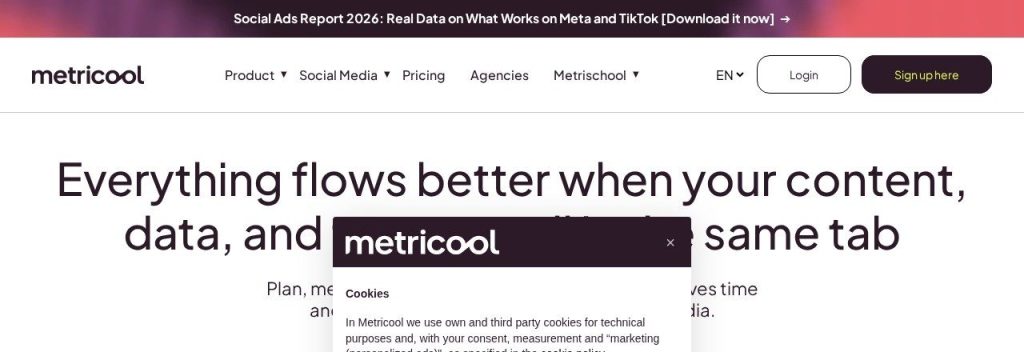
Metricool combines a content planner with strong analytics for your social profiles, website and ad accounts. Its AI assistant writes and adapts posts, and the planner suggests the best times to post based on your audience.
The Starter plan covers up to 5 brands from $20 a month on yearly billing, which makes it a favorite with freelancers managing several small clients. AI help runs on monthly credits: 5 per brand on Free, 20 on Starter and 35 on Advanced.
Key Capabilities
- Planner with best times: Auto publishing plus suggested posting times from your own data.
- Analytics and ad reports: Track social, website and paid ad performance in one place.
- AI assistant: Writes and adapts posts using monthly AI credits.
- AI alt text: Generates image descriptions for accessibility.
- Metricool MCP: Work with your Metricool data from AI assistants such as Claude or ChatGPT.
Platforms Supported
Instagram, Facebook, TikTok, LinkedIn, YouTube, Pinterest, Threads, Bluesky, Google Business Profile and X (paid add-on).
Pros
- Generous free plan for one brand
- Strong analytics for the price
- Great value for managing several brands
Cons
- X costs an extra $10 per account per month
- AI credits are capped per brand
- Busy interface for complete beginners
Plans & Pricing
- Free: $0. 1 brand, 20 posts a month, 5 AI credits per brand.
- Starter: From $20/month (billed yearly; $25 monthly) for up to 5 brands; $36/month yearly for up to 10. Unlimited publishing (fair use), 20 AI credits per brand.
- Advanced: From $53/month (billed yearly; $67 monthly) for up to 15 brands. 35 AI credits per brand, full MCP access.
- Custom: Custom pricing (contact sales).
Money saver
If you manage social for 2 to 5 small clients, Metricool’s Starter plan covers all of them for one price, which is often cheaper than paying per channel elsewhere.
Bottom line: Pick Metricool if you care about results as much as posting. Skip it if X is your main channel, since it costs extra.
3. Publer
Best for: Small businesses that create lots of posts and want unlimited AI text and images at a low price
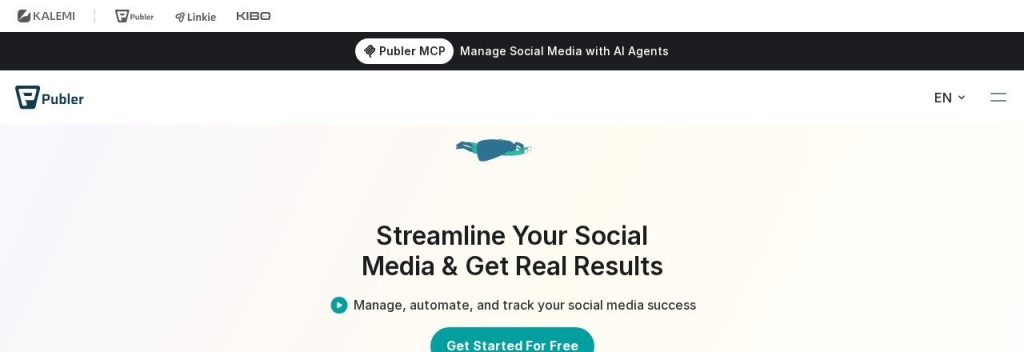
Publer is a flexible scheduler with calendar and feed previews, bulk scheduling, evergreen recycling and workspaces. On the Business plan, AI prompts for text and images are unlimited at no extra cost.
A boutique posting daily across Instagram, Facebook and Pinterest could bulk-upload a month of posts from a spreadsheet and let AI Assist write the captions. The free plan covers 3 social accounts with 10 scheduled posts per account, but does not support X.
Key Capabilities
- AI Assist: Writes captions, finishes sentences and helps with replies.
- AI images: Generate images inside the post editor.
- Unlimited AI on Business: No AI caps on the Business plan.
- Bulk scheduling and recycling: Schedule many posts at once and repost evergreen content.
- Workspaces: Separate brands or clients, with every 10th member and 10th account free.
Platforms Supported
Instagram, Facebook, TikTok, LinkedIn, Pinterest, YouTube, Threads, Bluesky, Mastodon, Telegram, Google Business Profile and WordPress.
Pros
- Very cheap for a few accounts
- Unlimited AI on Business
- Supports many niche platforms
Cons
- Price rises with every account you add
- No X on the free plan
- Best-time suggestions and analytics need Business
Plans & Pricing
- Free: $0. 1 user, 3 social accounts, 10 scheduled posts per account.
- Professional: $5/month for 1 account plus $4 per extra account (yearly billing gives 2 months free).
- Business: $10/month for 1 account plus $7 per extra account. Unlimited AI prompts.
- Enterprise: Custom pricing (contact sales).
Bottom line: Pick Publer if you want heavy AI use without a big bill. Skip it if you manage dozens of accounts, where per-account pricing adds up.
4. SocialBee
Best for: Owners who want AI to plan a content mix, not just write single captions
SocialBee organizes posts into categories such as tips, promotions and blog posts, then publishes them on a schedule you set. Its AI Copilot can build a full social media strategy with ready-to-use posts for your business.
Every plan includes unlimited AI content generation. A local gym could set categories for member wins, class tips and offers, and let SocialBee recycle the best evergreen posts so the feed never goes quiet.
Key Capabilities
- AI Copilot: Creates a social media strategy and posts based on your business.
- Unlimited AI content: Captions and images without credit limits on every plan.
- Content categories: Keeps a healthy mix of post types on autopilot.
- Evergreen recycling: Reposts your best content automatically, with expiry dates.
- Engagement inbox: Handle comments, mentions and DMs in one place.
Platforms Supported
Instagram, Facebook, LinkedIn, X, TikTok, Pinterest, YouTube, Threads, Bluesky and Google Business Profile, plus Canva.
Pros
- Unlimited AI on every plan
- Category system keeps content balanced
- 14-day free trial with no card
Cons
- No free plan
- Categories take time to set up
- Bootstrap includes only 1 user
Plans & Pricing
- Free trial: 14 days, no credit card required.
- Bootstrap: $24/month billed yearly ($290/year; $29 monthly). 5 social profiles, 1 user.
- Accelerate: $40/month billed yearly ($490/year; $49 monthly). 10 social profiles.
- Pro: $82/month billed yearly ($990/year; $99 monthly). 25 profiles, 3 users per workspace, 5 workspaces.
- Agency plans: From $149/month billed yearly ($179 monthly) for 50 profiles.
Bottom line: Pick SocialBee if you want AI to plan what to post. Skip it if you only need to schedule a few posts a week.
5. Later
Best for: Visual brands on Instagram and TikTok that want to see the feed before it goes live
Later started as an Instagram scheduler and still shines for brands that think visually. Its drag-and-drop Visual Planner shows how your grid will look before anything posts, and its Link in Bio tool turns your posts into clickable links.
AI help runs on monthly credits: 5 on Starter, 50 on Growth and 100 on Scale. A clothing store could plan two weeks of Instagram posts visually and use the AI caption writer for quick drafts.
Key Capabilities
- Visual Planner: Drag and drop posts to plan your grid.
- AI Caption Writer: Drafts captions and content ideas using monthly AI credits.
- Best time to post: Suggests posting times for Instagram, TikTok and Facebook.
- Link in Bio: Linked posts that send followers to products or pages.
- Social sets: Each set covers up to 8 profiles across networks.
Platforms Supported
Instagram, TikTok, Facebook, Threads, Pinterest, LinkedIn, YouTube and Snapchat.
Pros
- Best visual planning on this list
- Strong link-in-bio for ecommerce
- Friendly, clean interface
Cons
- Only 5 AI credits a month on Starter
- No free plan
- Extra users and social sets cost more
Plans & Pricing
- Free trial: 14 days.
- Starter: $18.75/month (billed yearly). 1 social set (8 profiles), 1 user, 5 AI credits.
- Growth: $37.50/month (billed yearly). 2 social sets, 2 users, 50 AI credits.
- Scale: $82.50/month (billed yearly). 6 social sets, 4 users, 100 AI credits.
Bottom line: Pick Later if your brand lives on Instagram and TikTok. Skip it if you want heavy AI writing, since credits are tight.
6. FeedHive
Best for: Creators and small teams who want AI writing plus workflow automations
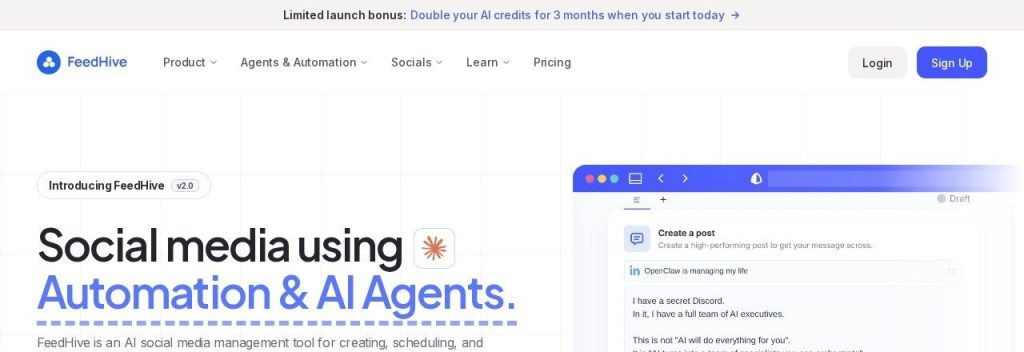
FeedHive is an AI-first scheduler for creators and growing brands. It includes an AI writing assistant, AI image and hashtag generation, and an AI performance prediction that estimates how a post may perform before you publish it.
The Creator plan covers 4 social accounts for $15 a month with 2,500 AI credits. A consultant posting on LinkedIn and X could draft a week of posts with AI, check the predicted performance, and set an automation to reshare the winners.
Key Capabilities
- AI writing assistant: Drafts and rewrites posts in your style.
- AI performance prediction: Estimates how well a post may do before it goes live.
- AI images and hashtags: Create visuals and hashtags inside the editor.
- Automations: Trigger actions based on post performance, with webhooks.
- MCP server and API: Manage posts from AI assistants and other tools.
Platforms Supported
LinkedIn, X, Instagram, Facebook, TikTok, Threads, YouTube, Pinterest and Google Business Profile.
Pros
- Low starting price
- Unique AI performance prediction
- Strong automation for the price
Cons
- 7-day trial is shorter than most
- Analytics are not its focus
- Creator plan holds a limited number of scheduled posts
Plans & Pricing
- Free trial: 7 days.
- Creator: $15/month ($180 billed yearly). 4 social accounts, 2,500 AI credits a month.
- Brand: $22/month ($264 billed yearly). 10 social accounts, 10,000 AI credits a month.
- Business: $69/month ($828 billed yearly). 100 social accounts, 50,000 AI credits a month.
- Agency: $239/month ($2,868 billed yearly). 500 social accounts.
Bottom line: Pick FeedHive if you like automating your content workflow. Skip it if you need deep reporting for clients.
7. Predis.ai
Best for: Small businesses that struggle more with making content than with scheduling it
Predis.ai focuses on creating the content itself. You describe what you want, and it generates on-brand images, carousels, short videos, captions and hashtags, then schedules them from the same app.
The Core plan includes 1,300 AI credits a month (about 325 images or 33 videos). An online shop could turn a product page into a carousel and a short video in minutes, though auto posting starts on the Rise plan.
Key Capabilities
- AI posts, carousels and videos: Turns a short prompt into finished visual content.
- Brand kits: Keeps your logo, colors and tone consistent.
- Content calendar: Schedule what you create without another tool.
- Blog to post: Convert articles into carousels or videos.
- Ecommerce posts: Create product posts from your store catalog.
Platforms Supported
Instagram, Facebook, TikTok, LinkedIn, Pinterest and YouTube, plus Shopify and WooCommerce.
Pros
- Creates full visual posts, not just text
- Brand kits keep content on-brand
- Low entry price on yearly billing
Cons
- Auto posting starts on Rise, not Core
- 3-day trial requires a card and charges after day 3
- Credit costs vary by content type
Plans & Pricing
- Free trial: 3 days; card required and charged when the trial ends unless you cancel.
- Core: $230/year (about $19/month). 1 brand, 1,300 AI credits a month, no auto posting.
- Rise: $474/year (about $40/month). Up to 4 brands, 3,200 AI credits a month, auto posting.
- Enterprise+: $2,540/year (about $212/month). Unlimited brands, 10,000 AI credits a month.
Bottom line: Pick Predis.ai if making visuals is your bottleneck. Skip it if you already have designs and just need scheduling.
8. Hootsuite
Best for: Established teams that want scheduling, inbox, listening and reporting in one platform
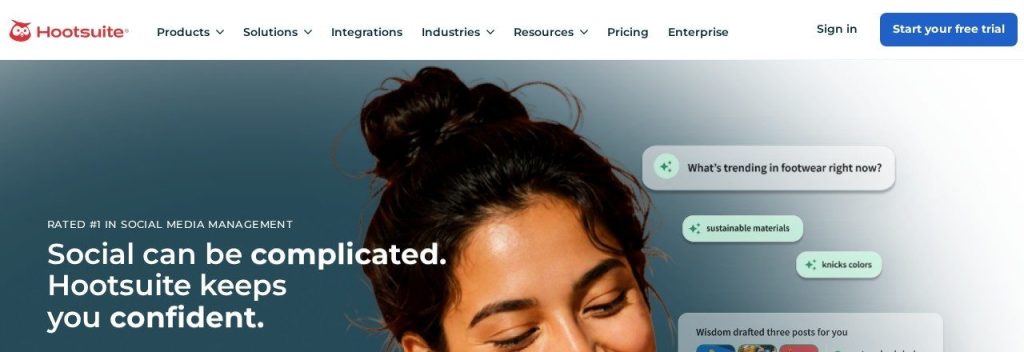
Hootsuite is one of the oldest social media management platforms. It covers scheduling, a shared inbox, analytics, social listening and competitor benchmarking. Every plan runs on Wisdom, its AI teammate that drafts posts, generates images and analyzes performance.
At $99 per user per month on the Standard plan, it is priced for teams that will use the inbox and listening features. A multi-location restaurant group could monitor brand mentions and reviews across cities from one dashboard.
Key Capabilities
- Wisdom AI: Drafts posts, generates images and recommends what to post.
- Unified calendar: Plan and schedule across every account.
- Inbox: Reply to messages and comments in one place.
- Social listening: Track brand mentions and competitors.
- Analytics: Reports and benchmarking, with custom reports on higher plans.
Platforms Supported
Instagram, Facebook, LinkedIn, X, TikTok, YouTube, Pinterest and Threads; Standard covers 10 social accounts.
Pros
- Very complete all-in-one platform
- Built-in social listening
- 14-day trial with no card
Cons
- Expensive for solo owners
- Priced per user
- Trial limits daily posting and bulk scheduling
Plans & Pricing
- Free trial: 14 days, no credit card required.
- Standard: From $99/user/month (billed annually). 10 social accounts.
- Professional: From $199/user/month (billed annually). Unlimited social accounts.
- Advanced: Up to $399/user/month (billed annually). Unlimited accounts and team workflows.
- Enterprise: Custom pricing (contact sales).
Bottom line: Pick Hootsuite if you will use its inbox and listening every day. Skip it if you just need to schedule posts.
9. Sprout Social
Best for: Data-driven teams that need deep reporting and a strong inbox for customer care
Sprout Social is a premium social media platform known for analytics, reporting and its Smart Inbox. Its AI agent, Trellis, turns social data into clear insights, and every seat includes 100 monthly AI agent credits.
Essentials costs $79 per seat per month on annual billing for up to 5 social profiles. A growing ecommerce brand with a support person could answer every comment and DM from the Smart Inbox and report results to the owner each month.
Key Capabilities
- Trellis AI agent: Answers questions about your social data and surfaces insights.
- Smart Inbox: All messages and comments in one stream.
- Optimal send times: Recommends when to publish for more reach.
- AI Assist: Enhance posts (Professional) and replies (Advanced) with AI.
- Detailed reports: Profile and post-level analytics ready to share.
Platforms Supported
Instagram, Facebook, LinkedIn, X, TikTok, YouTube, Pinterest, Threads and Google Business Profile.
Pros
- Best-in-class analytics
- Excellent inbox for customer care
- 30-day trial with no card
Cons
- One of the priciest tools here
- Priced per seat
- Many AI features are on higher plans
Plans & Pricing
- Free trial: 30 days, no credit card required.
- Essentials: $79/seat/month (billed annually; $99 monthly). 5 social profiles.
- Standard: $199/seat/month (billed annually). 5 social profiles.
- Professional: $299/seat/month (billed annually). Unlimited profiles, AI Assist for posts.
- Advanced: $399/seat/month (billed annually). AI Assist for replies, sentiment analysis.
Bottom line: Pick Sprout Social if reporting and customer care are core to your business. Skip it if you are a solo owner on a budget.
10. Agorapulse
Best for: Small teams that handle lots of comments and want strong reporting without enterprise prices

Agorapulse offers many Hootsuite and Sprout Social features, such as scheduling, a shared inbox and ROI reporting, at a lower price. Its AI Writing Assistant, AI alt text generator and Organization Context AI (which learns about your business) are on every plan.
The Standard plan costs $79 per user per month on annual billing and includes 10 social profiles. A local real estate team could moderate comments, reply to Google reviews and send a branded monthly report from one tool.
Key Capabilities
- AI Writing Assistant: Drafts and polishes posts on every plan.
- Organization Context AI: Learns about your business so AI output fits your brand.
- Social inbox: Moderate comments, DMs and reviews in one place.
- AI summaries: Turns reports into short written takeaways.
- ROI reporting: Shows how social drives traffic and conversions.
Platforms Supported
Instagram, Facebook, LinkedIn, X, TikTok, YouTube, Pinterest, Threads, Bluesky, Reddit and Google Business Profile.
Pros
- Strong inbox and moderation tools
- AI on every plan
- 30-day trial with no card
Cons
- Priced per user
- Each paid plan includes only 10 social profiles
- Bulk scheduling and recommended times need Advanced
Plans & Pricing
- Free plan and trial: 30-day free trial with no card; a free plan is available after the trial.
- Standard: $79/user/month (billed annually; $99 monthly). 10 social profiles.
- Professional: $119/user/month (billed annually; $149 monthly). 10 social profiles.
- Advanced: $149/user/month (billed annually; $199 monthly). 10 social profiles.
- Custom: Custom pricing (contact sales). Unlimited profiles and AI reply suggestions.
Bottom line: Pick Agorapulse if you want enterprise-style inbox and reports at a mid-range price. Skip it if you only post and rarely reply.
11. Vista Social
Best for: Local and multi-location businesses that want posts, DMs and online reviews in one tool
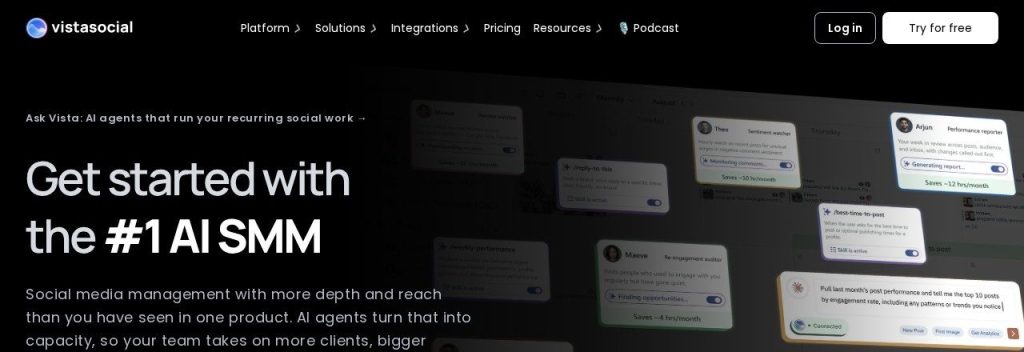
Vista Social is a full social media platform with scheduling, a social inbox, DM automations and review management. Its AI credits cover captions and replies, and higher plans let you train the AI on your own brand knowledge.
The Professional plan includes 15 social profiles, 2 users and 1,000 AI credits a month. A dental practice with two locations could schedule posts, answer DMs and reply to Google reviews from the same dashboard.
Key Capabilities
- AI captions and replies: 1,000 AI credits a month on Professional.
- DM automations: Automatically reply to common messages (10,000 DM contacts on Professional).
- Review management: Monitor and reply to online reviews.
- AI Training and Knowledge: Train the AI on your brand on higher plans.
- Reports and competitor reports: Track your results and your rivals.
Platforms Supported
Instagram, Facebook, LinkedIn, X, TikTok, YouTube, Pinterest, Threads, Bluesky, Reddit, Snapchat and Google Business Profile.
Pros
- Reviews, DMs and scheduling in one tool
- Generous AI credits
- 14-day trial with no card
Cons
- Higher starting price than simple schedulers
- Professional includes only 2 users
- Many features to learn
Plans & Pricing
- Free trial: 14 days, no credit card required.
- Professional: $79/month billed yearly ($950/year; $99 monthly). 15 profiles, 2 users, 1,000 AI credits.
- Advanced: $159/month billed yearly ($1,910/year; $199 monthly). 30 profiles, 3 users, 2,000 AI credits.
- Scale: $359/month billed yearly ($4,310/year; $449 monthly). 70 profiles, 4 users, 3,500 AI credits.
- Enterprise: Custom pricing (contact sales).
Bottom line: Pick Vista Social if reviews and DMs matter as much as posts. Skip it if you want to stay under $30 a month.
What to Look For in an AI Social Media Scheduler
Match the tool to how you actually post. Check these points first:
- Your platforms: Make sure every network you use is supported on the plan you can afford. Metricool charges extra for X, and Publer’s free plan does not support it.
- How AI is limited: SocialBee and Publer Business offer unlimited AI, while Later gives 5 credits a month on Starter. Heavy AI users should check this first.
- The pricing model: Buffer charges per channel, Hootsuite and Sprout Social per user, and Metricool per brand. Pick the model that fits your setup.
- Inbox and reviews: If you get lots of comments, DMs or reviews, Agorapulse or Vista Social will save more time than a basic scheduler.
- Analytics: Metricool is the best value for reports; Sprout Social is the most detailed.
- A real trial: Sprout Social and Agorapulse give 30 days with no card; Predis.ai gives 3 days and needs a card.
Time saver
Block one hour a week to batch your posts. Write rough ideas, let AI turn them into captions for each platform, and schedule the whole week in one go.
Which AI Social Media Scheduler Should You Choose?
- If you want the simplest option, pick Buffer and start on the free plan.
- If you manage several brands or clients, pick Metricool.
- If you want lots of AI text and images cheaply, pick Publer Business or SocialBee.
- If your brand is Instagram and TikTok first, pick Later.
- If you struggle to create visuals, pick Predis.ai.
- If you handle many comments, DMs and reviews, pick Agorapulse or Vista Social.
- If you have a team and need deep reports, pick Sprout Social or Hootsuite.
FAQs
What is the best AI social media scheduler for small businesses?
For most small businesses, Buffer is the best place to start because it is simple, priced per channel and includes AI on the free plan. Metricool is better if you want analytics, and Publer or SocialBee if you want unlimited AI content.
Are there free AI social media schedulers?
Yes. As of October 2026, Buffer (3 channels), Metricool (1 brand, 20 posts a month) and Publer (3 accounts) all have free plans with some AI features.
Can AI write my social media posts?
Yes. Every tool here can draft captions, and Predis.ai can create full images, carousels and videos. You should still edit posts so they sound like you and include real details about your business.
Will AI-written posts hurt my reach?
Platforms judge posts by engagement, not by whether AI helped write them. Generic posts get less engagement, so add your own photos, stories and offers to AI drafts.
How many posts should a small business schedule?
Start with what you can keep up: 3 to 5 posts a week per main platform is enough for most small businesses. A scheduler makes it easy to stay consistent.
Final Thoughts
Start with Buffer’s free plan or Metricool’s free plan and schedule two weeks of posts. If you find yourself wanting more AI help or better reports, move up to the tool that fits that need.
Turn the attention you get on social into customers with our guide to the best AI lead generation tools, and make sure no caller is missed with an AI receptionist.
About the author: Istiak Rayhan is the founder of DotCamp and has spent about 16 years building WordPress products and working in SEO and content marketing. He writes Growific’s guides to help small business owners pick AI tools that fit how they actually win customers.