


Prices checked: November 2026
It’s 11 PM, the kids are asleep, and you are matching 214 bank transactions to a shoebox of receipts. Again. Your accountant needs clean books by Friday.
Bookkeeping is the job almost every small business owner puts off. It does not bring in customers, but getting it wrong costs you missed deductions, late fees and a big bill for catch-up work.
AI bookkeeping software now does most of the boring part for you. It pulls in bank transactions, sorts them into the right categories, reads receipts, chases late invoices and answers questions like “Can I afford to hire?” in plain English.
We checked every official pricing page below in November 2026. Options run from free to about $100 a month for most small businesses.
Here are the 7 best picks, and who each one suits.
Quick answer
- Best overall: QuickBooks Online
- Best free plan: Zoho Books (or Wave for solo owners)
- Best for freelancers and service businesses: FreshBooks
- Best for growing teams: Xero
- Best AI-first, hands-off bookkeeping: Puzzle or Digits
What’s the Best AI Bookkeeping Software for a Small Business?
| Tool | Best for | Free plan | Starting price |
|---|---|---|---|
| QuickBooks Online | Most small businesses (and their accountants) | No (30-day trial) | $38/mo (monthly) |
| Xero | Growing teams that need unlimited users | No (1 month free offer) | $27/mo (monthly) |
| Zoho Books | Best value, with a real free plan | Yes | $15/mo |
| FreshBooks | Freelancers and service businesses that bill clients | No (30-day trial) | $23/mo (monthly) |
| Wave | Solopreneurs who want free invoicing and books | Yes | $15.83/mo (Pro, annual) |
| Puzzle | Startups that want AI to do most of the bookkeeping | No (14-day trial) | $30/mo |
| Digits | Hands-off AI bookkeeping with unlimited seats | No (30-day trial) | $65/mo |
Prices checked November 2026. Starting prices are the cheapest paid plan, billed monthly unless noted. Many vendors run intro discounts on top of these.
1. QuickBooks Online
Best for: Small businesses that want the accounting tool most US accountants already know, with AI built into every paid plan
QuickBooks Online is the default choice for a lot of small businesses, and for good reason: your accountant almost certainly knows it. In 2026 Intuit bundles its AI, called Intuit Intelligence, into every paid plan, so even Simple Start categorizes expenses, flags tax deductions and answers questions about your numbers in a chat window.
The bigger plans add more AI help. Essentials adds Accounting AI and Payments AI to chase invoices, and Plus adds anomaly detection and budget planning by chat. A 4-person landscaping company on Essentials could let the AI sort bank transactions each week, send payment reminders, and only step in when something looks off.
Key Capabilities
- Automatic categorization: Sorts bank and card transactions into the right accounts so you review instead of type.
- AI chat for insights: Ask plain questions like “How did my profit change this quarter?” and get answers from your own books (beta on Simple Start).
- Payments AI: Helps you send invoices and follow up on late payers, starting on the Essentials plan.
- Anomaly detection: Plus and Advanced flag unusual transactions before they turn into a messy year-end.
- Huge accountant network: Up to 2 accountant users on most plans (3 on Advanced) at no extra cost.
AI Assistant
Intuit Intelligence, included in all paid plans. Accounting AI, Payments AI and Business Tax AI start on Essentials; Customer AI, Sales Tax AI and anomaly detection start on Plus.
Pros
- Your bookkeeper or accountant probably already uses it
- AI features included in every paid plan, not sold as an add-on
- Scales from 1 user up to 25 users on Advanced
- Free ACH bill pay included (within monthly allotments)
Cons
- Simple Start allows only 1 user
- Prices jump fast: $38 to $85 to $140 a month
- Several AI tools are still labeled beta
- No free plan, only a 30-day trial or an intro discount
Plans & Pricing
- Free trial: 30 days. Intuit also advertises 50% off the first 3 months instead.
- Simple Start: $38/month. 1 user plus 2 accountants, automated bookkeeping, invoicing and AI chat.
- Essentials: $85/month. 3 users, enhanced reports, Accounting AI and Payments AI.
- Plus: $140/month. 5 users, budgets, project profitability, inventory and anomaly detection.
- Advanced: $340/month. 25 users, custom roles, automated workflows and Finance AI.
Bottom line: Pick QuickBooks Online if you want the safest, most widely supported option and plan to work with an outside accountant. Skip it if you are a solo freelancer on a tight budget, because the free and cheaper tools below cover the basics for less.
2. Xero
Best for: Growing businesses that want unlimited users and strong bank reconciliation without paying per seat

Xero is a cloud accounting platform used by 5 million customers worldwide, and it has no per-user license fees. That alone makes it cheaper than QuickBooks once three or four people need access.
Its AI is called JAX. Xero says its Auto Bank Reconciliation has matched more than 100 million transactions since launch, and it explains why it matched each one. A small online shop could let Xero match daily Stripe payouts automatically and spend its time only on the few transactions Xero flags.
Key Capabilities
- Auto bank reconciliation: Matches high-confidence transactions to your bank feed in real time and flags the exceptions (Growing plan and up).
- Smart Document Capture: Reads bills and receipts and pulls the data straight into Xero, no separate app needed.
- Cash flow forecast: Looks ahead 30, 60 or 180 days depending on your plan so you see a cash crunch coming.
- Cash Flow Actions with JAX: Spots possible cash gaps early and helps you plan for them.
- Unlimited users: Invite your team and your accountant on every plan without extra seat fees.
AI Assistant
JAX, Xero’s AI finance partner, powers auto reconciliation, document capture and cash flow actions. Xero has also announced connections to Microsoft 365 Copilot and ChatGPT.
Pros
- No per-user fees on any plan
- Auto reconciliation that explains every match
- Up to a 180-day cash flow forecast on Established
- Large app marketplace and strong accountant support
Cons
- Early plan caps you at 20 invoices and 5 bills a month
- Auto-reconcile is not included on Early
- Multi-currency and project tracking only on the $97 plan
- Payroll is a separate add-on (powered by Gusto)
Plans & Pricing
- Free trial: Xero’s US pricing page currently offers one month free, or 80% off your first 3 months.
- Early: $27/month. 20 invoices and 5 bills a month, bank reconciliation, 30-day cash flow forecast.
- Growing: $59/month. Unlimited invoices and bills, auto-reconcile, dashboards, 60-day forecast.
- Established: $97/month. Multi-currency, projects, expense claims, 180-day forecast.
Bottom line: Pick Xero if more than two people touch your books or you sell in several currencies. Skip it if you send more than 20 invoices a month but want to pay less than $59, because Zoho Books gives you more for the money there.
3. Zoho Books
Best for: Budget-minded small businesses that want a free plan today and room to grow into inventory and automation later
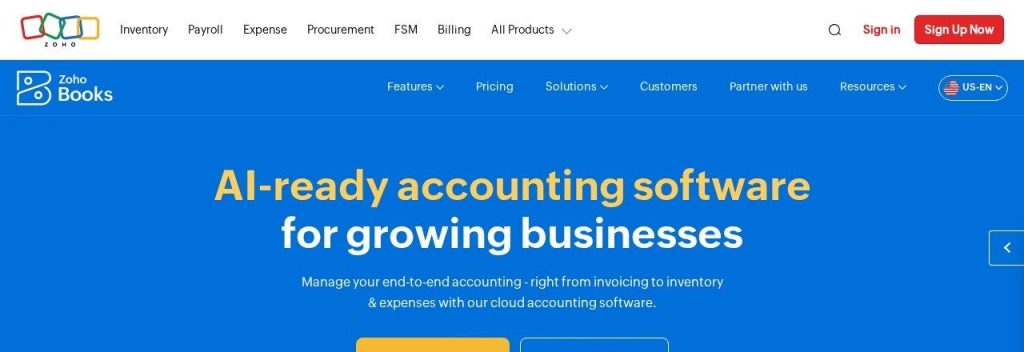
Zoho Books gives you more features per dollar than almost anything else on this list. The free plan already covers invoices, quotes, expenses, bank reconciliation, 1099 filing and 50+ reports for 1 user plus your accountant.
Its AI assistant, Zia, can create invoices and customers from a simple sentence. A small wholesaler could type “Create a quote for Aaron for ten laptops” and let the CoCreate Agent fill in the form on screen, then review it before sending.
Key Capabilities
- Ask Zia: Type questions like “How many invoices are overdue this week?” or ask it to create transactions for you.
- CoCreate Agent: Builds quotes, sales orders, invoices and credit notes from a plain English prompt while you watch.
- Receipt and document autoscans: Pulls details from receipts and bills, even on the free plan.
- Report forecasts and anomaly checks: Turn reports into charts, view forecasts and spot unusual patterns.
- Choose your AI model: Pick the AI provider and model for each feature in Settings.
AI Assistant
Zia, with Ask Zia chat, the CoCreate Agent, report forecasts and anomaly detection. Zoho Books also offers an MCP server so you can connect it to outside AI assistants.
Pros
- Genuinely useful free plan
- Paid plans start at $15/month on annual billing
- Inventory, projects and approvals built in on higher plans
- Fits neatly with Zoho CRM and other Zoho apps
Cons
- Free plan is limited to 1 user plus 1 accountant
- Bank feeds start on the paid Standard plan
- Lots of settings, so setup takes longer than Wave or FreshBooks
- Extra document scans cost $8 per 50 a month
Plans & Pricing
- Free: $0. 1 user plus 1 accountant, invoices, expenses, reconciliation, 1099s and 50+ reports.
- Standard: $15/month (billed annually; $20 monthly). 3 users, bank feeds, sales tax, custom reports.
- Professional: $40/month (billed annually; $50 monthly). 5 users, inventory, purchase orders, multi-currency.
- Premium: $60/month (billed annually; $70 monthly). 10 users, budgets, cash flow forecasting, vendor portal.
- Elite: $120/month (billed annually; $150 monthly). 10 users, advanced inventory and Shopify for up to 2 stores.
- Ultimate: $240/month (billed annually; $275 monthly). 15 users plus advanced analytics.
Money saver
Start Zoho Books on the free plan and only move to Standard ($15/month on annual billing) when you need automatic bank feeds. Paid plans come with a 14-day free trial.
Bottom line: Pick Zoho Books if you want the most features for the least money and do not mind a slightly longer setup. Skip it if you want a dead-simple app you can learn in an afternoon.
4. FreshBooks
Best for: Freelancers, consultants and agencies that live on invoices, time tracking and client billing

FreshBooks started as invoicing software and it still shows: sending invoices, estimates, proposals and retainers is quicker here than in most full accounting tools. More than 500,000 small businesses have used it.
Its newest AI feature is a free, read-only connector for Claude. A 2-person design studio could ask “Which clients have unpaid invoices and when did I last remind them?” and get an answer from its real FreshBooks data in seconds.
Key Capabilities
- Fast client invoicing: Recurring invoices, deposits, late fees and automatic payment reminders.
- Receipt scanning: Snap receipts on the Plus plan and up; Premium can add line items from bills.
- Time tracking and projects: Track billable hours and check project profitability on Premium.
- Claude connector: Ask plain-language questions about invoices, expenses and cash flow inside Claude.
- Many ways to get paid: Cards, ACH, Apple Pay, Google Pay and buy now, pay later options.
AI Assistant
A free, read-only FreshBooks connector for Claude. Claude can read your data and answer questions but cannot change anything in your account.
Pros
- Easiest invoicing on this list
- Free Claude connector for quick answers about your numbers
- Accountants join free on Plus and Premium (up to 10)
- 30-day free trial and a 30-day money-back guarantee
Cons
- Lite plan bills only 5 clients
- Less built-in AI bookkeeping than QuickBooks, Xero or Digits
- Team members cost $11/month each
- Payroll is extra ($40/month plus $6 per person)
Plans & Pricing
- Free trial: 30 days. FreshBooks currently also offers 80% off for 4 months.
- Lite: $23/month. Invoice up to 5 clients, expenses, estimates, tax-time reports.
- Plus: $43/month. Up to 50 clients, proposals, retainers, receipt scanning, accountant access.
- Premium: $70/month. Unlimited clients, project profitability, custom email templates.
- Select: Custom pricing (contact sales). Lower card fees, dedicated support, 2 team members included.
- Annual billing: Paying yearly takes an extra 10% off.
Bottom line: Pick FreshBooks if most of your bookkeeping starts with an invoice to a client. Skip it if you sell products or carry inventory, because Zoho Books or QuickBooks handle that far better.
5. Wave
Best for: Solo owners and side businesses that need clean books for tax time and want to spend as little as possible
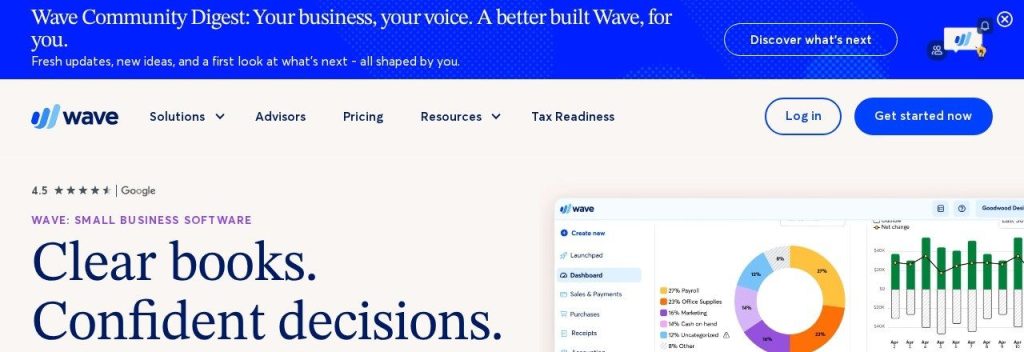
Wave has been the go-to free accounting tool for years. The Starter plan costs $0 and still lets you create unlimited invoices, estimates, bills and bookkeeping records.
The automation lives in Wave Pro. Connect your bank and Wave imports, merges and categorizes transactions for you, plus captures unlimited receipts. A freelance photographer could run the whole year on Pro for $190 and hand clean reports to a tax preparer.
Key Capabilities
- Unlimited invoicing on the free plan: Estimates, invoices and bills with no caps on Starter.
- Auto-import and categorize: Pro pulls in bank transactions and sorts them automatically.
- Unlimited receipt capture: Pro digitizes receipts so you can toss the shoebox.
- Automatic late payment reminders: Pro nudges slow payers for you.
- Done-for-you option: Wave Advisors adds a dedicated human bookkeeper if you want to stop doing it yourself.
AI Assistant
No chat assistant or AI agent. Wave’s automation is automatic transaction categorization and receipt capture on the Pro plan.
Pros
- Free plan with unlimited invoices and records
- Pro is one of the cheapest paid plans here
- Lower card processing fees on Pro (2.9% + $0)
- Simple enough to learn in an hour
Cons
- Bank connections and auto-categorization need Pro
- No AI chat or AI agent features
- Card payments on the free plan cost 2.9% + $0.60
- Built for very small businesses, not growing teams
Plans & Pricing
- Starter: $0. Unlimited estimates, invoices, bills and bookkeeping records; online payments at 2.9% + $0.60 per card.
- Pro: $190/year (about $15.83/month), or $19/month billed monthly. Bank auto-import, auto-categorization, unlimited receipts, reminders.
- Wave Advisors: From $149/month. A dedicated bookkeeper plus Pro features.
Money saver
Choose annual billing for Wave Pro: $190 a year instead of $228 on monthly billing, a $38 saving.
Bottom line: Pick Wave if you are a one-person business and want free or nearly free books. Skip it if you want an AI assistant to answer questions or do work for you, because Wave does not offer one.
6. Puzzle
Best for: Startups and tech-savvy owners who want AI to categorize, reconcile and draft the books while they just approve
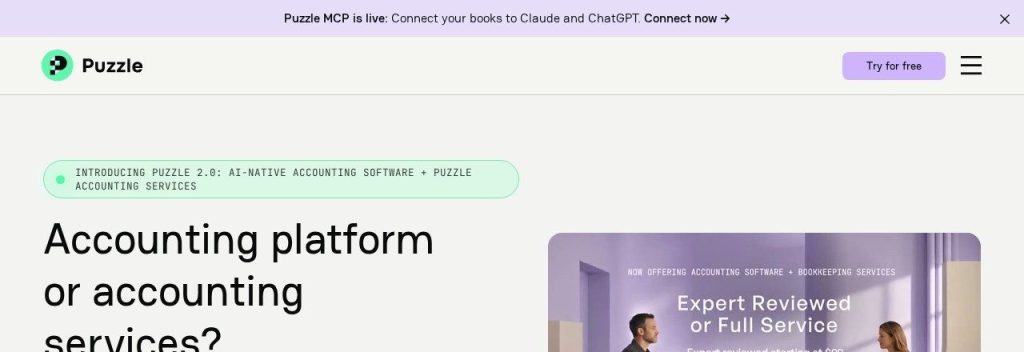
Puzzle is accounting software built around AI from day one, and more than 10,000 companies use it. Puzzle says its AI categorizes 85 to 90% of transactions automatically, and every plan includes its AI suite.
Nothing changes in your books until you approve it. A SaaS founder could ask Puzzle’s AI Cowork to find unused software subscriptions, review the list, and approve the changes in a few clicks.
Key Capabilities
- AI Chat: Answers questions about cash, burn, runway and spending from your actual books.
- AI Cowork: Prepares routine work like matching invoices to payments or chasing missing receipts for you to review.
- AI Close: Helps run a structured month-end close (built for you and your accountant).
- Auto-drafted financial statements: Cash and accrual books on every plan, with unlimited connections.
- Puzzle MCP: Connect your books to Claude, ChatGPT and other MCP-compatible assistants.
AI Assistant
AI Chat, AI Cowork and AI Close are included on every plan (Starter and Core get 25 lifetime AI credits; Complete gets 100 per month). Puzzle MCP brings your data into Claude or ChatGPT.
Pros
- AI suite included on every plan
- Nothing changes without your approval
- Strong integrations with Stripe, Mercury, Ramp, Brex and Gusto
- Optional human bookkeeping on top of the software
Cons
- Starter plan has only 1 seat
- Lower plans get just 25 lifetime AI credits
- Built mostly for startups; fewer features for inventory businesses
- Accounting services cost extra (from $99/month per entity)
Plans & Pricing
- Free trial: 14 days on every plan.
- Starter: $30/month. 1 seat, AI suite, 25 lifetime AI credits, auto-drafted statements.
- Core: $72/month. 5 seats, cash, burn, runway and margin insights, custom chart of accounts.
- Complete: $120/month. Unlimited seats, 100 AI credits a month, AI reconciliations, revenue recognition.
- Scale: $360/month. Unlimited seats, 300 AI credits a month, no transaction limits.
- Annual billing: Pay yearly and get 12 months for the price of 10.
Bottom line: Pick Puzzle if you run a startup or online business and want AI to do the heavy lifting while you approve. Skip it if you are a trade business with inventory and job costing, where QuickBooks fits better.
7. Digits
Best for: Owners who want books that update themselves 24/7 and a clean dashboard to share with their team or accountant
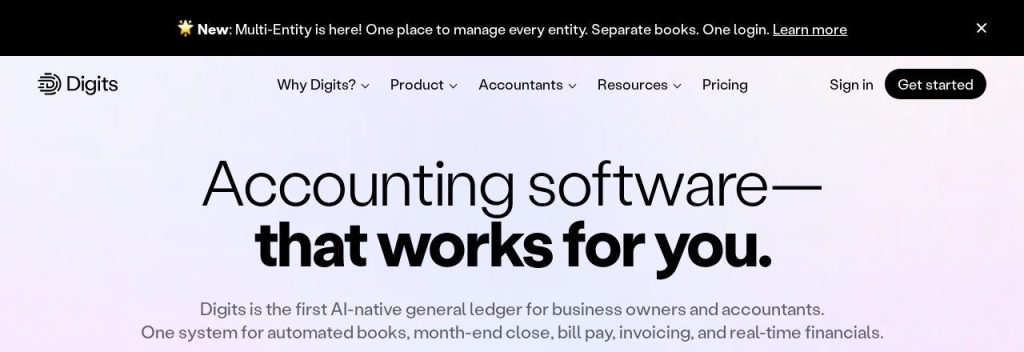
Digits calls itself the first AI-native general ledger. It connects to more than 12,000 banks, cards and payroll providers and keeps transactions categorized and reconciled around the clock.
Every plan includes unlimited seats, bill pay and invoicing. A 6-person marketing agency could give every manager access to live profit and expense dashboards without paying per user, while its accountant reviews the quality checks.
Key Capabilities
- 24/7 AI bookkeeping and reconciliation: Transactions are coded and documented as they come in.
- Ask Digits: An AI financial assistant that answers questions about your numbers.
- Quality checks: Every transaction is checked, and advanced checks look at balances and materiality.
- Live dashboards: Profit and Loss, Balance Sheet and Cash Flow stay up to date, with trend insights.
- Developer API and MCP: Connect your ledger to other tools and AI assistants.
AI Assistant
Ask Digits (AI assistant), 24/7 AI bookkeeping, Agentic Close for month-end, plus an open API and MCP.
Pros
- Unlimited seats on every plan
- Bill pay and invoicing included
- Extra entities free up to 250 transactions a year
- 30-day free trial
Cons
- Most expensive starting price here at $65/month
- Department and location tracking starts on Core ($100/month)
- Budget vs. actuals only on Pro, which is still marked coming soon
- Newer company with a smaller accountant network than QuickBooks or Xero
Plans & Pricing
- Free trial: 30 days.
- Essentials: $65/month. Core accounting, 24/7 AI bookkeeping, bill pay, invoicing, unlimited seats.
- Core: $100/month. Adds dimensional accounting (departments and locations) and automated schedules.
- Pro: $250/month (coming soon). Adds custom reports, custom dashboards and budget vs. actuals.
Bottom line: Pick Digits if you want books that mostly run themselves and a team that can all see the numbers. Skip it if you are a solo owner watching every dollar, because Wave or Zoho Books cost far less.
What to Look For in AI Bookkeeping Software
Every tool here claims to “automate your books”. These are the things that actually change how much time you spend on them.
- Automatic bank categorization: This is where most of the time savings come from. Check that it is on your plan, because Xero Early and Wave Starter leave it out.
- An approval step: Good AI tools suggest, you approve. Puzzle, for example, changes nothing in your books until you say yes.
- Receipt and bill capture: Snap a photo and let the software read it. Zoho Books includes autoscans even on its free plan.
- Users and seats: Per-user pricing adds up fast. Xero and Digits include unlimited users; QuickBooks Simple Start allows just 1.
- Your accountant’s preference: Ask before you switch. Most accountants work in QuickBooks Online or Xero, and moving later costs time and money.
- Invoice and payment features: If you bill clients, look for reminders and online payments. FreshBooks and Wave Pro chase late payers automatically.
- Connections to AI assistants: Puzzle, Digits and Zoho Books offer MCP connections, and FreshBooks has a Claude connector, so you can ask questions about your books from the AI tool you already use.
Which AI Bookkeeping Software Should You Choose?
- If you want the safe, standard choice that your accountant already knows, pick QuickBooks Online.
- If you are a solo owner spending as little as possible, pick Wave (free) or Zoho Books (free), then upgrade when you need bank feeds.
- If you mostly invoice clients for your time, pick FreshBooks.
- If several people need access to the books, pick Xero or Digits, since neither charges per user.
- If you run a startup and want AI to do the work while you approve, pick Puzzle.
- If you want books that update 24/7 with live dashboards for your team, pick Digits.
FAQs
What is AI bookkeeping software?
It is accounting software that uses AI to do routine bookkeeping for you, such as importing bank transactions, categorizing them, reading receipts and reconciling accounts. Most tools also let you ask questions about your finances in plain English.
Can AI bookkeeping software replace my accountant?
Not fully. It can take over most day-to-day data entry and categorization, but you still want an accountant or bookkeeper to review the books, handle taxes and give advice. Many owners use AI tools to cut their accountant’s hours, not to remove them.
What is the cheapest AI bookkeeping software?
Wave and Zoho Books both have free plans as of November 2026. The cheapest paid plans on this list are Zoho Books Standard at $15 a month (billed annually) and Wave Pro at $190 a year.
Is it safe to let AI touch my business finances?
The better tools keep you in control. Puzzle does not change your books until you approve, and the FreshBooks connector for Claude is read-only. Always review what the AI suggests before you close a month or file taxes.
Which bookkeeping tools work with ChatGPT or Claude?
Puzzle connects to Claude and ChatGPT through Puzzle MCP, FreshBooks has a free read-only Claude connector, and Digits and Zoho Books offer MCP access. Xero has announced a ChatGPT plugin and a Microsoft 365 Copilot integration.
Final Thoughts
Do not overthink it. If you are solo, open a free Zoho Books or Wave account this week and connect your bank. If you already work with an accountant, ask which tool they prefer and start that trial.
Want more time back? See our picks for the best AI meeting note takers, or read the AI tool stack to run a one-person business.