


Prices checked: October 2026
You are the salesperson, the bookkeeper, the marketer and the person who answers every email. Most days, the actual work you get paid for starts after lunch.
That is the real cost of running a business alone. It is not the software bill. It is the 2 or 3 hours a day lost to scheduling back and forth, chasing invoices, writing posts and typing up call notes.
A small set of AI tools can take most of that off your plate. You do not need 30 apps. You need one tool per job, set up once, that quietly does the boring part.
We picked 8 tools that cover the core jobs of a one-person business and checked every price on the official pricing pages in October 2026. The full paid stack costs about $78 a month on annual billing, and a lean version costs $17.
Here is the stack, job by job, and what each tool costs.
Quick answer
- AI assistant for writing and planning: Claude Pro ($17/month billed annually)
- Booking calls without email ping-pong: Calendly
- Free meeting notes and summaries: Fathom
- Invoices and bookkeeping: Wave
- Leads, email and social on autopilot: HubSpot free CRM, MailerLite, Buffer and Zapier
The One-Person Business AI Stack at a Glance
| Tool | Best for | Free plan | Starting price |
|---|---|---|---|
| Claude | Writing, research and planning | Yes | $17/mo |
| Calendly | Booking client calls | Yes (1 event type) | $10/seat/mo |
| Fathom | Meeting notes and summaries | Yes (unlimited recordings) | $16/mo |
| Wave | Invoices and bookkeeping | Yes (Starter) | $190/yr |
| HubSpot CRM | Tracking leads and customers | Yes (2 users) | $20/seat/mo list price |
| MailerLite | Email newsletters and automations | Yes (250 subscribers) | $12/mo |
| Buffer | Scheduling social posts | Yes (3 channels) | $5/channel/mo |
| Zapier | Connecting your apps | Yes (100 tasks/mo) | $19.99/mo |
Prices checked October 2026. Starting prices use annual billing unless noted.
Think, Write and Plan Faster
Your AI assistant is the tool you will open 20 times a day. It drafts emails, proposals, product descriptions and social posts, and it turns messy notes into a plan.
Claude
Best for: Owners who write a lot (proposals, emails, content) and want a careful thinking partner for planning

Claude is an AI assistant from Anthropic. You can paste in a client brief, a spreadsheet or a long contract and ask it to summarize, rewrite or spot problems. Projects let you save your business details, price list and tone of voice once, so every answer starts with that context.
A freelance designer could keep one Project per client with the brief and past emails, then ask Claude to draft a scope of work or a polite reply to a late payer in under a minute. The free plan allows up to 5 Projects, and Pro removes that cap.
Key Capabilities
- Projects with your business context: Store your services, prices and writing style so drafts sound like you without re-explaining each time.
- Research mode and web search: Ask a question about a competitor or a regulation and get an answer with sources you can check.
- Works inside your other apps: Pro includes Claude in Chrome and Claude for Microsoft 365, so it can help where you already work.
Plans & Pricing
- Free: $0. Chat on web, desktop and mobile, web search, memory and up to 5 Projects. Usage limits apply.
- Pro: $17/month billed annually ($200 up front), or $20 billed monthly. More usage, unlimited Projects, Research, more models and Claude Code.
- Max: From $100/month. 5x or 20x the Pro usage for heavy daily use.
- Team: $20/seat/month billed annually ($25 monthly) for 2 to 150 users, once you hire.
Time saver
Create one Project called “My business” with your services, prices, ideal customer and 3 emails you wrote that you like. Every draft after that needs far less editing.
Bottom line: Get Pro if writing and planning eat more than an hour of your day. If you only need a quick answer now and then, the free plan is enough.
Book Clients Without the Email Ping-Pong
“Does Tuesday at 3 work?” “How about Thursday?” Four emails later, you have one meeting. A scheduling link ends that.
Calendly
Best for: Consultants, coaches and service providers who book discovery calls or paid sessions
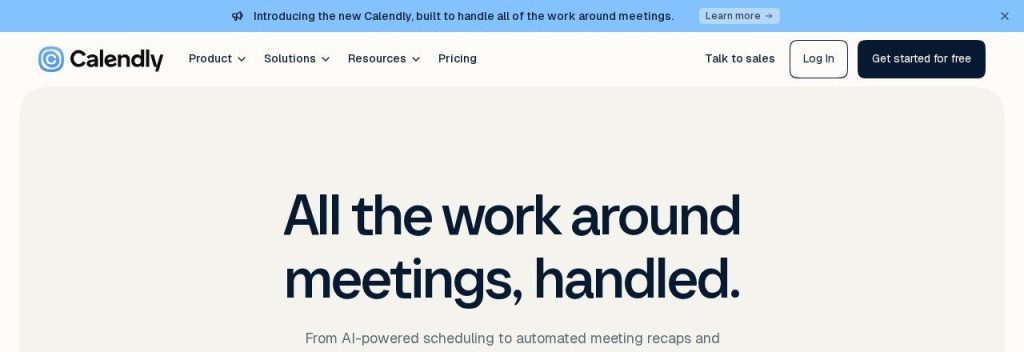
Calendly gives you a booking page that only shows the times you are actually free. Clients pick a slot, it lands in your calendar, and both of you get reminders.
The free plan covers one event type and one connected calendar, which is fine for a single “Intro call” link. A coach selling paid sessions would want Standard, which adds unlimited event types, up to 6 connected calendars, Stripe and PayPal payments, and automated reminders.
Key Capabilities
- Paid bookings: On Standard, clients pay through Stripe or PayPal when they book, so no-shows cost them, not you.
- Automatic reminders and follow-ups: Workflows send reminder emails before the call and a thank-you or review request after it.
- CRM and email sync: Standard connects to HubSpot and Mailchimp, so new bookings show up as contacts without copy and paste.
Plans & Pricing
- Free: $0 forever. 1 event type, 1 calendar connection, unlimited one-on-one meetings.
- Standard: $10/seat/month billed yearly (Calendly says yearly saves 17%). Unlimited event types, 6 calendars, payments, automations.
- Teams: $16/seat/month billed yearly. Round-robin scheduling and lead routing for when you hire.
Bottom line: Start on the free plan with one booking link. Upgrade to Standard the day you want clients to pay when they book.
Never Type Up Meeting Notes Again
If you spend your days on client calls, the notes and follow-up emails can take as long as the calls themselves.
Fathom
Best for: Anyone on 5+ video calls a week who wants notes and action items without paying
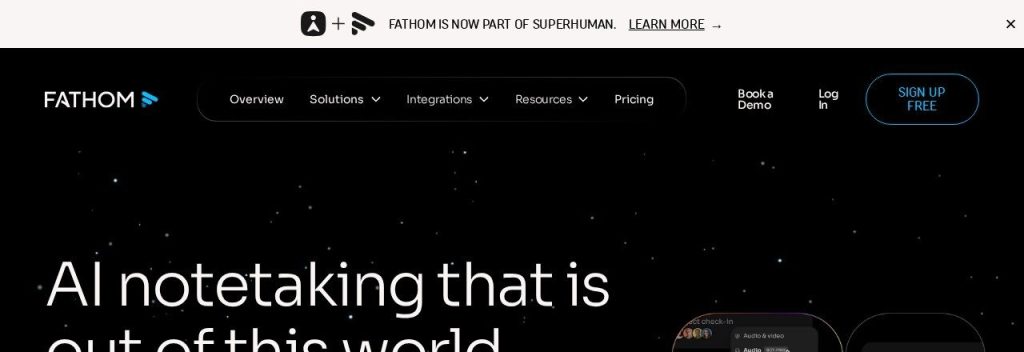
Fathom records and transcribes your video calls and writes a summary as soon as the call ends. Its free plan includes unlimited recordings, transcripts and AI call summaries, which is rare in this category.
A consultant could run a discovery call, then copy the summary straight into the proposal and the CRM. Paid plans add AI action items, advanced summaries and a chat assistant you can ask about any call.
Key Capabilities
- Instant AI summaries: Key points, decisions and next steps arrive minutes after you hang up.
- Clips and search: Save a 30 second clip of a client request and search across all past calls for “budget” or “deadline”.
- Bot-free recording (beta, Mac): You can capture calls without a bot joining, which some clients prefer.
Plans & Pricing
- Free: $0 forever. Unlimited recordings and transcription, instant AI call summaries, limited Ask Fathom and action items.
- Premium: $16/user/month billed annually, or $20 monthly. Advanced summaries, AI action items, meeting assistant.
- Team: $15/user/month billed annually ($19 monthly), 2 user minimum.
- Every paid plan comes with a 90-day money-back guarantee.
Bottom line: Use the free plan; most solo owners never need more. Pay for Premium only if you want automatic action items on every call.
Send Invoices and Keep Clean Books
Late invoices hurt a one-person business more than anyone. Every day an invoice sits unpaid is cash you cannot use.
Wave
Best for: Freelancers and service businesses in the US or Canada that need invoicing and simple bookkeeping
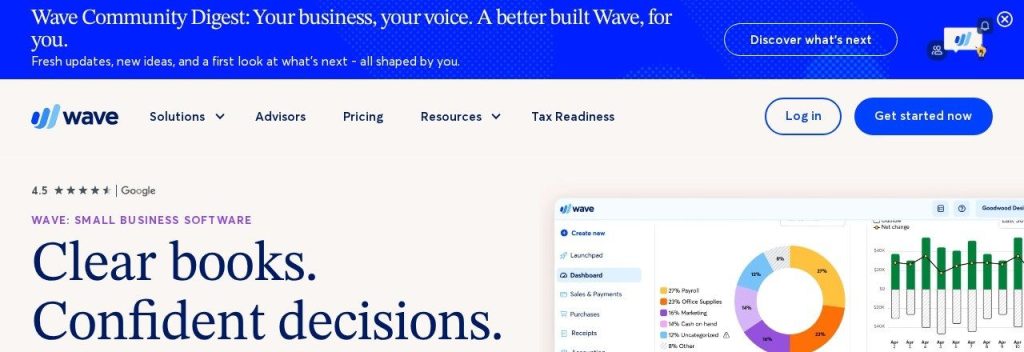
Wave lets you send unlimited estimates and invoices and keep bookkeeping records on its free Starter plan. Clients can pay by card from the invoice, at 2.9% + $0.60 per card payment on Starter.
The Pro plan is where the time savings are. It imports and categorizes bank transactions for you, captures unlimited receipts, and sends late payment reminders 3, 7 and 14 days after the due date. Wave lists prices in US and Canadian dollars, so check it supports your country first.
Key Capabilities
- Automatic late payment reminders: Pro chases overdue invoices for you, so you do not have to write awkward emails.
- Bank import and auto-categorizing: Transactions flow in and get sorted, which turns tax-time cleanup into a quick review.
- Cheaper card fees on Pro: Your first 10 card payments each month cost 2.9% + $0 instead of 2.9% + $0.60.
Plans & Pricing
- Starter: $0. Unlimited estimates, invoices, bills and bookkeeping records.
- Pro: $190/year (about $15.83/month) billed annually, or $19/month billed monthly. Bank auto-import, receipts, reminders, extra users.
- Add-ons: Payroll is extra (from $25/month), and Wave Advisors bookkeeping service starts at $149/month.
Money saver
If you send more than about 10 card-paid invoices a month, Wave Pro can pay for itself: each of the first 10 payments skips the $0.60 fixed fee, and late reminders bring cash in sooner.
Bottom line: Pick Wave if you invoice clients and want free or cheap books. Skip it if you are outside the US or Canada or need full inventory accounting.
Keep Track of Every Lead and Customer
When leads live in your inbox, your DMs and a notebook, some of them slip. A free CRM keeps every contact and conversation in one place.
HubSpot Free CRM
Best for: Solo owners who follow up with leads over weeks and keep losing track of who said what
HubSpot‘s free CRM is free for up to 2 users with up to 1,000 contacts and no time limit. It logs emails, tracks deals in a simple pipeline and gives you meeting links and live chat for your website.
A web designer could see every open proposal in one board, with the last email and next step on each card. HubSpot says it has more than 306,000 customers in over 135 countries, so it connects with almost everything, including Calendly.
Key Capabilities
- Deal pipeline: Drag leads from “Contacted” to “Proposal sent” to “Won” so nothing goes quiet without you noticing.
- Email tracking and templates: See when a lead opens your email, and reuse your best follow-ups.
- Forms and live chat: Capture leads from your website straight into the CRM (with HubSpot branding on the free plan).
Plans & Pricing
- Free: $0 for up to 2 users and 1,000 contacts. HubSpot branding on emails, forms, chat and meeting links.
- Starter: $20/seat/month list price. In October 2026 HubSpot offered new customers Starter from $7/month (annual) or $10/month (monthly) for a limited time. Removes branding, adds automation and 500 HubSpot Credits.
Bottom line: The free plan is plenty for one person. Watch the 1,000 contact cap if you import a big list, and expect costs to rise if you move to paid tiers.
Stay in Your Customers’ Inbox
Social reach goes up and down. Your email list is the one audience you own, and a monthly email is often the cheapest way to get repeat business.
MailerLite
Best for: Owners starting a newsletter or a simple welcome email sequence
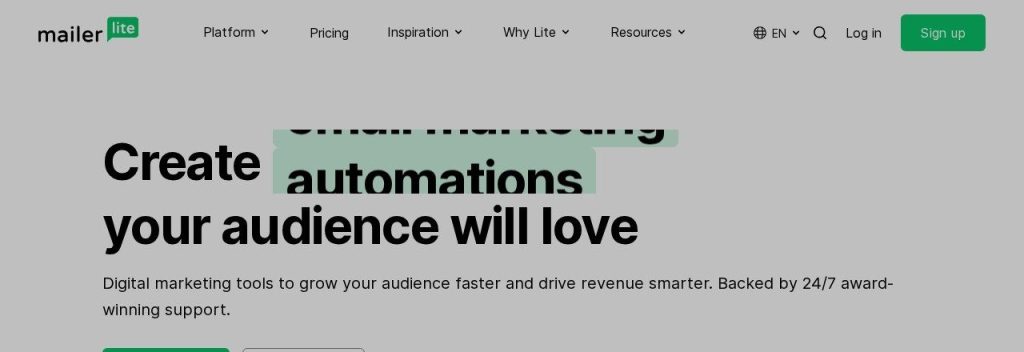
MailerLite is an email marketing tool used by more than 1 million creators and businesses, according to the company. Its free plan covers 250 subscribers and 2,500 emails a month, with automations, signup forms and one landing page.
A bakery could add a signup form to its site, send a welcome email with a discount code automatically, and, on a paid plan, draft a monthly “what’s new” email with the AI writing assistant. Paid plans start at $12/month and add more seats, automations and sites.
Key Capabilities
- AI writing help (paid plans): Draft subject lines and email copy, then edit them in the drag and drop editor.
- Free automations: Welcome series and follow-ups run on their own, even on the free plan.
- Works with AI assistants: MailerLite offers an MCP connection for Claude and ChatGPT, so you can manage campaigns from your assistant.
Plans & Pricing
- Free: $0. Up to 250 subscribers, 2,500 emails/month, 2 user seats, 1 landing page.
- Comfort: From $12/month. 3 seats, 50 automations, 10 forms, unlimited templates, no MailerLite logo. Price rises with list size.
- Power: From $25/month. Unlimited seats, automations and forms, live chat support.
- All paid features can be tried free for 14 days with no credit card.
Bottom line: Start free and upgrade when you pass 250 subscribers. The free cap is lower than many expect, so plan for Comfort once your list grows.
Show Up on Social Without Living There
Posting every day by hand eats your best hours. Batch your posts once a week and let a scheduler publish them.
Buffer
Best for: Solo owners who post to 1 to 5 social accounts and want the simplest setup
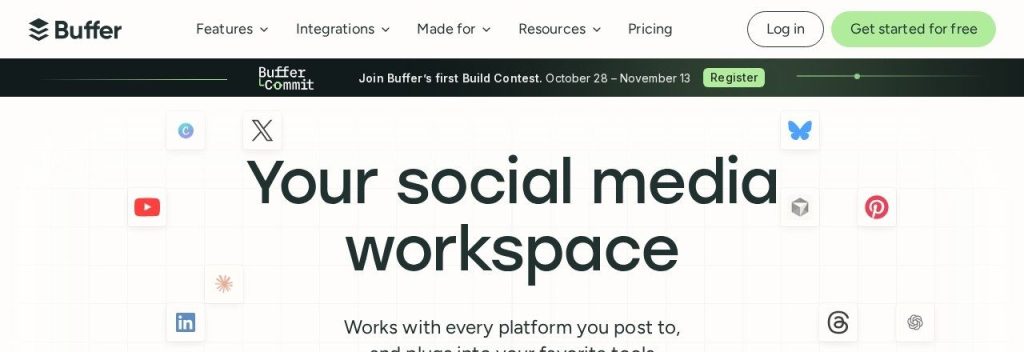
Buffer lets you plan and schedule posts across your social accounts from one calendar. The free plan connects 3 channels with 10 scheduled posts per channel at a time and includes the AI Assistant for drafting and rewriting posts.
Paid plans are priced per channel, so a business on Instagram, Facebook and LinkedIn would pay $15/month on Essentials billed yearly. For more options, see our list of the best AI social media scheduler tools.
Key Capabilities
- AI Assistant: Turn one idea into posts for each network, or shorten a caption to fit.
- Unlimited scheduling on paid plans: Essentials removes the 10-post limit so you can fill a whole month in one sitting.
- Analytics and first comments: See which posts work and schedule the first comment with your link.
Plans & Pricing
- Free: $0. 3 channels, 10 scheduled posts per channel, AI Assistant, 1 user.
- Essentials: $5/channel/month billed yearly ($60 per channel per year). Unlimited scheduled posts, advanced analytics.
- Team: $10/channel/month billed yearly. Unlimited team members and approval workflows.
- Paid plans include a 14-day free trial.
Bottom line: The free plan works if you post a few times a week. Pay for Essentials only on the channels that bring you customers.
Connect It All So It Runs Itself
The real time savings come when your tools talk to each other. A new booking should create a contact, add them to your list and ping you, without you touching anything.
Zapier
Best for: Owners who copy the same information between apps every week
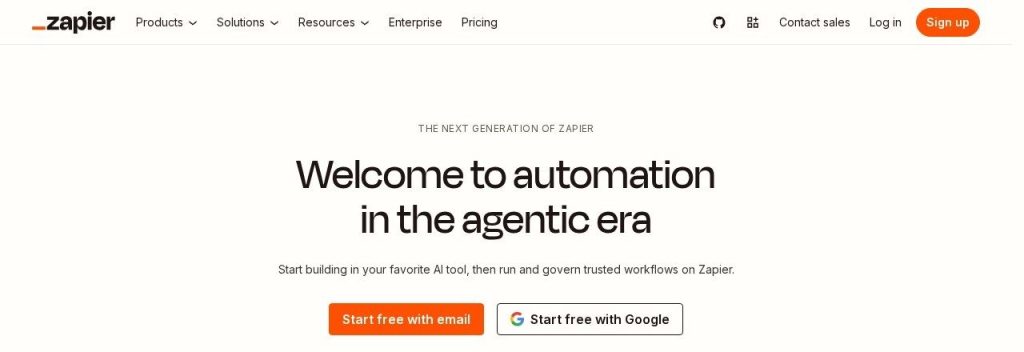
Zapier connects more than 9,000 apps. You build “Zaps”: when something happens in one app (a Calendly booking, a paid Wave invoice), Zapier does something in another (adds the person to HubSpot and MailerLite, sends you a message).
The free plan includes 100 tasks a month with two-step Zaps, enough for one or two simple automations. Professional adds multi-step Zaps, faster checks every 2 minutes and AI fields that can, for example, sort an inquiry by topic before it reaches you.
Key Capabilities
- Zapier Copilot: Describe the automation in plain words and Copilot builds the Zap for you.
- Multi-step Zaps: One trigger can update your CRM, email list and a spreadsheet at the same time (Professional and up).
- Tables and Forms included: Store simple data and collect form entries without another app.
Plans & Pricing
- Free: $0. 100 tasks/month, two-step Zaps, checks every 15 minutes.
- Professional: From $19.99/month on yearly billing (Zapier says yearly saves 33%). Multi-step Zaps, premium apps, AI fields. Price rises with tasks.
- Team: From $69/month. 25 users, shared Zaps, SSO.
Time saver
Your first Zap: “New Calendly booking → create HubSpot contact → add to MailerLite group.” It takes about 10 minutes to set up and removes three copy and paste steps from every new client.
Bottom line: Start free with one automation that saves you the most copy and paste. Upgrade when you need more than two steps or more than 100 tasks.
What Does This AI Stack Cost Per Month?
Here is the full paid version, using the plan most solo owners would actually need and annual billing where it is offered.
| Tool | Plan | Monthly cost |
|---|---|---|
| Claude | Pro (annual) | $17.00 |
| Calendly | Standard (yearly) | $10.00 |
| Fathom | Free | $0.00 |
| Wave | Pro ($190/year) | $15.83 |
| HubSpot CRM | Free | $0.00 |
| MailerLite | Free (up to 250 subscribers) | $0.00 |
| Buffer | Essentials, 3 channels (yearly) | $15.00 |
| Zapier | Professional (yearly) | $19.99 |
| Total | $77.82/month |
Based on public prices checked in October 2026. Monthly billing costs more for most tools, and MailerLite rises to $12+/month after 250 subscribers.
Cheaper version: $17/month
Pay only for Claude Pro and run everything else on free plans: Calendly Free, Fathom Free, Wave Starter, HubSpot Free CRM, MailerLite Free, Buffer Free and Zapier Free. That covers booking, notes, invoicing, leads, email, social and one simple automation.
If you can only pick one
Start with an AI assistant like Claude. It helps with every other job on this list (emails, proposals, posts, invoices wording, planning), and you can add the rest one at a time as each job starts to hurt.
FAQs
What AI tools does a one-person business really need?
Most solo businesses need one tool for each of 5 to 8 jobs: an AI assistant, scheduling, meeting notes, invoicing, a CRM, email marketing, social scheduling and an automation tool. You do not need all of them on day one. Add a tool when a job starts eating more than an hour a week.
How much should a solopreneur spend on software?
A solid AI stack can cost under $100 a month. The paid stack in this guide costs about $78 a month on annual billing as of October 2026, and a lean version costs $17 a month for Claude Pro plus free plans.
Can I run a business on free AI tools only?
Yes, at the start. Calendly, Fathom, Wave, HubSpot, MailerLite, Buffer, Zapier and Claude all have free plans. The limits (like MailerLite’s 250 subscribers or Zapier’s 100 tasks a month) are the signal it is time to pay.
Do these tools work together?
Yes. Calendly Standard connects to HubSpot and Mailchimp directly, and Zapier links all of these apps so a booking or payment in one updates the others.
What should I change when I hire my first person?
Move to team plans only where you share work. Claude Team costs $20 per seat per month billed annually, Buffer Team adds unlimited team members, and Fathom Team needs at least 2 users.
Final Thoughts
You do not need to set up all 8 tools this week. Pick the job that costs you the most time right now, start the free plan of the matching tool, and give it two weeks.
For most solo owners, that first step is an AI assistant and a booking link. Once new clients are coming in, find more of them with our guide to the best AI lead generation tools, and if you miss calls while you work, see the best AI receptionists.