


Prices checked: October 2026
You finish a 45-minute client call, and the only notes you have are three words and a phone number. Now you have to remember who promised what, write the follow-up email and update your CRM.
Multiply that by 10 calls a week and you lose hours to admin that earns you nothing.
An AI meeting note taker records the conversation, writes a clean summary with action items and lets you search every past call like an inbox. Fathom says its automatic notes save an average of 38 minutes per meeting.
Most of these tools have a free plan, and the paid ones start under $10 a month. We checked every official pricing page below in October 2026.
Here are the 8 best picks, and who each one suits.
Quick answer
- Best free plan: Fathom (unlimited recordings for free)
- Best cheap paid plan: Otter.ai (from $8.33/month billed annually)
- Best for small teams that live in their CRM: Fireflies.ai
- Best if you hate meeting bots: Granola
- Best for confidential client calls: Jamie
What’s the Best AI Meeting Note Taker?
| Tool | Best for | Free plan | Starting price |
|---|---|---|---|
| Fathom | Free unlimited recording | Yes (unlimited recordings) | $0 (paid from $16/mo) |
| Otter.ai | Cheapest paid plan for solo users | Yes (300 min/mo) | $8.33/user/mo |
| Fireflies.ai | Teams that want notes in every app | Yes (limited AI summaries) | $10/seat/mo |
| Granola | Bot-free notes you write with AI | Yes (30 days of history) | $14/user/mo |
| Read AI | Meeting coaching and email search | Yes (5 meetings/mo) | $15/user/mo |
| Bluedot | Bot-free notes, online and in person | Yes (5 meetings total) | $14/user/mo |
| Notta | Multilingual meetings and translation | Yes (120 min/mo) | $8.17/mo |
| Jamie | Confidential client meetings | Yes (10 notes/mo) | $24/mo |
Prices checked October 2026. Starting prices use annual billing unless noted.
1. Fathom
Best for: Owners and solo consultants who want unlimited call recording without paying anything
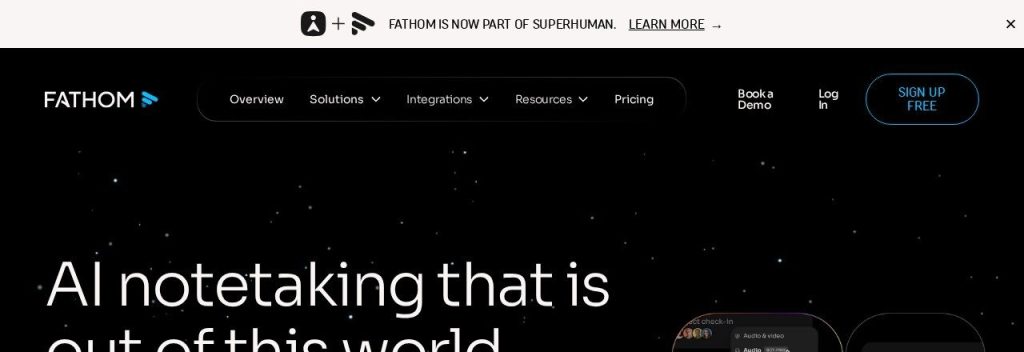
Fathom joins your Zoom, Google Meet or Teams calls, records them and sends a summary seconds after you hang up. Its free plan has unlimited recordings and transcripts, which is rare in this category.
Fathom says it is used at 500K+ companies and is now part of Superhuman. A 2-person consulting firm could run every discovery call through the free plan, then share a 30-second clip of the client’s key request with the team instead of retyping it.
Key Capabilities
- Unlimited free recording: Record and transcribe as many calls as you like without watching a minute counter.
- Instant AI summaries: Get a recap in your inbox right after the call, with advanced templates (like BANT for sales) on paid plans.
- Ask Fathom: Ask questions about a call in a chat window, such as “What budget did they mention?”, with limited use on the free plan.
- Bot or bot-free capture: Choose a visible note taker or record from your Mac without a bot (bot-free is in beta).
Works With
Zoom, Google Meet, Microsoft Teams, HubSpot, Salesforce, Asana, Slack, Zapier, Make, ChatGPT and Claude.
Pros
- Truly unlimited recordings on the free plan
- Summaries arrive within seconds
- 90-day money-back guarantee on paid plans
- SOC 2 Type II, GDPR and HIPAA compliance listed
Cons
- AI action items and follow-up emails need Premium
- Team and Business plans need at least 2 users
- Bot-free recording is still a Mac beta
Plans & Pricing
- Free: $0. Unlimited recordings and transcripts, instant summaries, clips and search. Ask Fathom has limited use.
- Premium: $16/month (billed annually; $20 monthly). Advanced summaries, AI action items, follow-up emails, custom bot name.
- Team: $15/user/month (billed annually; $19 monthly), 2-user minimum. Shared team folders, playlists and team search.
- Business: $25/user/month (billed annually; $34 monthly), 2-user minimum. CRM field sync, deal view and coaching metrics.
- Enterprise: Custom pricing (contact sales). SSO, SCIM and custom data retention.
Bottom line: Pick Fathom if you want the best free plan and simple, fast summaries. Skip it if you need bot-free recording on Windows today.
2. Otter.ai
Best for: Solo owners who want a full-featured note taker for under $10 a month
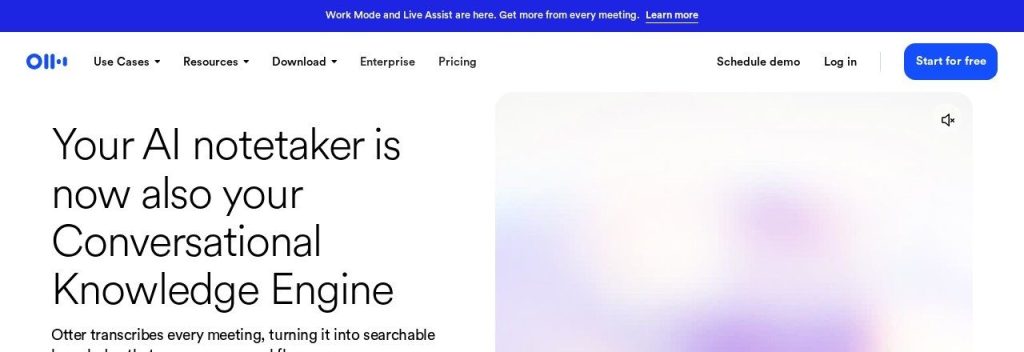
Otter.ai is one of the best-known AI transcription apps. It joins your online meetings, writes live notes and lets you record in-person conversations from the iOS and Android apps.
Otter’s free Basic plan gives you 300 transcription minutes a month, capped at 30 minutes per conversation. A real estate agent could record client walkthroughs on a phone and get a summary of every feature the buyer liked before reaching the car.
Key Capabilities
- Live transcription: Follow the transcript in real time and highlight key moments while the call is still going.
- Otter AI Chat: Ask questions across all your meetings, then have Otter draft follow-ups or reports from the answers.
- Pre-call briefs: Get a short brief before a meeting with past discussions and open action items.
- Live Assist coaching: Get prompts during calls based on your past conversations and company playbook.
Works With
Zoom, Google Meet, Microsoft Teams, Salesforce, HubSpot, Zapier, Dropbox and an MCP server for AI assistants.
Pros
- Very low annual price for Pro
- Strong mobile app for in-person recording
- Live transcript you can annotate during the call
- Generous free minutes for light users
Cons
- Pro caps each meeting at 90 minutes
- Transcription covers 6 languages (English, Spanish, French, German, Japanese, Chinese)
- Monthly billing roughly doubles the Pro price
- Free plan only keeps your 25 most recent conversations
Plans & Pricing
- Basic: Free. 300 minutes a month, 30 minutes per conversation, 3 lifetime file imports.
- Pro: $8.33/user/month (billed annually; $16.99 monthly). 1,200 minutes per user, 90 minutes per meeting, 10 file imports a month.
- Business: $19.99/user/month (billed annually; $30 monthly). Unlimited meetings, 4 hours per meeting, 3 concurrent meetings, admin tools.
- Enterprise: Custom pricing (contact sales). SSO, SCIM, HIPAA add-on and API access.
Bottom line: Pick Otter.ai if you want the lowest paid price and a great mobile recorder. Skip it if your meetings regularly run past 90 minutes or happen in less common languages.
Money saver
Otter, Fireflies, Bluedot and Read AI all cost roughly 20% to 50% less on annual billing. Test the free plan for a month first, then pay yearly once you know you will keep it.
3. Fireflies.ai
Best for: Growing teams that want meeting notes pushed into their CRM, project tools and Slack automatically
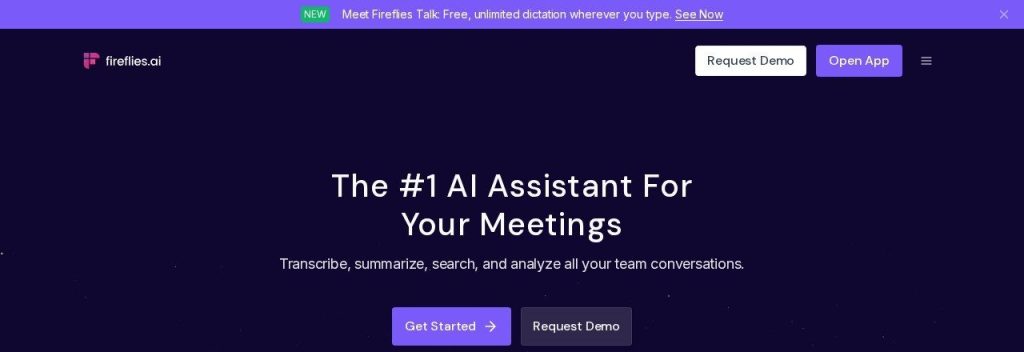
Fireflies.ai sends its note taker (named Fred) to your calls, then transcribes, summarizes and files the notes wherever your team works. Fireflies says it is used across 1 million+ companies and transcribes in 100+ languages.
It also pulls in phone calls from dialers like Aircall and RingCentral. A 6-person agency could have every client call land in HubSpot and Slack with action items already split by person.
Key Capabilities
- AskFred assistant: Ask any question about one meeting or all of them and get answers with timestamps.
- 200+ AI Skills: Run ready-made prompts that pull out things like follow-up emails, candidate scores or objections.
- Conversation intelligence: See talk time, sentiment and topic trackers on the Business plan.
- Unlimited integrations: Connect CRMs, task tools and Slack on Pro and above.
Works With
Zoom, Google Meet, Microsoft Teams and 10+ other meeting apps, Aircall, RingCentral, HubSpot, Salesforce, Slack, Asana and an MCP server.
Pros
- Unlimited transcription even on the free plan
- 100+ languages with auto-detection
- Huge list of integrations
- Pro is only $10/seat on annual billing
Cons
- Free plan has limited AI summaries and just 400 minutes of storage per team
- Pro storage is capped at 8,000 minutes per seat
- Video recording needs a paid plan
- Monthly billing adds up to 80% (Pro is $18 monthly)
Plans & Pricing
- Free: $0. Unlimited transcription, limited AI summaries, 400 minutes of storage per team, 20 AI credits.
- Pro: $10/seat/month (billed annually; $18 monthly). Unlimited summaries, 8,000 minutes of storage per seat, video recording, downloads.
- Business: $19/seat/month (billed annually; $29 monthly). Unlimited storage, conversation intelligence, team analytics.
- Enterprise: $39/seat/month (annual billing only). SSO, SCIM, HIPAA compliance and custom data retention.
Bottom line: Pick Fireflies.ai if your team wants notes to flow into the apps you already use. Skip it if you want a bot-free experience by default.
4. Granola
Best for: Owners in back-to-back calls who want polished notes without a bot joining the meeting
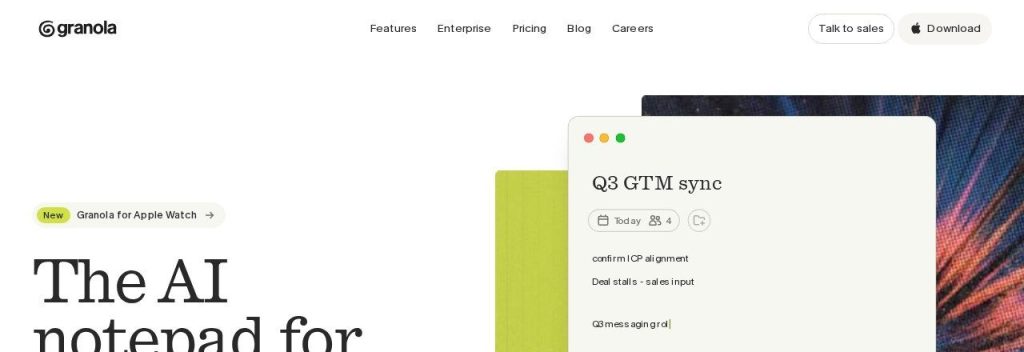
Granola works like a notepad on your computer. You jot rough notes during the call, Granola listens to your device audio, and when the call ends it turns your notes plus the transcript into a clean summary.
Because it uses your computer’s audio, no bot shows up in the call, and it works with any meeting app. A freelance designer could type “logo too busy, wants blue” during a client call and get a full brief afterwards.
Key Capabilities
- AI-enhanced notes: Your quick notes become a structured summary with next steps.
- Pre-meeting briefs: On Business, Granola preps a brief before external meetings with who is attending and what you discussed last time.
- Follow-up emails: Business users get a drafted follow-up after each call.
- Chat across meetings: Ask questions about one meeting or your full history.
Works With
Zoom, Google Meet, Microsoft Teams and any meeting app on your computer, plus Slack, Notion, HubSpot, Attio, Affinity, Zapier and MCP (Claude, ChatGPT).
Pros
- No meeting bot, so calls feel normal
- Works with any call app, including phone calls on mobile
- Audio is deleted after transcription
- Apps for macOS, Windows, iOS and Android
Cons
- Free plan only shows 30 days of meeting history
- Notion, HubSpot and Zapier integrations need Business
- Does not record video, only notes and transcripts
Plans & Pricing
- Basic: $0. AI meeting notes, chat, shared folders and templates, with 30 days of meeting history.
- Business: $14/user/month. Unlimited notes and history, advanced AI models, integrations, API access.
- Enterprise: $35/user/month. SSO, SCIM, admin controls, HIPAA-compliant workspaces and usage analytics.
Bottom line: Pick Granola if you like taking your own notes and want AI to finish them without a bot. Skip it if you need video recordings of your calls.
5. Read AI
Best for: Owners and managers who want feedback on how they run meetings, not just notes
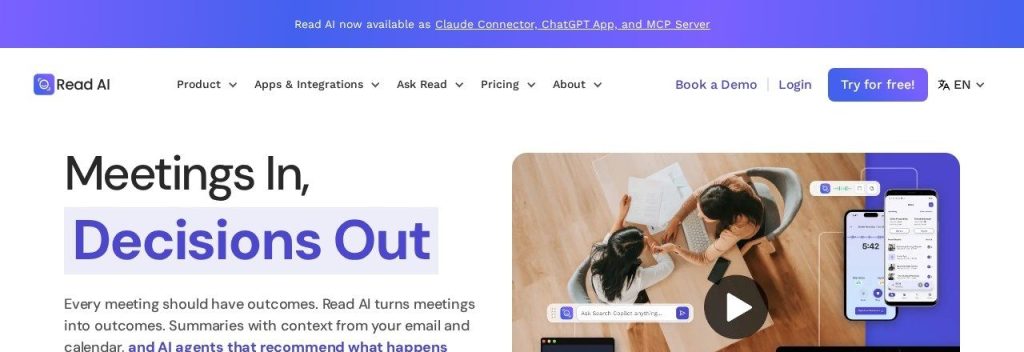
Read AI takes notes like the others, but it also scores your meetings. Every report includes a personal coach with metrics like talking speed, filler words and engagement.
Read AI’s search also covers your email and messages, not just meetings. A small sales team lead could see who talks too much on demo calls and find a client’s last email request from the same search box.
Key Capabilities
- Meeting reports: Get a summary, topics, action items and key questions for every call.
- Personal meeting coach: See talk speed, filler words and engagement scores to run tighter meetings.
- Ask Read search: Search across meetings, email and messages and get answers with citations.
- Live notes: Watch transcription and summaries build in real time during the call.
Works With
Zoom, Google Meet, Microsoft Teams, Gmail, Slack, HubSpot, Salesforce, Notion, Jira, Confluence, Zapier, ChatGPT and Claude.
Pros
- Unique coaching metrics for every meeting
- Search covers email and messages too
- Unlimited transcripts on Pro
- Reports in 16+ languages
Cons
- Free plan stops at 5 meetings a month and 1 hour per meeting
- Video playback needs the $22.50 Enterprise plan
- Some attendees dislike the visible scoring and bot
Plans & Pricing
- Free: $0. 5 meeting transcripts a month, meetings up to 1 hour, basic integrations.
- Pro: $15/user/month (billed annually; $19.75 monthly). Unlimited transcripts, 4-hour meetings, premium integrations, 100 upload minutes a month.
- Enterprise: $22.50/user/month (billed annually; $29.75 monthly). Adds audio and video playback, video highlights, 200 upload minutes.
- Enterprise+: $29.75/user/month (billed annually; $39.75 monthly), 5+ licenses. HIPAA, SSO, SCIM and 8-hour meetings.
Bottom line: Pick Read AI if you want to get better at meetings, not just remember them. Skip it if you want video replay on a budget.
6. Bluedot
Best for: Small teams where one or two people record calls and meetings happen both online and in the room
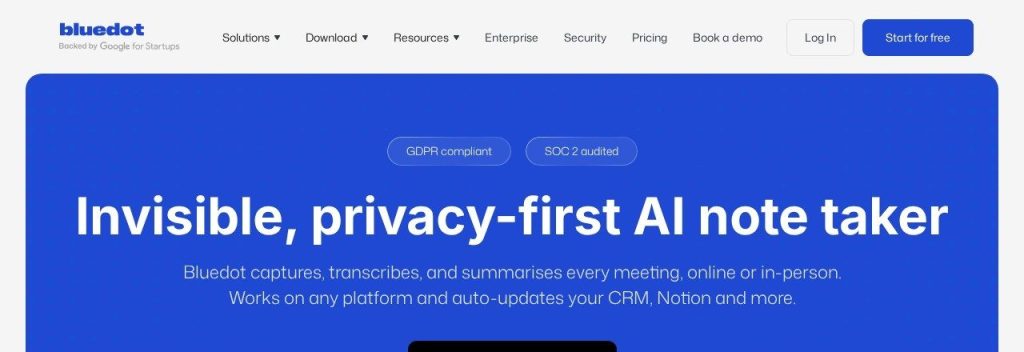
Bluedot records meetings without a bot through its Chrome extension, desktop app, phone app and even an Apple Watch app. It transcribes and summarizes in 100+ languages and says it is trusted by 100,000+ companies.
Bluedot only charges for users who record, not everyone in the workspace. A 10-person clinic where only the manager records supplier meetings would pay for one seat, not ten.
Key Capabilities
- Bot-free recording: Capture Zoom, Meet, Teams and in-person meetings without an extra guest in the call.
- Team-specific templates: Get summaries shaped for sales, recruiting, customer check-ins and more.
- AI chat across meetings: Ask questions and pull insights from many meetings at once.
- Post-meeting automation: Update your CRM, Notion or ATS automatically after a call.
Works With
Zoom, Google Meet, Microsoft Teams, Slack, Notion, Zapier, Make, CRMs and ATS tools (Business), Claude and ChatGPT.
Pros
- Fair billing: only recording users pay
- Works on web, desktop, mobile and Apple Watch
- 100+ languages
- Your data is not used to train AI models
Cons
- Free plan is only 5 meetings in total, not per month
- Basic is audio only and stops at 1 hour per recording
- If you cancel, recordings are deleted after one month
Plans & Pricing
- Free: $0. 5 meetings in total, Chrome extension, desktop and mobile apps.
- Basic: $14/user/month (billed annually; $18 monthly). Unlimited audio-only meetings, 1 hour per recording, unlimited storage.
- Pro: $20/user/month (billed annually; $25 monthly). Video, unlimited recording length, custom templates.
- Business: $32/user/month (billed annually; $39 monthly). CRM and ATS integrations, admin controls, SSO.
- Flat rate: Custom pricing (contact sales) for unlimited users.
Bottom line: Pick Bluedot if only a few people in your business record meetings and some of them happen face to face. Skip it if you want a long free trial period.
7. Notta
Best for: Businesses that meet clients or suppliers in more than one language
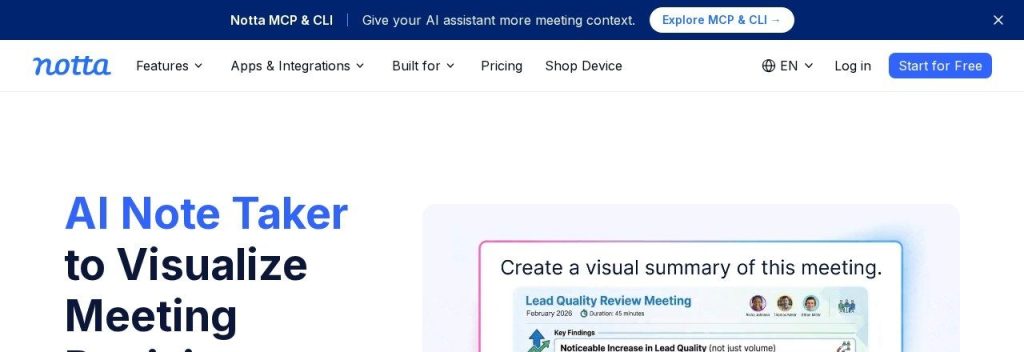
Notta transcribes meetings, files and even YouTube links in 58 languages, and it can translate live during a call. Notta says it has 10M+ users.
It can join with a bot or record bot-free from its desktop app. An import business could hold a call with a supplier in Spanish and get the summary in English, using the translation add-on.
Key Capabilities
- Real-time translation: Translate speech during a meeting, with bilingual transcripts side by side (add-on).
- AI notes and follow-up emails: Get summaries, action items and an email draft after each call.
- Document builder: Turn a meeting into a PDF, Word file, spreadsheet or slides.
- Bot or bot-free capture: Use the meeting bot or record on your Mac or Windows computer.
Works With
Zoom, Google Meet, Microsoft Teams, Webex, Slack, Notion, Salesforce, HubSpot, Google Calendar, Outlook Calendar, Google Drive and Zapier.
Pros
- Cheapest annual Pro plan in this list
- 58 languages plus live translation
- Can produce documents and slides from a meeting
- Bot-free desktop option
Cons
- Free plan stops each recording at 3 minutes, so it is only a demo
- Translation costs extra ($6 to $9 a month on annual billing)
- CRM and Zapier integrations need Business
Plans & Pricing
- Free: $0. 120 transcription minutes a month, 3 minutes per recording, 10 AI summaries a month.
- Pro: $8.17/month (billed annually at $97.99). 1,800 minutes a month, 5 hours per recording, 100 AI summaries.
- Business: $16.67/seat/month (billed annually at $199.99). Unlimited transcription, video recording, CRM and Zapier integration.
- Enterprise: Custom pricing (contact sales), from 51 seats.
- Add-ons: Monolingual translation $6/month (billed annually; $10 monthly), bilingual transcription and translation $9/month (billed annually; $15 monthly).
Bottom line: Pick Notta if your meetings switch between languages. Skip the free plan as a long-term option, since 3 minutes per recording is only enough to test it.
8. Jamie
Best for: Consultants, accountants and law firms that need private, bot-free notes with EU data storage
Jamie runs on your laptop or phone, so no bot joins the call, and it works with any meeting platform and in person. Its focus is privacy: data stays in the EU, audio is streamed and never stored, and it is ISO 27001 certified and GDPR compliant.
Jamie writes notes in 99+ languages and says it saves 5 hours per person every week. A small accounting firm could record client tax meetings without worrying about audio files sitting on someone else’s server.
Key Capabilities
- Bot-free capture: Records from your device on Zoom, Teams, Google Meet or face to face.
- Speaker recognition and memory: Learns voices so notes say who said what.
- Ask Jamie chat: Ask questions across all your meetings on every plan, including free.
- Automated workflows: Update your CRM and draft follow-ups after a meeting, with a review step if you want it.
Works With
Zoom, Microsoft Teams, Google Meet and in-person meetings, plus Google Docs, Notion and OneNote (all plans), and Salesforce, HubSpot, Pipedrive, Attio, Asana, webhooks and MCP on Pro.
Pros
- No bot and no stored audio
- EU data residency, ISO 27001, GDPR and DORA
- Notes in 99+ languages
- Free plan includes 10 AI notes a month
Cons
- Most expensive solo plans in this list
- Plus caps you at 20 notes a month
- CRM integrations start at the $46 Pro plan
Plans & Pricing
- Free: $0. 10 AI notes a month, 30-minute meeting limit, Ask Jamie chat.
- Plus: $24/month (billed annually; monthly billing costs about 17% more). 20 AI notes a month, 2-hour meetings, Notion, Google Docs and OneNote.
- Pro: $46/month (billed annually). Unlimited AI notes, 5-hour meetings, CRM integrations, API and MCP.
- Team: $37/seat/month (billed annually). Everything in Pro plus a shared workspace, shared templates and admin controls.
- Enterprise: Custom pricing (contact sales). SSO, SCIM, audit logs and custom retention.
Bottom line: Pick Jamie if client confidentiality matters more than price. Skip it if you just need cheap notes for internal calls.
What to Look For in an AI Meeting Note Taker
Every tool here writes a decent summary. The differences that cost you money or time are in the details:
- Free plan limits: Fathom records unlimited calls for free, while Read AI stops at 5 meetings a month and Notta cuts each recording at 3 minutes.
- Bot or no bot: Granola, Jamie and Bluedot record from your device, so no extra guest joins the call. Fathom, Otter, Fireflies and Read AI mainly send a bot, which some clients find awkward.
- Meeting length caps: Otter Pro stops at 90 minutes per meeting and Bluedot Basic at 1 hour. If you run long workshops, check this first.
- CRM sync: If you sell, you want notes in HubSpot or Salesforce without copy and paste. Fathom Business, Fireflies Pro and Read AI Pro all push notes into a CRM.
- Languages: Fireflies and Bluedot cover 100+ languages, Notta lists 58 and Otter’s transcription covers 6. Check yours before you pay.
- Per-seat pricing: Most tools charge every user. Bluedot only charges people who actually record, which helps a team where one person runs all the calls.
- Privacy and data storage: Jamie keeps data in the EU and never stores audio. Granola deletes audio after transcription. That matters for lawyers, accountants and consultants.
Which AI Meeting Note Taker Should You Choose?
- If you want to pay nothing, pick Fathom. Its free plan has no recording cap.
- If you want the cheapest paid plan, pick Otter.ai Pro or Notta Pro (both just over $8 a month billed annually).
- If you run a 3 to 15 person team and use a CRM, pick Fireflies.ai Pro or Fathom Team.
- If clients dislike bots joining the call, pick Granola, or Bluedot if you also record in-person meetings.
- If you want feedback on how you run meetings, pick Read AI for its speaker coaching.
- If you handle sensitive client information in Europe, pick Jamie.
FAQs
What is an AI meeting note taker?
An AI meeting note taker is an app that records your calls on Zoom, Google Meet or Microsoft Teams, turns the audio into a transcript and writes a summary with action items. Most also let you search or ask questions across all your past meetings.
Is there a free AI note taker for meetings?
Yes. As of October 2026, Fathom’s free plan includes unlimited recordings and transcripts, Otter.ai Basic includes 300 minutes a month, and Fireflies.ai offers unlimited transcription with limited AI summaries.
Do I have to tell people I am recording?
Yes, you should always tell people, and in many places the law requires consent. Most tools can send an automatic notice or show a bot named as a note taker, but it is your job to make sure everyone agrees.
Can an AI note taker work without a bot joining the call?
Yes. Granola, Jamie and Bluedot capture audio from your own computer or phone, so no bot appears in the participant list. Fathom and Notta also offer bot-free capture.
Can these tools record in-person meetings?
Many can. Otter, Fireflies, Bluedot, Jamie, Granola, Read AI and Notta all have mobile apps that record a meeting in the room, like a sales visit or a team huddle.
How much does an AI meeting note taker cost?
Paid plans for small businesses cost about $8 to $25 per user per month on annual billing as of October 2026. Otter.ai Pro starts at $8.33, Fireflies.ai Pro at $10 and Fathom Premium at $16.
Final Thoughts
Start with Fathom’s free plan this week and let it join your next five calls. If you hit a limit, or a client asks you to drop the bot, try Granola or Otter.ai next.
Once your notes run themselves, see how a meeting tool fits with the rest of your apps in our AI tool stack for a one-person business, and stop missing calls between meetings with these AI receptionists.