

You add your fourth teammate to Canva and the renewal quote jumps again. Since Canva moved team plans to per-person pricing, every new hire who needs to make a flyer adds a full seat to the bill.
To be fair, Canva earned its spot. It is simple, the template library is huge, and its free plan made design possible for millions of owners with no design skills.
But the reasons people switch keep piling up: Canva Pro is for one person only, Canva Business is listed at about $250 per person a year in November 2026, and the free plan now comes with only a small monthly AI allowance.
A good alternative fixes at least one of those: a flat price for the whole team, stronger tools for your main job (decks, photos, merch), or a free plan that goes further. We checked each tool’s official pricing in November 2026.
Here are the 8 best Canva alternatives, and who each one suits.
Quick answer
- Best overall: Adobe Express (free plan, Premium is $9.99/month)
- Best free option: Microsoft Designer (free with a Microsoft account)
- Best for small teams on a budget: VistaCreate ($10/month billed yearly for up to 10 seats)
- Best for presentations: Visme (from $12.25/month billed yearly)
- Best for logos and merch: Kittl (from $12/month billed yearly)
What’s the Best Canva Alternative?
| Tool | Best for | Free plan | Starting price |
|---|---|---|---|
| Adobe Express | Closest Canva swap with Firefly AI | Yes | $9.99/mo (monthly) |
| Microsoft Designer | Free AI graphics for Office users | Yes | Free |
| VistaCreate | Small teams, up to 10 seats on one plan | Yes | $10/mo |
| Visme | Presentations, reports and charts | Yes | $12.25/mo |
| Kittl | Logos, merch and print designs | Yes | $12/mo |
| Picsart | Photo editing and product images | Yes | $10.50/mo |
| Piktochart | Infographics from documents | Yes (2 downloads) | $10/mo |
| Figma | Teams with a designer | Yes (3 files) | $3/mo (Collab seat) |
Prices checked November 2026. Starting prices use annual billing unless noted. Adobe Express Premium is shown at its listed monthly price, and Microsoft Designer is free (Microsoft 365 adds more AI credits).
1. Adobe Express
Best for: Owners who want the closest Canva swap, with Adobe fonts and Firefly AI built in
Adobe Express is the tool that feels most like Canva the first time you open it: templates on the left, drag and drop in the middle, one-click resize for every social network. The difference is the engine behind it. You get Adobe Fonts, Adobe Stock assets and Firefly, Adobe’s generative AI, in one browser app.
Adobe Express Premium costs $9.99 a month as of November 2026, with a 30-day free trial. A 2-person bakery could start on the Teams plan, which is $4.99 per license a month for the first year (then $7.99) with a 2-seat minimum, so both owners share one brand kit for less than many per-person design plans.
Key Capabilities
- Firefly generative AI: Create images from text, add text effects and use generative fill to remove or add objects in a photo.
- Templates and quick actions: Thousands of templates plus one-click jobs like background removal, resizing and video trimming.
- Brand kits: Save logos, colors and fonts so everyone on the team creates on-brand posts.
- Built-in scheduler: Plan and publish social posts without a separate tool.
- PDF tools: Edit, convert and combine PDFs (10 PDF quick actions a month on the free plan, unlimited on paid plans).
Switching From Canva
There is no Canva import. Download your Canva designs as PDF or PNG, then open PDFs in Adobe Express to edit them. Simple flyers come across well, but layered layouts may need touching up, so rebuild your brand kit first and recreate your 5 to 10 most used templates.
Pros
- Feels familiar if you are coming from Canva
- Adobe Fonts and Stock included in Premium
- Teams plan is cheap for 2 or more people in year one
- Adobe designs Firefly to be safe for commercial use
Cons
- Teams promo price rises to $7.99 after year one
- Teams plan has a 2-seat minimum and an annual contract
- Generative credits are capped at 250 a month on Premium
- No PowerPoint import
Plans & Pricing
- Free: $0. Core templates and editing, daily free AI generations, 5GB storage.
- Premium: $9.99/month. 30-day free trial, 250 generative credits a month, all premium templates and Adobe Fonts.
- Teams: $4.99/license/month for the first year, then $7.99 (annual contract billed monthly, 2-seat minimum). 250 credits and 1TB storage per user.
- Enterprise: Custom pricing (contact sales).
Bottom line: Switch to Adobe Express if you want a Canva-style editor with stronger fonts and AI. Skip it if you need to import PowerPoint decks or dislike annual contracts.
2. Microsoft Designer
Best for: Microsoft 365 users who want quick AI graphics without another subscription
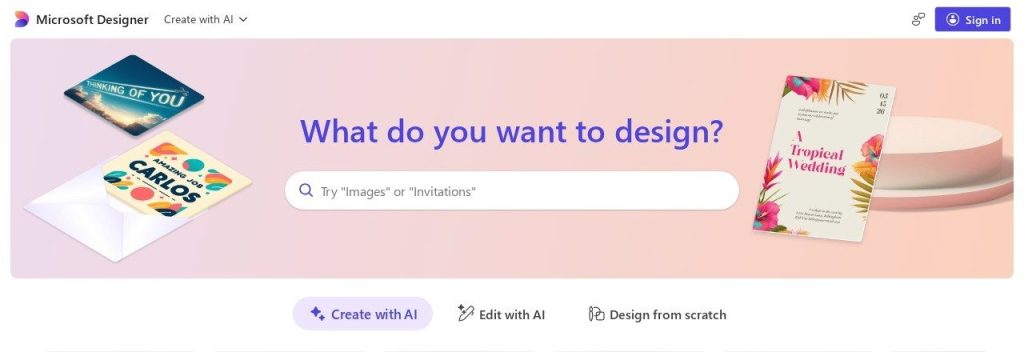
Microsoft Designer starts with a text box instead of a template library. You type “Black Friday sale post for a coffee shop” and it returns several finished designs to tweak. It is free with a Microsoft account and comes with monthly AI credits.
If you already pay for Microsoft 365, it gets better: Microsoft says Personal, Family and Premium subscribers get up to 4x more credits, and Designer is built into Word and PowerPoint. A solo accountant could make the week’s LinkedIn graphics in Designer and drop them straight into a client deck without leaving Microsoft’s apps.
Key Capabilities
- Prompt to design: Describe the post, invitation or card you need and pick from AI-made layouts.
- Photo edits: Remove backgrounds, erase or move objects and upscale images in a few clicks.
- Built into Office: Designer features show up inside Word, PowerPoint and the Photos app.
- Stickers and visuals: Create custom stickers, emoji and illustrations for social posts.
Switching From Canva
Designer cannot open Canva files or PDFs. Download your best Canva graphics as PNG to use as style references, and if you have Canva presentations, download them as PowerPoint files and keep editing in PowerPoint, where Designer suggestions are built in.
Pros
- Free to start with a Microsoft account
- Fast results from a single sentence
- Extra credits if you already pay for Microsoft 365
- No new tool to learn for Office users
Cons
- Far fewer templates than Canva
- No team brand kit or shared folders like Canva Business
- Microsoft does not publish exact credit numbers per plan
- No PDF or PowerPoint import inside Designer itself
Plans & Pricing
- Free: $0 with a Microsoft account. Monthly AI credits (1 credit per AI action).
- Microsoft 365 Personal: $99.99/year ($9.99 monthly). 1 person, up to 4x more Designer credits, plus Word, Excel and PowerPoint.
- Microsoft 365 Family: $129.99/year ($12.99 monthly). Up to 6 people, extra AI credits for the subscription owner.
- Microsoft 365 Premium: $199.99/year ($19.99 monthly). Up to 6 people, Microsoft’s highest consumer AI usage.
Bottom line: Pick Microsoft Designer if you want free AI graphics and already live in Office. Skip it if your team needs shared brand kits and big template libraries.
3. VistaCreate
Best for: Small teams who want Canva-style templates without paying per person
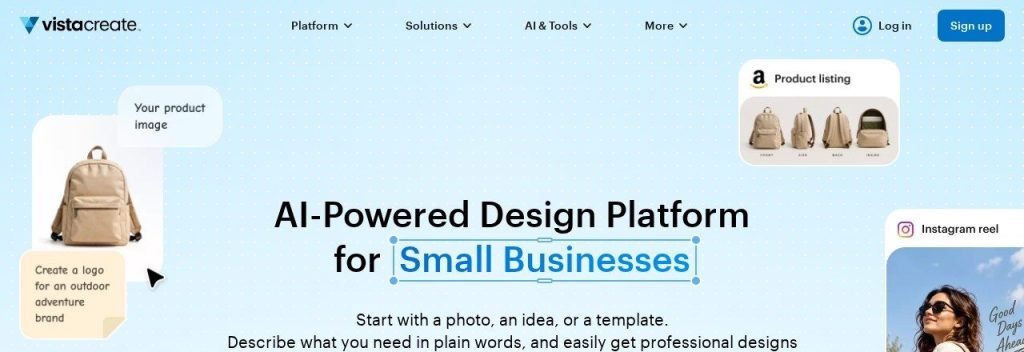
VistaCreate is the design editor from Vista, the company behind Vistaprint. It looks and works a lot like Canva, with 100K+ templates, a Brand Kit and a social media scheduler built in.
The big draw is the price structure. VistaCreate Pro costs $10 a month billed annually ($120 a year) or $13 month to month as of November 2026, and that one plan covers up to 10 seats. A 6-person salon team would pay one Pro bill instead of six per-person seats.
Key Capabilities
- Template library: 100K+ design templates and millions of photos, videos and vectors.
- AI tools: Background remover, object remover and text to image for quick edits.
- Brand Kit: Store your logos, fonts and colors once and apply them to any template.
- Social scheduling: Plan and publish posts to Facebook, Instagram and Pinterest from the editor.
- Print link: Being part of Vista makes it a natural fit if you already order cards and flyers from Vistaprint.
Switching From Canva
There is no documented Canva or PDF import. Set up your Brand Kit first, then pick close templates and rebuild your most used designs. Most small businesses only use a handful of templates, so this usually takes an afternoon.
Pros
- Up to 10 seats on one Pro plan
- 14-day free trial of Pro
- Familiar Canva-like editor
- Free plan includes 10GB storage and scheduling
Cons
- Smaller template and asset library than Canva
- AI features are more basic than Adobe Express
- No documented Canva or PDF import
- Less known, so fewer tutorials online
Plans & Pricing
- Starter: $0. 1 seat, 100K+ templates, Brand Kit, social scheduling and 10GB storage.
- Pro: $10/month (billed annually, $120/year; $13 monthly). Up to 10 seats, the full content library, AI tools and unlimited storage. 14-day free trial.
Money saver
Count your designers before you renew Canva. If 3 to 10 people need editing access, one VistaCreate Pro plan can replace several per-person seats.
Bottom line: Switch to VistaCreate if per-person pricing is the main reason you are leaving Canva. Skip it if you rely on advanced AI or a huge stock library.
4. Visme
Best for: Businesses that make sales decks, reports and infographics more than social posts
Visme is built for business visuals with numbers in them: presentations, proposals, infographics and reports. Charts and data widgets are first-class features, not an afterthought.
Visme Starter costs $12.25 a month per person billed annually ($147 a year) as of November 2026. A 3-person consulting firm could import its old PowerPoint pitch deck, restyle it with its brand kit on the Business plan and see who viewed each slide through Visme’s analytics.
Key Capabilities
- AI Designer and Writer: Turn a prompt into a first draft of a deck or document, then edit it.
- Charts and data widgets: Build charts, maps and progress bars from your own numbers.
- Interactive content: Add links, pop-ups and animation to presentations and documents.
- Analytics: See who opened a shared project and how long they spent on it (Business plan).
- PowerPoint and PDF import: Bring in existing decks and editable PDFs to keep working on them.
Switching From Canva
Visme is the easiest switch for presentations. Download your Canva decks as PowerPoint files and import them into Visme. Some tiers limit PowerPoint imports (Visme lists “up to 10 slides” on some plans), so check the limit before you move a big deck.
Pros
- Strong charts and data tools
- Imports PowerPoint and editable PDFs
- Analytics on shared projects
- Free plan to try the editor
Cons
- Per-person pricing, like Canva Business
- Free plan has 100MB storage and Visme branding
- PowerPoint export and brand kit need the Business plan
- Fewer social media templates than Canva
Plans & Pricing
- Basic: $0. 10 AI credits, 100MB storage and limited templates.
- Starter: $12.25/month per person (billed annually, $147/year). 200 AI credits, 1GB storage, premium templates.
- Business: $24.75/month per person (billed annually, $297/year). 500 AI credits, brand kit, PowerPoint, HTML5 and video export, analytics.
- Enterprise: Custom pricing (contact sales), from 10 users.
Time saver
Move your sales deck first. Download it from Canva as a PowerPoint file, import it into Visme and apply your brand kit in one go instead of rebuilding slide by slide.
Bottom line: Choose Visme if decks, reports and charts are most of your design work. Skip it if you mainly make quick Instagram posts.
5. Kittl
Best for: Brands that need logos, packaging, merch and print-ready artwork
Kittl is what you pick when Canva designs start to look like everyone else’s. It is known for bold typography, text effects and vector artwork, which is why print-on-demand sellers and merch brands like it.
Kittl Pro costs $12 a month per editor billed annually as of November 2026, and viewers are free. An Etsy shop could design a new t-shirt line, export clean vector files for the printer and share drafts with a partner who only needs to comment.
Key Capabilities
- Text effects and fonts: A large font library with curved, distressed and 3D text styles.
- AI image and vector generation: Create illustrations and vectors from a prompt, then edit them.
- Print-ready exports: Export vector files for merch, packaging and signage.
- AI cleanup: Upscale images and remove backgrounds in the same editor.
- Free viewers: You pay per editor, so clients and partners can review for free.
Switching From Canva
Kittl does not import Canva files. Download your logo as a high-resolution PNG or SVG from Canva and recreate key designs in Kittl, where you can rebuild the lettering with better type tools. Paid plans let you upload your own fonts.
Pros
- Standout typography and text effects
- Vector exports for print
- Free viewers on every plan
- Generous free plan for trying it out
Cons
- Less suited to presentations and documents
- No Canva or PDF import
- Monthly billing prices are not shown on the pricing page
- AI tokens are capped on each plan
Plans & Pricing
- Free: $0. Core editor and templates with limits.
- Pro: $12/month per editor (billed annually). Full template and font library, font uploads.
- Expert: $26/month per editor (billed annually). Adds 200 daily AI tokens.
- Max: $48/month per editor (billed annually). Adds 600 daily AI tokens.
Bottom line: Pick Kittl if your brand lives on products, packaging and merch. Skip it if most of your work is slides and reports.
6. Picsart
Best for: Ecommerce sellers and creators who edit lots of photos and short videos
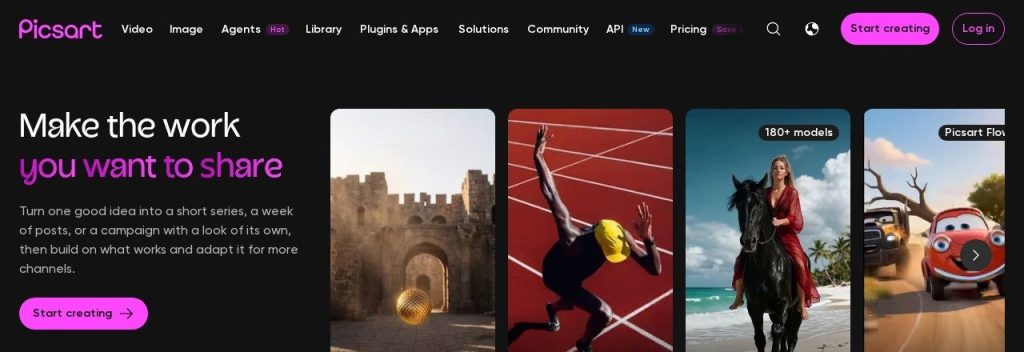
Picsart started as a photo editor and grew into an AI design suite with templates, video tools and AI agents. Its mobile app is one of the most popular creative apps, so it suits owners who design on their phone.
Picsart Pro costs $10.50 a month billed annually as of November 2026. A clothing store could batch-remove backgrounds from 50 product photos, drop them into sale templates and post from a phone between customers.
Key Capabilities
- Batch editing: Edit many images at once, which saves hours on product photos.
- AI image generation: Create images and backgrounds from text prompts.
- AI agents: Picsart offers 15+ AI agents for jobs like resizing, retouching and ad creation.
- Background and object removal: Clean up photos in one tap.
- Strong mobile app: Full editing on iPhone and Android, not a cut-down version.
Switching From Canva
Picsart does not import Canva projects, PDFs or PowerPoint files. Download your Canva graphics as PNG, upload your logo and brand colors to a brand kit, and use Picsart mostly for photo-led posts and product images.
Pros
- Excellent photo and AI editing tools
- Batch editing for product images
- Great mobile app
- Pro plan starts at $10.50/month billed yearly
Cons
- Weaker for presentations and documents
- Ultra plan is expensive at $60/month
- No Canva, PDF or PowerPoint import
- Busy interface with many features
Plans & Pricing
- Free: $0. Basic editing and templates with limits.
- Pro: $10.50/month (billed annually). Premium tools and templates, 100GB storage, multiple brand kits.
- Ultra: $60/month (billed annually). 300GB per seat, larger AI credit options, add-on team seats.
Bottom line: Choose Picsart if photos and product images are most of your visuals. Skip it if you need decks, reports or a shared team workspace.
7. Piktochart
Best for: Teams that turn documents and data into infographics and one-page reports
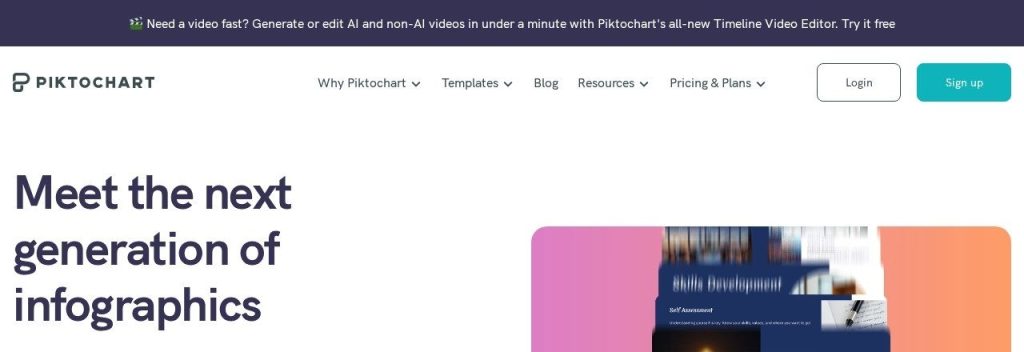
Piktochart focuses on infographics, reports and simple presentations. Its Pikto AI can take a text, Word or PDF file and turn it into a visual draft, which is handy if your raw material is a report rather than a photo.
Piktochart cut its prices in 2026: Pro is now $10 a month per user billed annually ($15 monthly) as of November 2026. A small nonprofit or HR team could turn a 6-page annual update into a one-page infographic in an afternoon.
Key Capabilities
- Document to visual: Upload a TXT, DOCX or text-based PDF and get an infographic or report draft.
- Icons and graphics: Millions of icons, illustrations and 3D graphics to explain ideas.
- Brand Kit: Keep colors, fonts and logos consistent (Business plan).
- PDF and PowerPoint downloads: Export finished work for print or slides (Business plan).
Switching From Canva
You cannot import Canva designs as editable files. Instead, paste or upload the text behind your Canva infographic and let Pikto AI rebuild the layout, then apply your brand colors.
Pros
- Cheap after the 2026 price cut
- AI turns documents into visuals
- Clear, focused editor
- Free plan to test
Cons
- Free plan allows only 2 PNG downloads
- Brand Kit and PDF download need Business
- Not built for social media posts or video
- No editable import of existing designs
Plans & Pricing
- Free: $0. 60 AI credits and 2 PNG downloads.
- Pro: $10/month per user (billed annually, $120/year; $15 monthly). 500 AI credits and 100GB storage.
- Business: $17/month per user (billed annually, $204/year; $20 monthly). 1,000 AI credits, Brand Kit, PDF and PowerPoint downloads, 250GB storage.
- Enterprise: Custom pricing (contact sales), for 101+ seats.
Bottom line: Pick Piktochart if you explain data and reports more than you sell with social posts. Skip it if you need video or a large social template library.
8. Figma
Best for: Teams where a designer builds brand templates and others fill them in
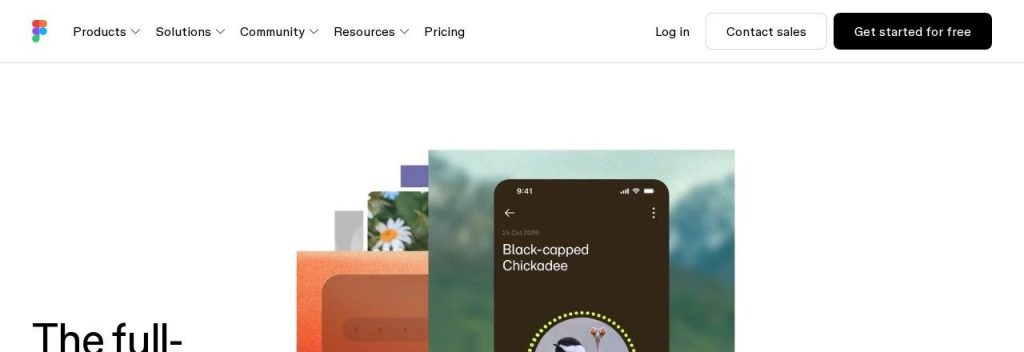
Figma is the professional design tool many agencies and product teams already use. With Figma Buzz (for on-brand marketing assets) and Figma Slides, it now covers the everyday jobs people bought Canva for.
Figma’s Professional plan has a Collab seat for $3 a month that includes Buzz and Slides, while a Full seat for designers is $16 a month billed annually, as of November 2026. A 5-person agency could have one designer build locked templates while account managers make client posts on cheap Collab seats.
Key Capabilities
- Figma Buzz: Designers create brand templates and teammates produce assets in bulk without breaking the design.
- Figma Slides: Build presentations and import PowerPoint files on every plan.
- Figma AI: Monthly AI credits for generating, editing and rewriting content.
- Real-time collaboration: Several people edit and comment on the same file at once.
Switching From Canva
Download your Canva presentations as PowerPoint files and import them into Figma Slides. Social templates need rebuilding, so ask your designer to recreate your top templates in Buzz first.
Pros
- Pro-level design tools
- Collab seats are very cheap
- PowerPoint import into Slides on all plans
- Huge community and plugin library
Cons
- Steeper learning curve for non-designers
- Free Starter plan is limited to 3 files
- Organization and Enterprise are annual only
- Smaller stock library than Canva
Plans & Pricing
- Starter: $0. 3 design files and up to 500 AI credits a month.
- Professional: Full seat $16/month (billed annually), Dev seat $12/month, Collab seat $3/month (includes Buzz and Slides).
- Organization: Full seat $55/month, Dev seat $25/month, Collab seat $5/month (billed annually).
- Enterprise: Full seat $90/month, Dev seat $35/month, Collab seat $5/month (billed annually).
Bottom line: Switch to Figma if you have a designer and want everyone else on cheap seats. Skip it if nobody on your team wants to learn a pro tool.
What to Look For in a Canva Alternative
Templates look great in screenshots. These details decide whether a switch actually saves you money and time:
- How seats are priced: Per-person pricing is the main reason teams leave Canva. VistaCreate covers up to 10 seats on one plan, and Figma Collab seats cost $3 a month.
- Your main design job: Pick for the work you do most. Visme and Piktochart win for decks and reports, Picsart for photos, Kittl for merch.
- Switching cost: No tool here opens Canva files. Visme and Figma Slides import PowerPoint, so download Canva decks as PowerPoint files before you cancel.
- AI limits: Credits run out. Adobe Express Premium includes 250 generative credits a month, so heavy AI users should check limits before they commit.
- Brand controls: If several people create content, you need a shared brand kit. Adobe Express, VistaCreate and Visme Business all include one.
- Commercial safety: For ads and packaging, Adobe Express with Firefly is the most cautious choice.
Which Canva Alternative Should You Choose?
- If you want the closest swap with better AI, pick Adobe Express.
- If you want to spend $0, pick Microsoft Designer, especially if you already pay for Microsoft 365.
- If 3 to 10 people need to design, pick VistaCreate for one flat Pro plan.
- If you live in decks and reports, pick Visme, or Piktochart if you want the lowest price.
- If you sell products or merch, pick Picsart for photos and Kittl for print artwork.
- If Canva’s huge template library and Magic Studio are what you use every day, staying on Canva Pro as a solo user can still make sense.
Which Canva alternative are you going to try?
Pick one and see what other small business owners chose.
FAQs
What is the best free Canva alternative?
Microsoft Designer is the best free Canva alternative for most small businesses in November 2026, because it is free with a Microsoft account and creates designs from a single sentence. Adobe Express also has a solid free plan if you want templates more than AI prompts.
Is there a cheaper alternative to Canva for teams?
Yes. VistaCreate Pro costs $10 a month billed annually and covers up to 10 seats, and Figma Collab seats cost $3 a month each. Both can cost far less than paying per person for Canva Business.
Can I move my designs from Canva to another tool?
None of these tools opens Canva files directly. You can download Canva designs as PDF, PNG or PowerPoint files, then import PowerPoint decks into Visme or Figma Slides, or open PDFs in Adobe Express.
Is Adobe Express better than Canva?
Adobe Express is better if you want Adobe Fonts, Adobe Stock and Firefly AI in a Canva-style editor, while Canva still has the bigger template library. For most owners the editors feel very similar.
Which Canva alternative is best for presentations?
Visme is the best Canva alternative for presentations because it has strong charts, imports PowerPoint files and shows who viewed your deck. Figma Slides is a good pick if your team already uses Figma.
Final Thoughts
You do not need to replace Canva with one giant tool. Most small businesses do best with the alternative that matches their main design job.
The easiest next step: start Adobe Express’s 30-day Premium trial or VistaCreate’s 14-day Pro trial, rebuild your three most used Canva templates, and only cancel Canva once your team is happy.
Want more free tools beyond design? See our list of the best free AI tools for small businesses. Need fresh visuals for those templates? Compare the best AI image generators.