


Prices checked: November 2026
A lead fills in your contact form on Tuesday. You mean to call back, but it sits in your inbox under 40 other emails. By Friday they have hired someone else.
Most small businesses do not lose deals because of price. They lose them because nobody followed up on time.
A CRM (customer relationship management tool) keeps every lead, email, call and deal in one place, then reminds you who to chat with next. The newer AI features go further: they write follow-up emails, summarize calls and tell you which deals are going cold.
We checked every official pricing page below in November 2026. You can start free with three of these tools, and most small teams can run a good CRM for under $30 per person a month.
Here are the 8 best picks, and who each one suits.
Quick answer
- Best overall: HubSpot
- Best for a visual sales pipeline: Pipedrive
- Best free plan for a small team: Zoho CRM (free for 3 users)
- Cheapest paid plan: Freshsales ($9 per user a month)
- Best for keeping it simple: Less Annoying CRM ($15 per user, everything included)
What’s the Best CRM for a Small Business?
| Tool | Best for | Free plan | Starting price |
|---|---|---|---|
| HubSpot | Growing teams that want sales, marketing and AI in one place | Yes (2 users) | $20/seat/mo (promo from $7) |
| Pipedrive | Sales-led teams that live in a deal pipeline | No (14-day trial) | $14/seat/mo |
| Zoho CRM | Budget-minded teams that want lots of features | Yes (3 users) | $14/user/mo |
| Freshsales | The lowest-cost paid CRM with built-in phone and chat | No (21-day trial) | $9/user/mo |
| monday CRM | Teams that want a CRM that also runs projects | No (14-day trial) | $12/seat/mo (3-seat min.) |
| Attio | Startups and modern teams that want an AI-native CRM | Yes (3 seats) | $35/seat/mo |
| folk | Founders, consultants and agencies who sell through relationships | No (14-day trial) | $24/user/mo |
| Less Annoying CRM | Owners who want a simple CRM with no upsells | No (30-day trial) | $15/user/mo |
Prices checked November 2026. Starting prices use annual billing unless noted. Most CRMs charge per user (seat), so multiply by your team size.
1. HubSpot
Best for: Small businesses that want a free CRM today and room to add marketing, service and AI agents later
HubSpot is the CRM most small businesses try first, and for good reason: its free tools plan is free for up to 2 users with no credit card. You get shared contact records, a deal pipeline and basic sales tools without paying anything.
The paid Starter plan adds automation and 500 HubSpot Credits a month for AI features. A 4-person cleaning company could log every quote request from its website form, let HubSpot send a follow-up email two days later, and see every open job in one pipeline.
Key Capabilities
- Free CRM core: Contacts, companies, deals and tasks in one shared database, free for up to 2 users.
- Breeze AI agents: HubSpot’s Sales Hub lists a Customer Agent, Prospecting Agent and Data Agent that run on included HubSpot Credits.
- Simple automation on Starter: Up to 50 workflows and 15 pipelines, enough to auto-assign leads and send follow-ups.
- Built-in calling and email: Starter includes 500 calling minutes and up to 10,000 email templates.
- One platform to grow into: Marketing, service and website tools plug into the same contact records later.
Pros
- Real free plan with no credit card
- Huge app marketplace and lots of free training
- AI agents and credits included from Starter
- Easy to add marketing and support tools later
Cons
- Professional jumps to about $90 to $100 per seat plus a required $1,500 onboarding fee
- The $7 Starter price is a new-customer discount, not the list price
- Free plan is limited to 2 users
Plans & Pricing
- Free tools: $0. Up to 2 users, contact and deal management, no credit card.
- Starter: $20/seat/month list price. HubSpot was advertising a new-customer discount from $7/seat/month (annual) in November 2026. 500 HubSpot Credits, 50 workflows, 15 pipelines.
- Professional (Sales Hub): From $90/seat/month ($100 list). 3,000 HubSpot Credits, advanced automation. Required one-time onboarding fee of $1,500.
- Enterprise (Sales Hub): From $150/seat/month. 5,000 HubSpot Credits, plus a $3,500 onboarding fee.
Bottom line: Pick HubSpot if you want to start free and grow into one system for sales and marketing. Skip it if you already know you need advanced automation on a tight budget, because Professional gets expensive fast.
2. Pipedrive
Best for: Small sales teams, agencies and contractors who close deals in clear stages and want to see them all at a glance
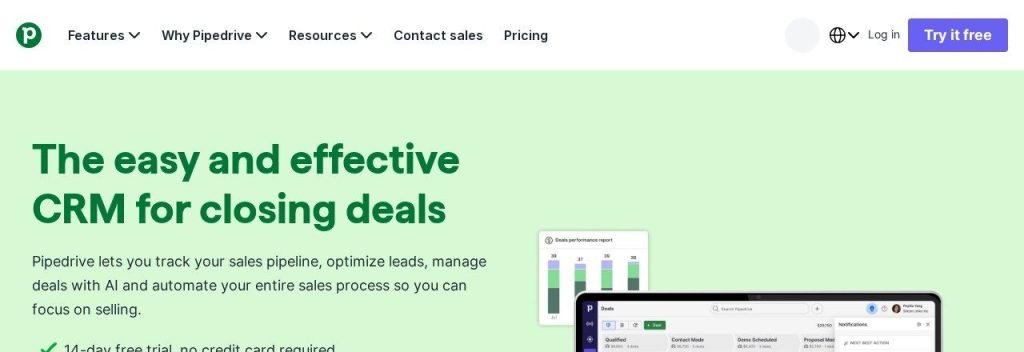
Pipedrive was built by salespeople, and it shows. Your deals sit on a drag-and-drop board, one column per stage, so you always know what needs a push today. Every plan comes with a 14-day free trial and no credit card.
Even the cheapest Lite plan is tagged “Now with AI” and includes AI-powered report creation plus 500+ integrations. A 3-person kitchen remodeling business could track every quote from “site visit” to “signed”, and let Pipedrive remind them when a quote has gone quiet for a week.
Key Capabilities
- Visual pipeline: Drag deals between stages and see the value of each stage in one view.
- AI-powered reports: Builds sales reports for you on every plan, starting with Lite.
- Email sync and sequences: Growth adds full email sync with open tracking, automations and nurturing sequences.
- Lead generation and scoring: Premium adds lead routing, custom scoring, company data enrichment and AI-powered multi-email tools.
- Contracts and e-signatures: Premium lets you send and sign agreements without a separate tool.
Pros
- Very easy pipeline view that teams actually use
- AI reporting on every plan
- 500+ integrations
- Clear, simple plan ladder
Cons
- No free plan, only a 14-day trial
- Email sync and automations need Growth at $39/seat
- Lead scoring and e-signatures need Premium at $59/seat
Plans & Pricing
- Free trial: 14 days, no credit card.
- Lite: $14/seat/month (billed annually). Pipeline management, AI-powered report creation, 500+ integrations.
- Growth: $39/seat/month (billed annually). Adds full email sync with tracking, automations, sequences and a meeting scheduler.
- Premium: $59/seat/month (billed annually). Adds lead generation and routing, scoring, enrichment, AI multi-email tools and e-signatures.
- Ultimate: $79/seat/month (billed annually). Adds security rules, phone and email enrichment and extended phone support.
- Monthly billing costs more. Prices exclude VAT.
Bottom line: Pick Pipedrive if your business runs on quotes and deals and you want a CRM your team will open every day. Skip it if you mostly need contact management and marketing emails rather than a sales pipeline.
3. Zoho CRM
Best for: Small teams that want a free CRM for up to 3 people and a cheap upgrade path with AI agents
Zoho CRM packs a lot into a low price. Its free edition is free forever for 3 users, with contact management, follow-up reminders, workflow automation, standard reports and mobile apps.
Paid plans stay affordable: Standard is $14 per user a month on annual billing and adds multiple pipelines, forecasting, data enrichment and built-in calling. A 3-person insurance agency could run the whole office on the free edition, then move to Professional when it wants AI agents.
Key Capabilities
- Free for 3 users: Contacts, tasks, calls, meetings and basic workflow automation at $0.
- AI agents on Professional: Build and deploy AI agents that carry out tasks for you, plus predictive intelligence.
- Zia on Enterprise: Zoho’s AI assistant gives insights, predictions and recommendations on the Enterprise plan.
- Built-in calling and email: Standard includes calling plus Gmail and Outlook integration.
- Fits the Zoho suite: Connects with other Zoho apps, or get 50+ apps with Zoho One from $30 per user a month.
Pros
- Free plan for 3 users
- Low per-user prices on every tier
- AI agents from $23 per user a month
- Huge feature list for the money
Cons
- The interface takes longer to learn than Pipedrive or Less Annoying CRM
- Free edition caps email templates at 10 and data exports at 10
- The full Zia AI assistant is reserved for Enterprise
Plans & Pricing
- Free: $0 forever for 3 users. Contacts, reminders, workflow automation, standard reports, mobile apps.
- Standard: $14/user/month (billed annually; $20 monthly). Multiple pipelines, forecasting, data enrichment, built-in calling.
- Professional: $23/user/month (billed annually; $35 monthly). AI agents, predictive intelligence, unlimited reports, CPQ.
- Enterprise: $40/user/month (billed annually; $50 monthly). Extended Zia AI, multi-team management, sandbox, approvals.
- Ultimate: $52/user/month (billed annually; $65 monthly). Zoho CRM’s top tier.
Bottom line: Pick Zoho CRM if you want the most features per dollar and a free plan your small team can actually use. Skip it if you want something you can learn in an afternoon.
4. Freshsales
Best for: Price-conscious small businesses that want email, phone and chat in one sales inbox
Freshsales, the CRM from Freshworks, has the lowest paid starting price on this list: $9 per user a month on annual billing. You get a 21-day trial of the full product before you pay.
The Growth plan covers a Kanban deal view, contact lifecycle stages, chat, email and phone in one place, plus basic workflows. A small IT services firm could take support calls and sales calls from the same screen and see each customer’s full history while they talk.
Key Capabilities
- Chat, email and phone built in: Talk to leads on every channel without paying for separate tools.
- Contact scoring and deal insights: The Pro plan flags which leads and deals deserve your attention first.
- Sales sequences: Pro adds automated email sequences so follow-ups go out on time.
- Freddy AI Agent add-on: Freshworks’ AI agent costs $49 per 100 sessions on any plan.
- Forecasting insights: Enterprise adds forecasts, custom modules and audit logs.
Pros
- Lowest paid starting price here at $9/user
- Long 21-day free trial
- Phone, email and chat included from Growth
Cons
- No free plan on the current pricing page
- Sequences and lead scoring need Pro at $39/user
- Freddy AI is a paid add-on, not included in plans
Plans & Pricing
- Free trial: 21 days with full access.
- Growth: $9/user/month (billed annually). Kanban view, lifecycle stages, chat, email and phone, custom fields, basic workflows.
- Pro: $39/user/month (billed annually). Adds contact scoring, deal insights, territories and sales sequences.
- Enterprise: $59/user/month (billed annually). Adds forecasting insights, field-level permissions, custom modules, sandbox and audit logs.
- Add-ons: Freddy AI Agent $49 per 100 sessions. Branded documents $19/user/month. Monthly billing costs about 20% more.
Bottom line: Pick Freshsales if you want a capable paid CRM at the lowest price and like having calls and chats in the same place. Skip it if you want AI included in the plan price.
5. monday CRM
Best for: Small teams that sell and then deliver work (agencies, studios, installers) and want both in one tool
monday CRM looks and works like a set of colorful spreadsheets you can customize without code. That makes it easy to track leads and then hand a won deal straight to the people who deliver the work.
Plans start from 3 seats, and Standard and above include AI credits plus agents like an outreach caller, lead sourcer, meeting prep agent and AI meeting notetaker. A 5-person marketing agency could track proposals, then turn each signed client into a project board without switching apps.
Key Capabilities
- AI agents on Standard and up: Lead sourcer, outreach caller, meeting prep and a build-your-own agent.
- AI meeting notetaker: Records and summarizes sales calls on Standard and higher plans.
- Quotes and invoices: Send 20 a month on Basic, 50 on Standard and 250 on Pro.
- Automations: 250 custom automations a month on Standard, 25,000 on Pro.
- Mass emails and sequences: Included on the Pro plan.
Pros
- Very flexible boards you can shape to your process
- AI agents and notetaker included from Standard
- Good fit if your team already uses monday.com
Cons
- 3-seat minimum, so a solo owner pays for 3 seats
- Basic caps you at 1,000 contacts and deals
- No free plan, and AI credit amounts are not listed on the pricing page
Plans & Pricing
- Free trial: 14 days, no credit card.
- Basic: $12/seat/month (billed annually; $18 monthly). 1,000 active contacts and deals, 1 dashboard, 20 quotes and invoices a month.
- Standard: $17/seat/month (billed annually; $25 monthly). 10,000 contacts and deals, AI credits and agents, 250 automations a month, mobile apps.
- Pro: $28/seat/month (billed annually; $41 monthly). 100,000 contacts and deals, mass emails, sequences, AI workflow builder.
- Ultimate: Custom pricing (contact sales). Unlimited contacts, HIPAA compliance, priority support.
- Plans start from 3 seats. Prices shown for a 10-seat team; they exclude tax.
Bottom line: Pick monday CRM if you want one tool for selling and delivering work, especially if your team already likes monday.com. Skip it if you work alone, because of the 3-seat minimum.
6. Attio
Best for: Tech-savvy small teams and startups that want a flexible, data-rich CRM with AI built into everything
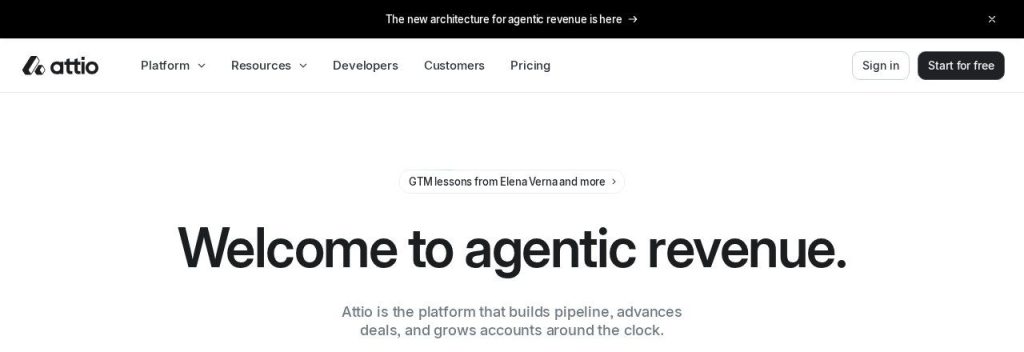
Attio is a newer CRM that builds your contact database automatically from your email and calendar. You can shape it around anything you track: customers, investors, hires or partners.
Its free plan covers up to 3 seats and 50,000 records, plus 250 workspace AI credits a month. A 2-person software startup could run sales and fundraising in the same workspace and ask Attio’s AI questions like “which deals have not replied in two weeks?”
Key Capabilities
- Ask Attio: Ask questions about your data and create content with AI, powered by monthly seat and workspace credits.
- Web Agent: Researches companies and people on the web for you.
- Call Intelligence: Records and analyzes meetings on the Pro plan.
- Automatic enrichment and sync: Builds records from your inbox and calendar so you do not type contacts in.
- Custom objects: Track up to 3 object types on Free, 5 on Plus and 12 on Pro.
Pros
- Generous free plan for 3 seats and 50,000 records
- AI credits included on every plan
- Very flexible data model
- Modern, fast interface
Cons
- Plus is capped at 10 seats
- Call recording and sequences need Pro at $79/seat
- Heavy AI use may mean buying extra credits (from $70 to $85 for 5,000)
Plans & Pricing
- Free: $0. Up to 3 seats, 50,000 records, 200 emails a month, 250 workspace credits a month.
- Plus: $35/seat/month (billed annually; $44 monthly). Up to 10 seats, 250,000 records, 1,000 emails a month, 1,500 workspace credits.
- Pro: $79/seat/month (billed annually; $99 monthly). Unlimited seats, 1,000,000 records, Call Intelligence, sequences, 10,000 workspace credits. 14-day trial.
- Enterprise: Custom pricing (contact sales). Unlimited objects and teams, security and admin controls.
Bottom line: Pick Attio if you want a modern, AI-first CRM and like setting things up your own way. Skip it if you want a simple, fixed sales process with phone support.
7. folk
Best for: Consultants, agencies and founders who find clients through LinkedIn, email and referrals
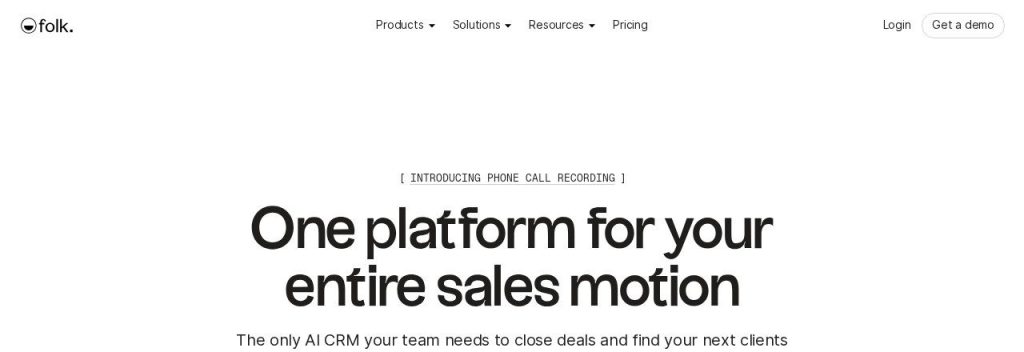
folk is a lightweight CRM made for people who sell through their network. Its LinkedIn extension saves a profile to your CRM in one click, and it syncs your email, calendar and WhatsApp.
The Standard plan includes AI assistants, 500 email finds a month and 2,000 AI “magic fields” a month. A freelance brand consultant could save prospects from LinkedIn, let folk find their emails, and get nudged when it is time to follow up.
Key Capabilities
- LinkedIn extension: Save people and companies from LinkedIn into your CRM in one click.
- Follow-up Assistant: Reminds you who to follow up with so warm leads do not go cold.
- Magic fields (AI): Fill columns with AI, such as a company summary or industry, 2,000 times a month on Standard.
- Email finding: 500 enrichments a month on Standard and 1,000 on Premium.
- Email sequences: Premium adds sequences, deals, dashboards and API access.
Pros
- Fastest way to turn LinkedIn contacts into a pipeline
- Unlimited members on every plan
- AI assistants included from Standard
Cons
- No free plan on the pricing page, only a 2-week trial
- Deals pipeline and sequences need Premium at $48/user
- Lighter on reporting than HubSpot or Zoho
Plans & Pricing
- Free trial: 2 weeks with premium features, no credit card.
- Standard: $24/user/month (billed annually; $30 monthly). LinkedIn extension, email, calendar and WhatsApp sync, AI assistants, 500 enrichments and 2,000 magic fields a month.
- Premium: $48/user/month (billed annually; $60 monthly). Custom objects and deals, email sequences, dashboards, API, 1,000 enrichments and 5,000 magic fields a month.
- Enterprise: From $80/user/month (billed annually; from $100 monthly). Custom limits, security controls, 1:1 onboarding.
Bottom line: Pick folk if your clients come from LinkedIn and referrals and you want a CRM that feels like a smart contact list. Skip it if you need a full sales pipeline on the cheapest plan.
8. Less Annoying CRM
Best for: Non-technical owners who want a plain, friendly CRM with one price and no AI add-ons to manage
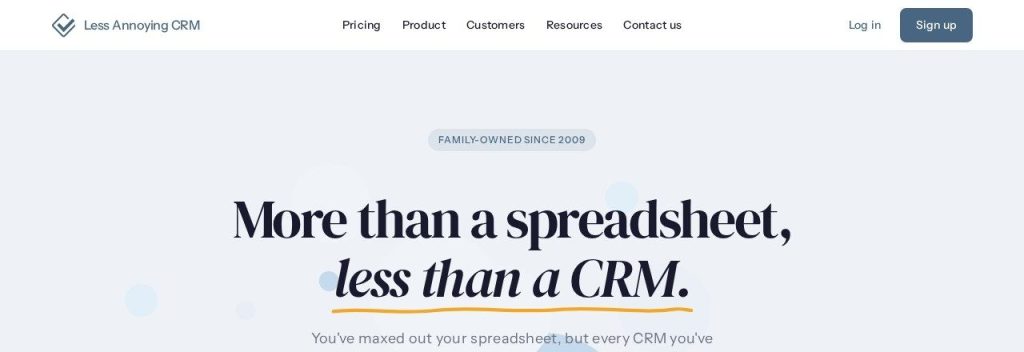
Less Annoying CRM is the honest outlier on this list: it does not advertise AI features. What it offers is one plan at $15 per user a month with every feature included, unlimited contacts and free support.
It has been family-owned since 2009 and says 10,000+ small businesses use it. A local landscaping company could log every client, schedule follow-up tasks and sync with Google Calendar without ever reading a manual.
Key Capabilities
- One plan, all features: Every user gets the full product and free upgrades for $15 a month.
- Unlimited contacts and pipelines: No caps on contacts, companies or pipelines (they suggest staying under 50,000 contacts).
- Tasks and calendar: Follow-up tasks and calendar events, with Google Calendar and Outlook Calendar sync.
- Email logging: Keeps a record of emails with each contact.
- HIPAA compliance included: A BAA is available, useful for small health and wellness practices.
Pros
- Very easy to learn
- Simple, flat price with nothing locked behind upgrades
- Long 30-day free trial with no credit card
- Free, friendly human support
Cons
- No AI features listed
- No free plan
- Fewer integrations (Zapier, Mailchimp and calendars) than bigger CRMs
Plans & Pricing
- Free trial: 30 days, no credit card, no limitations.
- Less Annoying CRM: $15/user/month (plus applicable tax). Unlimited contacts and pipelines, 25 GB file storage per user, all features, free support.
Bottom line: Pick Less Annoying CRM if you want a CRM you will actually keep using and do not care about AI. Skip it if AI email writing or call summaries are the reason you are buying a CRM.
What to Look For in a Small Business CRM
Every CRM promises more sales. These are the details that decide what you pay and whether your team uses it.
- Price per user, times your team: Almost every CRM charges per seat. monday CRM starts at 3 seats, so a solo owner pays for three.
- A free plan that fits your team size: HubSpot is free for 2 users, Zoho CRM and Attio for 3.
- AI that is included, not bolted on: HubSpot, Attio and monday CRM include AI credits in plans, while Freshsales charges $49 per 100 Freddy AI sessions.
- Automatic follow-ups: Reminders and email sequences are where a CRM pays for itself. Pipedrive includes sequences from Growth, Freshsales from Pro.
- Email and calendar sync: If the CRM does not log emails automatically, nobody will update it. Attio and folk build records from your inbox.
- Ease of use: The best CRM is the one your team opens daily. Less Annoying CRM and Pipedrive are the easiest to learn here.
- Hidden fees: Watch for onboarding fees (HubSpot Professional charges $1,500 once) and paid AI credit top-ups.
Which CRM Should You Choose?
- If you want to start free and grow into marketing tools, pick HubSpot.
- If you sell through quotes and clear deal stages, pick Pipedrive.
- If you have a team of 3 and no budget yet, pick Zoho CRM’s free plan.
- If you want the lowest paid price, pick Freshsales.
- If you sell and then deliver projects, pick monday CRM.
- If you want an AI-first CRM and like to customize, pick Attio.
- If clients come from LinkedIn and referrals, pick folk.
- If you just want something simple that works, pick Less Annoying CRM.
FAQs
What is the best CRM for a small business?
For most small businesses, HubSpot is the best place to start because its free plan covers 2 users and you can add AI and marketing tools later. If you run a sales pipeline with quotes, Pipedrive is the stronger pick.
Is there a free CRM for small businesses?
Yes. As of November 2026, HubSpot is free for up to 2 users, Zoho CRM is free forever for 3 users, and Attio is free for up to 3 seats and 50,000 records.
How much does a CRM cost for a small business?
Paid plans start at $9 per user a month (Freshsales Growth, billed annually) and most small teams pay $15 to $40 per user. Watch for extras like HubSpot’s $1,500 Professional onboarding fee and AI credit top-ups.
Do I need a CRM if I only have a few customers?
If you lose track of follow-ups, yes. Even a solo owner benefits from reminders and a single history of every conversation, and free plans from HubSpot or Zoho CRM cost nothing to try.
What can AI do inside a CRM?
AI in a CRM can draft follow-up emails, summarize calls, research leads, fill in missing company data and flag deals going cold. HubSpot, monday CRM and Attio include AI credits in their plans.
Final Thoughts
Pick one CRM this week and move only your active leads into it. If you are not sure, start with HubSpot’s free plan or Zoho CRM’s free plan for 3 users, and set a follow-up reminder for every open deal.
Want more leads to put in it? See our picks for the best AI lead generation tools, or let an AI meeting note taker log your sales calls for you.