

Prices checked: November 2026
Most small businesses pay for 10 or more software subscriptions. Add a few AI tools at $20 a month each and you are suddenly spending hundreds before you know if any of them help.
The good news: some of the most useful AI tools have free plans that are actually usable, not 7-day teasers.
A free AI stack can write your emails, design your posts, take your meeting notes, answer website chats and move data between apps. That is real time back every week, for $0.
We checked every tool’s official site and pricing page in November 2026, so you know exactly what each free plan includes and when you would have to pay.
Here are the 10 best free AI tools, and who each one suits.
Quick answer
- Best free AI assistant: ChatGPT
- Best free AI for long documents: Claude
- Best free design tool: Canva
- Best free meeting notes: Fathom (unlimited recordings)
- Best free CRM: HubSpot (2 users, 1,000 contacts)
What’s the Best Free AI Tool for Small Businesses?
| Tool | Best for | Free plan limit | Paid from |
|---|---|---|---|
| ChatGPT | Everyday writing and questions | Unlimited text chats | $8/mo |
| Claude | Long documents and writing | 5 Projects, usage caps | $17/mo |
| Canva | Social posts and flyers | 20 AI uses/mo | $12/mo |
| Grammarly | Error free emails | 100 AI prompts/mo | $12/mo |
| Fathom | Meeting notes | Unlimited recordings | $15/user/mo |
| HubSpot | Tracking leads and deals | 2 users, 1,000 contacts | $7/seat/mo |
| Tidio | Website live chat | 50 chats/mo | $24.17/mo |
| Zapier | Automating busywork | 100 tasks/mo | $19.99/mo |
| MailerLite | Starting an email list | 250 subscribers | $12/mo |
| Perplexity | Research with sources | 3 Pro Searches/day | $17/mo |
Prices checked November 2026. Paid prices use annual billing unless noted. Every tool here has a free plan with no time limit.
Money saver
You can run a solid starter stack for $0: ChatGPT or Claude for writing, Canva for design, Fathom for meeting notes and HubSpot for leads. Only pay for the one tool whose free limit you hit first.
1. ChatGPT
Best for: Owners who want one free AI helper for emails, posts, quick research and brainstorming
ChatGPT is the general AI assistant most people try first. OpenAI said in March 2026 that ChatGPT has more than 900 million weekly users, so your staff probably know how to use it already.
The free plan gives you unlimited text chats (with fair use limits), plus capped access to file uploads, image creation, voice chats and deep research. A bakery owner could paste in last month’s customer reviews, ask for the three most common complaints, and then get a draft reply for each one in a few minutes.
Key Capabilities
- Writing on demand: Drafts emails, product descriptions, job ads and social posts from a one-line prompt.
- File and photo questions: Upload a PDF, spreadsheet or photo and ask about it (free uploads are limited).
- Image creation: Makes simple images for posts or mockups, with a small free allowance.
- Voice chats: Talk through a problem out loud on your phone while you drive or walk.
- Deep research (limited): Runs longer, multi-step web research and returns a written report.
Pros
- Unlimited text chats on the free plan
- Very easy to learn, works on web, desktop and mobile
- Handles almost any writing or thinking task
- Cheap Go plan if you outgrow free
Cons
- Free caps on uploads, images, voice and deep research are not published as numbers
- No Projects or custom GPTs on free
- Go plan says ads may appear
- Free has no team admin or business data controls
Plans & Pricing
- What the free plan includes: Unlimited text chats (subject to fair use), limited file uploads, image creation, voice chats, deep research and memory.
- Go: $8/month. More messages, uploads, images and voice, plus Projects and scheduled tasks.
- Plus: $20/month. Advanced reasoning models, custom GPTs, more deep research.
- Pro: From $100/month. The highest limits for heavy daily use.
- Business: $20 per user/month billed annually ($25 monthly), 2 user minimum. Admin controls, and business data is not used for training by default.
- When you would need to pay: Upgrade when you hit upload or image caps every week, or when two or more people need shared, private workspaces.
Bottom line: Start here if you only add one free AI tool this year. Skip the paid plans until you hit the caps regularly.
2. Claude
Best for: Owners who write a lot or work with long contracts, reports and spreadsheets
Claude is Anthropic’s AI assistant. Many people pick it for writing that sounds natural and for reading long files in one go.
The free plan includes web search, file creation, memory, voice mode and up to 5 Projects, with usage limits that reset every 5 hours and every week. A 2-person consultancy could upload a 40-page client contract and ask Claude to list every deadline and payment term in a table.
Key Capabilities
- Long file reading: Upload big PDFs and documents and ask questions across the whole thing.
- Projects (up to 5 free): Keep your brand notes, price list and FAQs in one place so answers stay consistent.
- Creates real files: Builds documents, slides and simple tools you can download.
- Web search: Pulls in current information with links you can check.
- App connections: Connects to tools you already use, so it can work with your own data.
Pros
- Strong, natural writing quality
- Generous feature list on free (Projects, files, search)
- Good with long documents
- Simple, clean interface
Cons
- Free usage limits can run out during a busy afternoon
- No message count is published, so limits feel unpredictable
- No Research mode or top Opus model on free
- Only 5 Projects on free
Plans & Pricing
- What the free plan includes: Chat on web, desktop and mobile with Sonnet and Haiku models, web search, file creation, code running, memory, voice mode and up to 5 Projects. Usage is limited every 5 hours and every week.
- Pro: $17/month billed annually ($200/year) or $20 monthly. More usage, Opus model, Research, unlimited Projects.
- Max: $100/month. 5x Pro usage plus monthly API credits.
- Team: $20 per seat/month billed annually ($25 monthly), 2 to 150 seats. Admin controls and no training on your data by default.
- When you would need to pay: Pay when you hit the 5-hour limit more than once or twice a week, or need the Research feature.
Bottom line: Pick Claude if most of your AI use is writing and reading long documents. Pick ChatGPT instead if you want more free image and voice features.
3. Canva
Best for: Owners who make their own social posts, flyers and simple ads without a designer
Canva is the design tool most small businesses already know. Its free plan comes with about 1.6 million templates, 5GB of storage and up to 20 AI uses a month, according to Canva’s own plan guide (October 2026).
That is enough to run a small brand. A local gym could build a month of Instagram posts from one template, change the class times each week, and use the AI tools to write captions or generate a background image.
Key Capabilities
- Huge template library: Pick a ready layout for posts, flyers, menus or slides and swap in your text.
- AI design tools (20 uses free): Generate images, text and design ideas from a short prompt.
- Brand Kit: Save your brand colors (3 on the free plan) so every design matches.
- Team sharing: Invite staff to comment on or edit shared designs.
- Print and social export: Download for print or post straight to your social channels.
Pros
- Free plan is enough for most small brands
- Very easy for non-designers
- Massive template choice
- Works well for a small team
Cons
- Only 20 AI uses a month on free
- Premium photos and templates need Pro
- Free Brand Kit is limited to 3 colors
- Pro is for one person only; teams need Business
Plans & Pricing
- What the free plan includes: 5GB storage, about 1.6 million templates, up to 20 AI uses per month, 1 Brand Kit with 3 colors, and collaboration on shared designs.
- Pro (1 person): $12/month billed yearly ($144/year) or $18 month to month. 100GB storage, about 10x the free AI allowance, premium assets.
- Business (per person): $20.83/month billed yearly ($250/year) or $25 month to month. 500GB per person and about 20x the free AI allowance.
- Enterprise: Custom pricing (contact sales).
- Free trial: 30 days of Pro or Business.
- When you would need to pay: Upgrade when you need premium stock photos, one-click resizing for many formats, or more than 20 AI uses a month.
Bottom line: Every small business should have a free Canva account. Only pay once you post daily and run out of AI uses.
4. Grammarly
Best for: Owners and staff who send a lot of client emails and want them clear and error free
Grammarly checks your writing as you type in email, docs and the browser. Grammarly says it is trusted by over 40 million people and 50,000 organizations.
The free plan fixes spelling and grammar, shows your tone, and includes 100 AI prompts a month for generating text. A property manager answering 30 tenant emails a day could use it to catch mistakes and make sure replies do not sound cold.
Key Capabilities
- Grammar and spelling fixes: Catches errors in Gmail, Outlook, Google Docs, LinkedIn and more.
- Tone detection: Shows if a message sounds friendly, formal or too blunt before you hit send.
- AI text generation (100 prompts free): Drafts or rewrites short replies from a quick instruction.
- Works where you write: Browser extension and desktop app, so there is no copy and paste.
Pros
- Free plan catches most everyday mistakes
- Works inside the apps you already use
- Tone check helps with tricky customer emails
- Pro is cheap on annual billing
Cons
- Full-sentence rewrites need Pro
- Only 100 AI prompts a month on free
- No plagiarism check on free
- Monthly Pro billing is $30, much more than annual
Plans & Pricing
- What the free plan includes: Grammar and spelling corrections, tone detection, and 100 AI prompts per month.
- Pro: $12 per member/month billed annually ($144/year) or $30 monthly. Full-sentence rewrites, tone changes, plagiarism and AI detection, 2,000 AI prompts per member per month, a style guide and brand tone.
- Enterprise: Custom pricing (contact sales). Unlimited AI prompts, SSO and advanced security.
- When you would need to pay: Pay when your team writes for clients all day and you want one brand voice and full rewrites.
Bottom line: Install the free version on every work computer. Upgrade only if you need team style rules.
5. Fathom
Best for: Owners who spend hours on Zoom, Google Meet or Teams calls and hate typing notes
Fathom records your video calls, writes a transcript and sends an AI summary when the call ends. It works with Zoom, Google Meet and Microsoft Teams.
The standout: the free plan includes unlimited recordings and transcriptions, which is rare. A freelance web designer could record every client discovery call and paste the summary straight into the project brief.
Key Capabilities
- Unlimited recording: Records and transcribes every call on the free plan, with no monthly cap published.
- Instant AI summaries: Get the key points of a call seconds after it ends.
- Bot or no bot: Choose a visible notetaker bot or bot-free capture (in beta).
- Clips and search: Share a short clip of a call and search across all past calls.
Pros
- Unlimited recordings and transcripts for free
- Summaries arrive right after the call
- Works with the 3 big video tools
- 90-day money-back guarantee on paid plans
Cons
- Free plan is for individuals, no shared team workspace
- AI action items and Ask Fathom are limited on free
- CRM sync needs the Business plan
- Team plans need at least 2 users
Plans & Pricing
- What the free plan includes: Unlimited recordings and transcriptions, instant AI call summaries, clips, playlists and search across calls. Some AI features and integrations are limited.
- Premium (individual): $16/month billed annually ($20 monthly). Advanced summaries and action items.
- Team: $15 per user/month billed annually ($19 monthly), 2 user minimum. Shared workspace.
- Business: $25 per user/month billed annually ($34 monthly), 2 user minimum. CRM sync and coaching metrics.
- Enterprise: Annual billing only; contact sales for a quote.
- When you would need to pay: Pay when your whole team needs a shared library of calls, or you want notes pushed into your CRM.
Time saver
Turn on Fathom before your next sales or client call and stop taking notes by hand. If a 30-minute call usually costs you 10 minutes of writing up notes, five calls a week gives you nearly an hour back.
Bottom line: The best free deal on this list for anyone who lives on video calls. Skip it if most of your calls are by phone.
6. HubSpot
Best for: Small teams that want a free place to track leads, deals and customer emails
HubSpot offers a free CRM with marketing, sales and service tools built in. HubSpot says it has over 306,000 customers in more than 135 countries.
The free plan covers up to 2 users and 1,000 contacts, and includes the Breeze AI assistant, which can research companies, help you prepare for sales calls and summarize contact records. A 2-person roofing company could log every quote request as a deal and see which jobs need a follow-up call this week.
Key Capabilities
- Breeze AI assistant: Researches a company, preps you for a call and summarizes a contact’s history.
- Deal pipelines: Drag each lead from “new” to “won” so nothing slips.
- Email tracking and templates: See when a lead opens your email and reuse your best replies.
- Free marketing emails: Send up to 2,000 marketing emails a month (with HubSpot branding).
- Live chat and meetings: Add a chat widget to your site and share a booking link.
Pros
- Real CRM for $0, no credit card
- Breeze AI included on free
- Chat, email and meeting tools in one place
- Starter is cheap if you need more
Cons
- Only 2 users and 1,000 contacts on free
- HubSpot branding on free emails and chat
- No workflows on free (1 automated email action only)
- Professional plans cost hundreds a month plus onboarding fees
Plans & Pricing
- What the free plan includes: Up to 2 users, 1,000 contacts, 2,000 marketing emails per month, deal pipelines, email tracking, live chat, basic chatbot, meeting scheduling, quotes and the Breeze AI assistant.
- Starter Customer Platform: $7 per seat/month billed annually (new customer price; $10 paid monthly). 1,000 marketing contacts, 500 HubSpot Credits a month, no branding.
- Marketing Hub Professional: From $800/month including 3 seats, plus a one-time $3,000 onboarding fee.
- Sales Hub Professional: From $90 per seat/month, plus a one-time $1,500 onboarding fee.
- When you would need to pay: Pay when you need a third user, more than 1,000 contacts, or automated follow-up workflows.
Bottom line: The safest free CRM for a small team. Watch the jump to Professional, which is a big step up in price.
7. Tidio
Best for: Online stores and service businesses that want live chat on their site at no cost
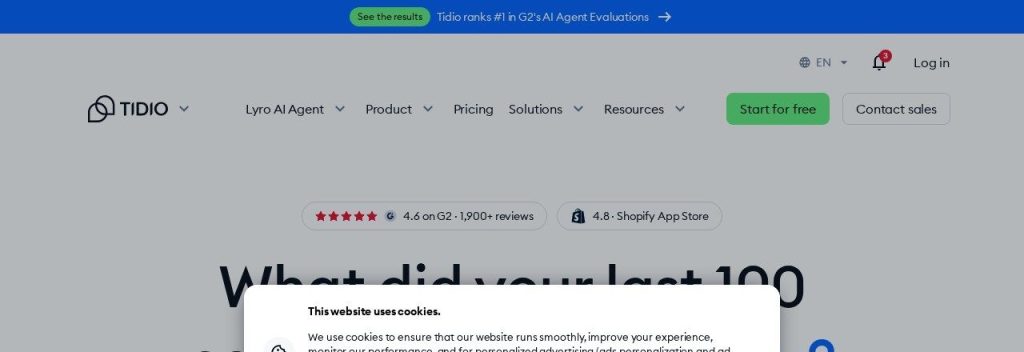
Tidio adds live chat, a help desk and an AI agent called Lyro to your website. Tidio says 300K+ businesses use it, and that Lyro resolves 75% of conversations on average across its customers.
The free plan gives you 50 human-handled conversations a month, 10 seats and a one-time trial of 50 Lyro AI conversations. A small Shopify store could answer “where is my order” questions live, then test Lyro to see how many it can answer alone.
Key Capabilities
- Live chat: Talk to website visitors in real time from desktop or phone.
- Lyro AI agent (50 free, one time): Answers common questions from your FAQs without a human.
- Ticketing and email: Keep chat and email questions in one inbox.
- Flows: Simple automations like a welcome message or a discount pop-up (100 visitors a month free).
Pros
- 10 seats on the free plan
- Works with Shopify and WordPress sites
- Lets you try the AI agent before paying
- Clean, simple inbox
Cons
- Only 50 human conversations a month on free
- The 50 free Lyro conversations are lifetime, not monthly
- Lyro is a paid add-on after that (from $32.50/month)
- A busy store will outgrow free quickly
Plans & Pricing
- What the free plan includes: 50 billable conversations per month, 10 seats, live chat, ticketing, email management, Flows for 100 visitors a month, and 50 Lyro AI conversations (one time).
- Starter: $24.17/month billed annually. 100 conversations a month.
- Growth: From $49.17/month billed annually. From 250 conversations a month.
- Plus: From $300/month plus usage. Custom limits.
- Lyro AI add-on: From $32.50/month for 50 AI conversations.
- When you would need to pay: Pay when you pass 50 chats a month or want the AI agent answering every day.
Bottom line: Great for testing chat and AI support for free. Plan a budget for Lyro if the test works.
8. Zapier
Best for: Owners who copy the same data between apps every day and want it done automatically
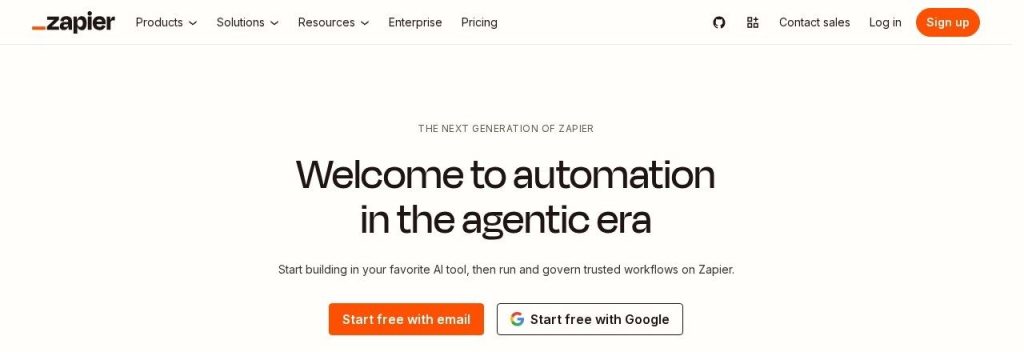
Zapier connects your apps so one action triggers another. Zapier says it is trusted by 3 million+ businesses and connects 9,000+ apps.
The free plan includes 100 tasks a month, unlimited two-step Zaps, AI agents (400 activities a month) and 2 chatbots. A cleaning company could send every new website form straight into a Google Sheet and get a Slack alert, with no copy and paste.
Key Capabilities
- Two-step Zaps: “When this happens, do that” automations across thousands of apps.
- Copilot (beta): Describe what you want in plain words and Zapier builds the Zap.
- AI agents (400 activities free): Small AI helpers that can do tasks like sorting leads.
- Chatbots (2 free): Simple AI chatbots trained on your own content.
Pros
- 9,000+ app connections
- AI Copilot makes setup easier
- Free AI agents and chatbots to experiment with
- Huge library of ready templates
Cons
- 100 tasks a month goes fast
- Free Zaps are two steps only
- No premium apps or webhooks on free
- Free runs check every 15 minutes, not instantly
Plans & Pricing
- What the free plan includes: 100 tasks per month, unlimited two-step Zaps, 15-minute update time, 1 user, Copilot (beta), AI agents with 400 activities per month, 2 chatbots and Zapier MCP.
- Professional: From $19.99/month billed annually for 750 tasks. Multi-step Zaps, premium apps, webhooks.
- Team: From $69/month billed annually. Up to 25 users and shared Zaps.
- Enterprise: Custom pricing (contact sales).
- When you would need to pay: Pay when one automation needs more than two steps, or you pass 100 tasks a month.
Bottom line: Use the free plan to automate your one most annoying daily task. Expect to pay once automation becomes a habit.
9. MailerLite
Best for: New businesses starting an email list with a few hundred subscribers
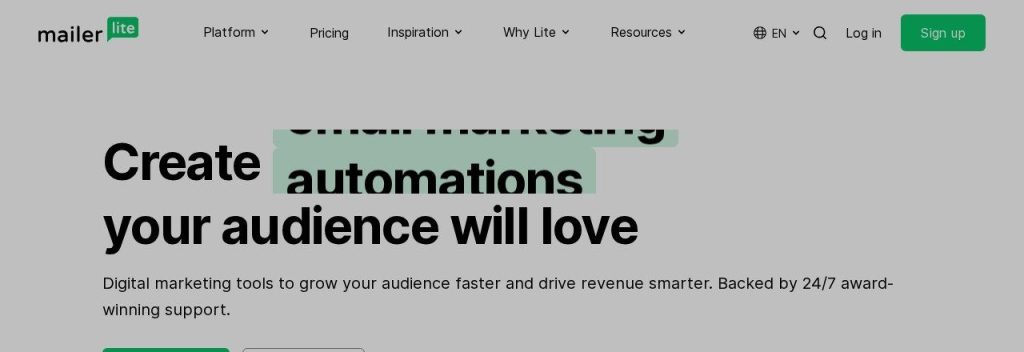
MailerLite handles email newsletters, automations, landing pages and simple websites. MailerLite says 1M+ creators and businesses use it.
Heads up: MailerLite cut its free plan in June 2026. It now allows 250 subscribers and 2,500 emails a month, with a free AI subject line generator and one AI-built landing page. A new candle shop could collect emails on a landing page and send a welcome series automatically.
Key Capabilities
- AI subject lines (limited free): Suggests subject lines to help more people open your emails.
- AI landing page (1 free): Builds a signup page from a short description.
- Automations (3 free): Welcome emails and simple follow-ups that send on their own.
- Forms and website: 3 signup forms and a 5-page website on the free plan.
Pros
- Clean, beginner friendly editor
- Landing pages and a small website included free
- 2 user seats on free
- Paid plans start low
Cons
- Free plan dropped to 250 subscribers in June 2026
- Full AI writing assistant is paid only
- Only 3 automations on free
- No email or chat support on free
Plans & Pricing
- What the free plan includes: 250 subscribers, 2,500 emails per month, 2 user seats, 3 automations, 3 forms, 1 landing page, a 5-page website, AI subject line suggestions (limited) and one AI-generated landing page.
- Comfort: From $12/month. Emails up to 10x your subscriber count, 3 seats, 50 automations, AI writing assistant (limited credits).
- Power: From $25/month (up to 500 subscribers). Unlimited emails (fair use), unlimited seats, full AI writing assistant, 24/7 live chat.
- Enterprise: Custom pricing (200K+ subscribers).
- Discount: Annual billing saves 10%.
- When you would need to pay: Pay once your list passes 250 subscribers or you want the AI writing assistant.
Bottom line: A good free starting point for a brand new list. If you already have 1,000+ contacts, compare our AI email marketing tool picks first.
10. Perplexity
Best for: Owners who research suppliers, competitors and markets and want sources they can check
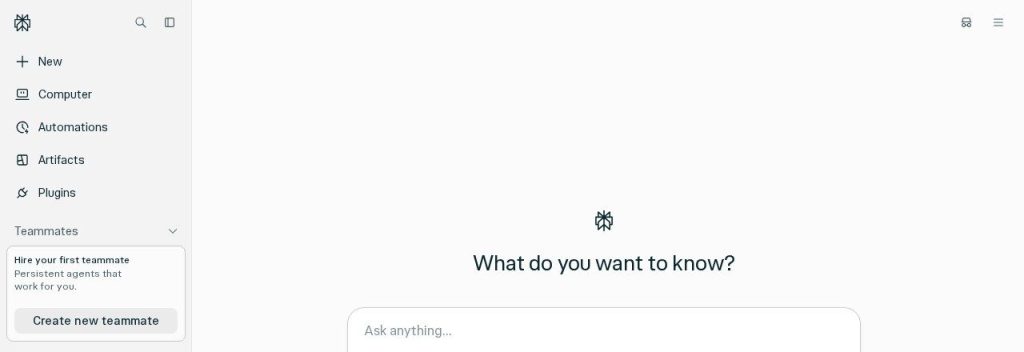
Perplexity is an AI answer engine. You ask a question, it searches the web and replies with links to its sources, so you can check the facts yourself.
The free plan gives you practically unlimited basic searches, 3 Pro Searches a day and 1 Deep Research report a month. A café owner could ask it to compare wholesale coffee suppliers that ship to their area and get a cited shortlist in under a minute.
Key Capabilities
- Cited answers: Every answer shows its sources, which is safer for business decisions.
- Pro Search (3 a day free): Digs deeper on harder questions.
- Deep Research (1 a month free): Writes a full research report on a topic.
- File questions: Upload a file and ask about it (limited on free).
Pros
- Sources on every answer
- Fast for competitor and supplier research
- Basic search is practically unlimited
- Good for quick fact checks before you decide
Cons
- Only 3 Pro Searches a day on free
- Just 1 Deep Research a month
- No model choice on free
- Less useful for long writing tasks
Plans & Pricing
- What the free plan includes: Practically unlimited basic searches, 3 Pro Searches per day, 1 Deep Research query per month, search history and limited file uploads.
- Pro: $17/month billed annually. Advanced models, more Deep Research, file and image creation.
- Max: $200/month or $2,000/year. The highest limits.
- Enterprise Pro: $40 per seat/month or $400 per seat/year. Your data is not used for training.
- When you would need to pay: Pay if you run research every day and keep hitting the 3 Pro Searches limit.
Bottom line: Keep Perplexity open for any question where you need a source. Use ChatGPT or Claude for the writing that follows.
What to Look For in a Free AI Tool
A free plan is only useful if it fits how you actually work. Check these before you sign up:
- A real free plan, not a trial: Every tool here is free with no end date. A 14-day trial is not the same thing.
- Monthly limits you will not hit in a week: Fathom’s unlimited recordings go a long way; Tidio’s 50 chats a month may not for a busy store.
- Monthly vs one time allowances: Tidio’s 50 free Lyro AI conversations are lifetime, not monthly. Read the small print.
- Seats for your team: HubSpot allows 2 users free and Tidio allows 10, while Zapier’s free plan is 1 user.
- Branding on customer-facing tools: HubSpot’s free emails and chat show its branding, which is fine for most but not every brand.
- A fair price when you grow: Grammarly Pro is $12/month billed annually but $30 monthly. HubSpot jumps from $7 to hundreds a month at Professional.
- Data and privacy: For client data, check the paid business plans (ChatGPT Business, Claude Team) that do not train on your data by default.
Which Free AI Tool Should You Choose?
- If you only want one tool, pick ChatGPT. It covers the widest range of daily tasks for free.
- If you write proposals, reports or contracts, pick Claude.
- If you handle your own marketing, pick Canva, and add MailerLite once you start an email list.
- If you are on calls all day, pick Fathom. Unlimited free recordings is hard to beat.
- If leads slip through the cracks, pick HubSpot’s free CRM.
- If you copy and paste between apps every day, pick Zapier and automate that one task first.
FAQs
What is the best free AI tool for a small business?
For most owners it is ChatGPT, because its free plan offers unlimited text chats for writing, planning and quick research. If your work is mostly long documents, Claude is a strong free alternative.
Are free AI tools safe for business data?
Be careful with sensitive client data on free consumer plans. Business plans such as ChatGPT Business and Claude Team do not use your data for training by default, so use those for confidential work.
Can I run a small business on free AI tools only?
Yes, at the start. ChatGPT, Canva, Fathom, HubSpot and Zapier all have free plans with no time limit as of November 2026. Most businesses upgrade one or two tools as they grow.
Which free AI tool saves the most time?
It depends on your bottleneck. Fathom saves note taking time on every call, Zapier removes copy and paste work, and ChatGPT speeds up writing. Start with the task you repeat most often.
Do free AI plans stay free?
The plans here have no end date, but limits can change. MailerLite cut its free plan to 250 subscribers in June 2026, so check the pricing page once a year.
Final Thoughts
You do not need a big software budget to get real help from AI. The free plans above cover writing, design, meetings, leads, chat and automation.
The best next step: open a free ChatGPT or Claude account today and give it one real task, like drafting this week’s customer emails. Add the next tool only when you feel the gap.
Ready to go further? See our AI tool stack for a one-person business, or compare the best AI meeting note takers if Fathom’s free plan is not quite enough.