


Prices checked: November 2026
Your QuickBooks renewal email arrives, and the Plus plan that cost $115 a month now costs $140. Intuit raised Essentials, Plus and Advanced prices for renewals from August 1, 2026, the second increase in about a year.
QuickBooks Online is popular for good reasons. Almost every accountant knows it, and it handles inventory, payroll and reporting well. But plans cap users (1, 3, 5 or 25), and Plus has gone from $90 a month in 2023 to $140 today.
A good alternative fixes at least one of those problems: a lower price, more users for the same money, or a simpler tool you will actually open.
We checked the plans, limits and migration options of 7 accounting tools on their own websites in November 2026. Here are the 7 best QuickBooks alternatives, and who each one suits.
Quick answer
- Best overall: Xero (unlimited users, from $27)
- Best budget pick: Zoho Books (free plan, paid from $15)
- Best for freelancers and agencies: FreshBooks
- Best free option: Wave
- Best AI-first bookkeeping: Puzzle or Digits
What’s the Best QuickBooks Alternative?
| Tool | Best for | Free plan | Starting price |
|---|---|---|---|
| Xero | Growing teams that want unlimited users | No (30-day trial) | $27/mo |
| Zoho Books | The lowest price for full accounting | Yes (revenue under $50K) | $15/mo |
| FreshBooks | Freelancers and service businesses | No (30-day trial) | $23/mo |
| Wave | Solo owners who want free invoicing | Yes (Starter) | $15.83/mo |
| Puzzle | Startups that want AI-first books | No (free trial) | $30/mo |
| Digits | Hands-off AI bookkeeping | No (30-day trial) | $65/mo |
| Akaunting | Free self-hosted or cheap cloud accounting | Yes (self-hosted) | $8/mo |
Prices checked November 2026. Starting prices use annual billing unless noted. Xero, FreshBooks, Puzzle and Digits list monthly prices; intro discounts are not included.
1. Xero
Best for: Growing businesses that want full accounting with unlimited users and no per-seat fees

Xero is the closest like-for-like swap for QuickBooks Online, and it fixes the thing that hurts most as you hire: every Xero plan includes unlimited users. QuickBooks Plus caps you at 5 users for $140 a month, while Xero Growing costs $59 a month with no user limit as of November 2026.
Picture a 6-person landscaping company with an owner, an office manager, two crew leads who snap receipts and an outside bookkeeper. On QuickBooks that team needs Advanced. On Xero, everyone gets a login on the $59 plan, and Xero will convert your QuickBooks Online file for free if you qualify as a new customer.
Key Capabilities
- Free QuickBooks conversion: Eligible new US customers get their QuickBooks Online data moved for free through Xero partner Q2X, including contacts, invoices, bills and journals.
- JAX, the AI finance agent: “Just Ask Xero” handles bank reconciliation suggestions and document capture, and you can ask it questions about your numbers in plain English.
- Unlimited users on every plan: Add your bookkeeper, staff and accountant without paying more each month.
- Bank reconciliation and bill pay: Bank feeds, free domestic ACH bill payments, and 1099 management for contractors.
- Built-in analytics: Syft reporting, health scorecards and cash flow forecasts (30 to 180 days depending on plan).
AI Assistant
JAX (Just Ask Xero) is included on all plans. It suggests bank matches, reads bills and receipts with Smart Document Capture, and answers questions about your cash and invoices. Xero announced more JAX actions, such as payment follow ups, at Xerocon in August 2026.
Pros
- Unlimited users, so the bill does not grow with your team
- Free QuickBooks Online conversion for eligible new customers
- Clean, modern interface that accountants know well
- Syft analytics and a Claude connector included
Cons
- Early plan caps you at 20 invoices and 5 bills a month
- Auto reconciliation is a $5 add-on on Early
- Multi-currency and projects need the $97 Established plan
- No free plan, only a 30-day trial
Plans & Pricing
- Free trial: 30 days. New US customers can also get 80% off for the first 3 months with an offer code.
- Early: $27/month (billed monthly). 20 invoices and quotes, 5 bills, bank reconciliation, unlimited users.
- Growing: $59/month (billed monthly). Unlimited invoices and bills, auto reconciliation, 60-day cash flow forecast.
- Established: $97/month (billed monthly). Adds multi-currency, projects, expense claims and 180-day forecasts.
- Payroll: Through Gusto, $36/month plus $6 per person.
Time saver
Before you cancel QuickBooks, check if you qualify for Xero’s free conversion. Moving the history for you saves days of exporting and re-entering open invoices and bills.
Bottom line: Switch to Xero if your team is growing and QuickBooks user limits are pushing you up a plan. Skip it if you send only a handful of invoices and want to pay nothing, where Zoho Books or Wave fit better.
2. Zoho Books
Best for: Cost-conscious small businesses that want real double-entry accounting for a fraction of the QuickBooks price
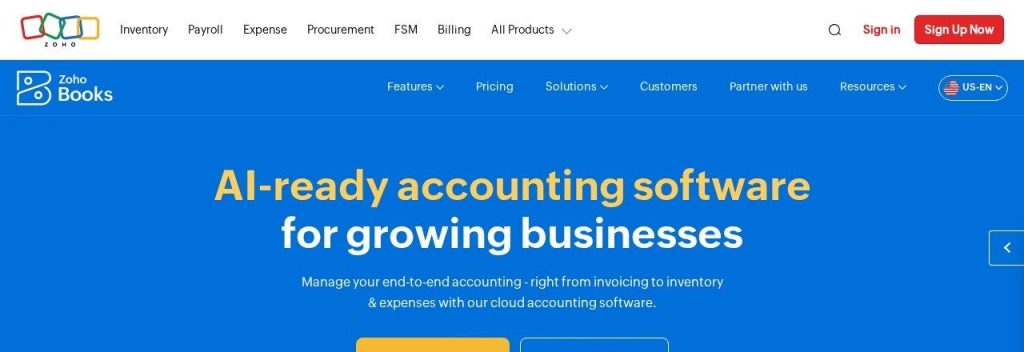
Zoho Books gives you most of what QuickBooks Essentials does for much less money. The Standard plan costs $15 a month on annual billing with 3 users, compared with $85 a month for QuickBooks Essentials as of November 2026.
It also has one of the best free plans in accounting. A freelance designer earning under $50,000 a year can send up to 1,000 invoices a year, reconcile the bank account and file 1099s without paying anything, then move to a paid plan later without changing software.
Key Capabilities
- Free assisted migration: Zoho offers a free consultation and guide for moving from QuickBooks Online or Desktop, plus CSV imports for accounts, contacts and open invoices.
- Zia AI assistant: Ask questions about your books, build invoices from a prompt, and spot unusual numbers in your reports.
- Generous free plan: 1 user plus your accountant, 1,000 invoices a year and 1099 filing for businesses under $50,000 in revenue.
- Client portal and payments: Customers can view and pay invoices online, and recurring invoices send themselves.
- Zoho ecosystem: Connects natively with Zoho CRM, Inventory and Payroll if you want one vendor for everything.
AI Assistant
Zia is Zoho’s AI assistant. It answers questions about your finances, drafts invoices and quotes from a short prompt, flags late payers and finds anomalies in reports. You can even choose which AI provider powers it. Zoho does not say which plans include every Zia feature.
Pros
- Paid plans start at $15 a month, far below QuickBooks
- Real free plan for small businesses under $50,000 revenue
- Extra users cost only $2.50 a month on annual billing
- Free help moving off QuickBooks
Cons
- Free plan has no bank feeds and email support only
- Fewer US accountants know it than QuickBooks or Xero
- Best value comes when you use other Zoho apps too
- Yearly invoice caps on each plan
Plans & Pricing
- Free: $0. For businesses under $50,000 revenue a year. 1 user plus 1 accountant, 1,000 invoices a year.
- Standard: $15/month (billed annually; $20 monthly). 3 users, 5,000 invoices a year, bank feeds.
- Professional: $40/month (billed annually; $50 monthly). 5 users, 10,000 invoices a year.
- Premium: $60/month (billed annually; $70 monthly). 10 users, 25,000 invoices a year.
- Elite and Ultimate: $120 and $240/month (billed annually; $150 and $275 monthly). Higher limits and more users. 14-day free trial on paid plans.
Money saver
Pay for Zoho Books annually. It cuts the Standard plan from $20 to $15 a month, so a year costs $180, about what QuickBooks Essentials costs for two months.
Bottom line: Switch to Zoho Books if price is your main reason for leaving QuickBooks. Skip it if your accountant only works in QuickBooks or Xero and will charge you to learn something new.
3. FreshBooks
Best for: Freelancers, consultants and agencies who bill clients by the hour or by the project

FreshBooks started as invoicing software, and it still does invoicing better than QuickBooks. Time tracking, proposals, retainers and automatic payment reminders are built around how service businesses actually get paid.
A 2-person marketing agency could track hours against each client project, turn them into an invoice in a few clicks and let FreshBooks chase late payers. The catch is client limits: the $23 Lite plan allows only 5 billable clients, and the $43 Plus plan allows 50.
Key Capabilities
- Invoicing that chases for you: Recurring invoices, late fees and automatic reminders, with card, ACH, Apple Pay and Google Pay payments.
- Time tracking and projects: Log hours, see project profitability and bill exactly what you worked.
- Proposals and retainers: Send proposals with e-signatures and set up retainers on the Plus plan.
- Easy Switch from QuickBooks: A migration service run by partner MMC Convert moves your QuickBooks data; it is free on some Select plans and discounted on others.
- Works with AI assistants: Official FreshBooks connectors for Claude and ChatGPT let you ask about invoices and expenses.
AI Assistant
FreshBooks connects to Claude and ChatGPT, so you can ask an AI assistant about unpaid invoices or expenses. In January 2026 it also partnered with Kick to offer automatic categorization and reconciliation checked by a human bookkeeper for US users.
Pros
- The friendliest invoicing and time tracking on this list
- 30-day free trial with no credit card
- Strong mobile app for receipts and invoices on the go
- Paid help moving your QuickBooks data
Cons
- Client limits on Lite (5) and Plus (50)
- Extra team members cost $11 each per month
- Weaker inventory and product features than QuickBooks
- Bank reconciliation starts on the Plus plan
Plans & Pricing
- Free trial: 30 days, no credit card. New customers often get 80% off for the first 4 months.
- Lite: $23/month (billed monthly; annual billing saves an extra 10%). 5 billable clients, unlimited invoices.
- Plus: $43/month (billed monthly). 50 billable clients, proposals, bank reconciliation, accountant access.
- Premium: $70/month (billed monthly). Unlimited clients, project profitability, accounts payable.
- Select: Custom pricing (contact sales). Lower payment fees and 2 team members included.
- Add-ons: Team members $11/user/month. Payroll $40/month plus $6 per person.
Bottom line: Switch to FreshBooks if you sell your time and want invoicing that runs itself. Skip it if you sell physical products or have more than 50 active clients and a tight budget.
4. Wave
Best for: Solo owners and very small businesses that want free invoicing and bookkeeping
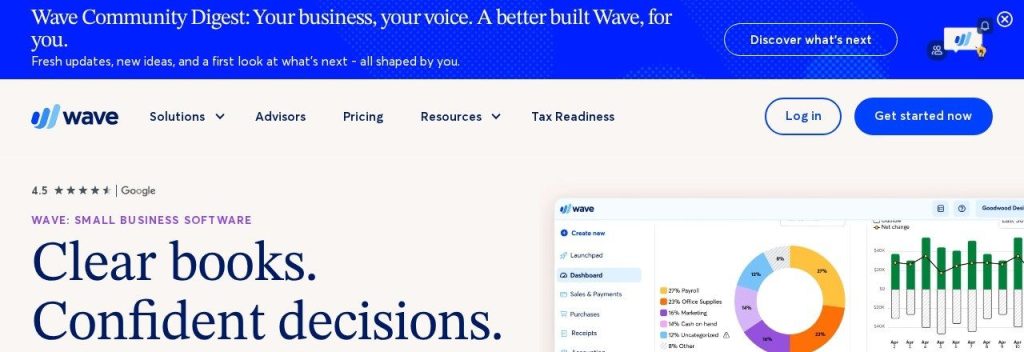
Wave is the go-to free QuickBooks alternative. Its Starter plan gives you unlimited invoices, estimates, bills and bookkeeping records for $0, while QuickBooks’ new free plan stops at 2 invoices a month.
For a solo cleaner or tutor in the US or Canada, Wave covers the basics: send invoices, take card payments and keep tidy books for tax time. If you want bank transactions to flow in automatically, the Pro plan costs $19 a month or $190 a year as of November 2026.
Key Capabilities
- Free unlimited invoicing: Branded invoices and estimates with no monthly cap on the free plan.
- Bank auto-import on Pro: Pro pulls in bank transactions and auto-merges and categorizes them for you.
- Payroll with tax filing: US payroll with automatic tax filing in all 50 states, from $40 a month plus $6 per employee.
- Receipt capture: Snap receipts in the app; included in Pro, or $11 a month on Starter.
- Pro pricing per business: One Pro subscription covers multiple users with admin, editor and viewer roles.
AI Assistant
Wave does not name an AI assistant on its official pages. Its automation is rule-based: Pro auto-merges and categorizes imported bank transactions.
Pros
- A truly free plan with unlimited invoices
- Simple enough to learn in an afternoon
- Pro is only $190 a year
- Payroll and bookkeeping help available when you grow
Cons
- No QuickBooks import tool; you start with opening balances and lose old history
- Bank auto-import needs the paid Pro plan
- Built for the US and Canada only
- No AI assistant
Plans & Pricing
- Starter: $0. Unlimited invoices, estimates, bills and bookkeeping records. Card fees 2.9% plus $0.60.
- Pro: $15.83/month (billed annually at $190; $19 monthly). Bank auto-import, receipts, multiple users, no Wave branding.
- Add-ons: Receipts $11/month on Starter. Payroll $40/month plus $6 per employee.
Bottom line: Switch to Wave if you are a one-person business and QuickBooks feels like paying for a truck to carry groceries. Skip it if you need inventory, classes or your full QuickBooks history carried over.
5. Puzzle
Best for: Startups and online businesses that want AI-first books with live burn, runway and revenue numbers
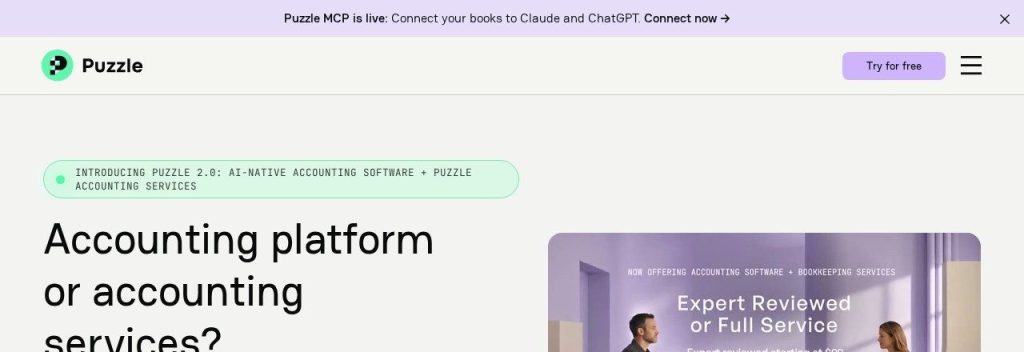
Puzzle is accounting software built around AI from the ground up. It connects to Stripe, Mercury, Brex, Ramp and Gusto, categorizes most transactions on its own and keeps cash and accrual books side by side.
A small SaaS company could close each month much faster and hand investors accurate burn and runway numbers without a spreadsheet. Puzzle imports your QuickBooks history so balances carry forward, and it offers a paid migration service at $149 per system if you want it done for you.
Key Capabilities
- QuickBooks import: Bring over your QuickBooks history so opening balances match, or pay $149 for a guided migration.
- AI Chat and AI Close: Ask questions about your books in plain English and follow a structured month-end close.
- Auto-categorization: Puzzle says it categorizes 85% to 90% of transactions with no rules to set up.
- Startup metrics: Real-time burn, runway and margin, plus automated revenue recognition on higher plans.
- Connects to AI tools: A Puzzle MCP server lets Claude, ChatGPT and other assistants read your books, with your approval for any change.
AI Assistant
Every plan includes Puzzle’s AI suite: AI Chat for questions, AI Cowork for tasks like matching invoices to payments, and AI Close for month-end. Starter and Core include 25 lifetime AI credits, while Complete includes 100 a month.
Pros
- Strong AI automation on every plan
- Cash and accrual views at the same time
- Deep links to modern startup banks and payment tools
- QuickBooks history import
Cons
- Built for tech and online businesses more than local shops
- Starter allows only 1 seat
- AI credits are limited on lower plans
- Free trial length is not stated
Plans & Pricing
- Free trial: Available on every plan (“Try for free”); length not stated.
- Starter: $30/month (billed monthly; annual billing gives 12 months for the price of 10). 1 seat.
- Core: $72/month (billed monthly). 5 seats.
- Complete: $120/month (billed monthly). Unlimited seats, 100 AI credits a month, AI reconciliations, revenue recognition.
- Scale: $360/month (billed monthly). 300 AI credits a month, no transaction or integration limits.
Bottom line: Switch to Puzzle if you run a startup or online business and want AI doing the bookkeeping grunt work. Skip it if you run a shop, salon or trade business that needs simple invoicing and inventory.
6. Digits
Best for: Owners who want AI to do the daily bookkeeping, with bill pay and invoicing included
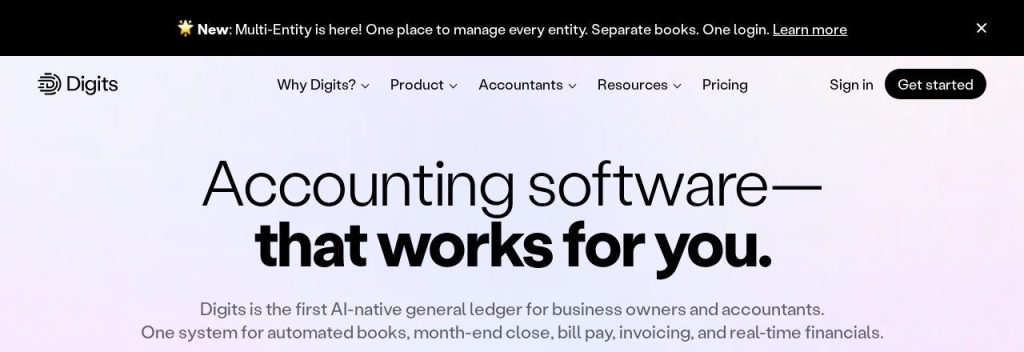
Digits calls itself an AI-native general ledger. Instead of you categorizing transactions, its AI books and reconciles them around the clock and flags only the ones it is unsure about.
A 5-person consultancy that hates bookkeeping could connect its bank, card and payroll accounts, then spend minutes a week reviewing flags. Digits costs more than QuickBooks Simple Start, starting at $65 a month, but AI bill pay and AI invoicing are included on every plan.
Key Capabilities
- Agentic general ledger: AI books and reconciles transactions continuously and asks you only about unclear ones.
- Ask Digits: A chat assistant that answers questions about spending, cash and revenue on every plan.
- AI bill pay and invoicing: Pay bills and send invoices from the same app without add-on fees.
- 12,000+ connections: Banks, cards, payroll and tools like Stripe, Ramp, Gusto and BILL.
- Unlimited entities: Extra entities are free up to 250 transactions a year, then from $35 a month each.
AI Assistant
AI runs the core of Digits: automatic booking and reconciliation, an AI quality review, an agentic month-end close and the Ask Digits assistant. It also offers an API and an MCP server for connecting other AI tools.
Pros
- The most hands-off bookkeeping on this list
- Bill pay and invoicing included
- 30-day free trial with no setup fees
- Native iPhone and iPad apps
Cons
- No dedicated QuickBooks import tool; you reconnect accounts or import CSVs
- Starts at $65 a month
- Custom reports and budgets need the $250 Pro plan
- No annual pricing listed
Plans & Pricing
- Free trial: 30 days, no setup fees.
- Essentials: $65/month (billed monthly). For solo owners and early-stage businesses.
- Core: $100/month (billed monthly). Adds dimensional accounting and automated schedules.
- Pro: $250/month (billed monthly). Adds custom reports, dashboards and budget vs actuals.
Bottom line: Switch to Digits if you would rather review than do your bookkeeping and the time saved is worth $65 a month. Skip it if you need your full QuickBooks history moved over in one step.
7. Akaunting
Best for: Budget-minded and technical owners who want free, self-hosted accounting or a cheap cloud plan
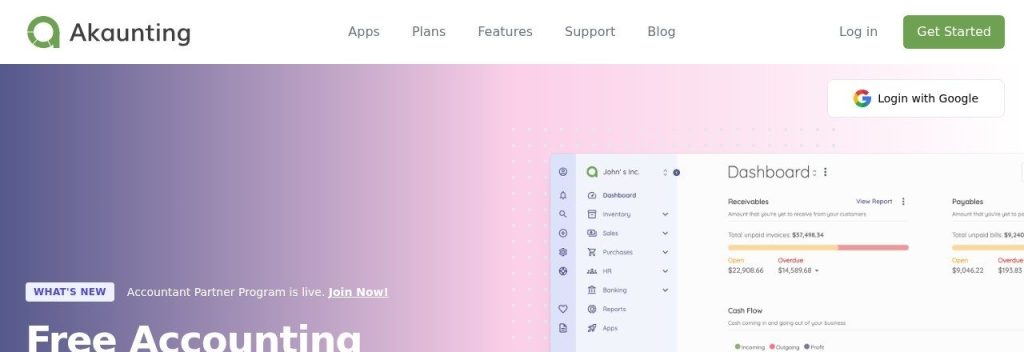
Akaunting is free, open-source accounting software. You can host it on your own server at no cost, or pay for its cloud version from $8 a month on annual billing.
A small online shop selling in several currencies could run invoicing, bills and multiple bank accounts on Akaunting without a monthly bill. Extra features such as payroll, inventory and point of sale come as apps, so you only add what you need.
Key Capabilities
- Free self-hosted version: 1 company, 1 user plus an accountant and 1,000 invoices, with community support.
- Multi-currency and multi-company: Invoice in different currencies and run several companies from higher plans.
- App store with 50+ apps: Add payroll, inventory, CRM, projects or point of sale when you need them.
- Client portal: Customers can view invoices and pay online.
- Import from file: No QuickBooks import tool, but every plan can import data from spreadsheet files.
AI Assistant
Akaunting does not advertise any AI features. It is a straightforward, traditional accounting tool, which some owners prefer.
Pros
- Free forever if you self-host
- Cheap cloud plans with yearly or lifetime licenses
- Strong multi-currency support for global sellers
- Pay only for the apps you need
Cons
- No AI features
- Bank feeds and double-entry need Premium in the cloud
- Self-hosting needs some technical skill
- No dedicated QuickBooks migration
Plans & Pricing
- Self-hosted Standard: $0. 1 company, 1 user plus 1 accountant, 1,000 invoices.
- Cloud Standard: $8/month (billed annually; $12 monthly). 1 company, 1 user, 1,000 invoices.
- Cloud Premium: $24/month (billed annually; $36 monthly). 10 companies, 10 users, bank feeds and double-entry.
- Cloud Elite: $56/month (billed annually; $84 monthly). Adds payroll, inventory, projects and receipt scanning.
- Cloud Ultimate: $145/month (billed annually; $218 monthly). Unlimited companies and users, all apps.
Bottom line: Switch to Akaunting if you want the lowest possible cost and are happy without AI. Skip it if you want automatic bank feeds on the cheapest plan or a guided move off QuickBooks.
What to Look For in a QuickBooks Alternative
Switching accounting software is a bigger job than switching most tools. Check these before you commit.
- Data migration: Xero offers free QuickBooks Online conversion for eligible new customers, Zoho Books offers free assisted migration, and Puzzle imports your history. Wave and Akaunting mean starting fresh with opening balances.
- Total cost as you grow: Compare the plan you will need in a year, not today. Xero includes unlimited users, while FreshBooks charges $11 per extra team member.
- Your accountant’s preference: Ask before you switch. Most accountants know Xero well, and some will charge extra to learn a new system.
- Bank feeds on your plan: Automatic bank imports save hours. Wave needs Pro for them, and Zoho Books starts them on Standard.
- Invoice and client limits: Xero Early allows 20 invoices a month and FreshBooks Lite allows 5 billable clients. Make sure your volume fits.
- How much AI does the work: Digits and Puzzle automate most bookkeeping, Xero and Zoho Books add AI assistants, and Wave and Akaunting rely on you.
Which QuickBooks Alternative Should You Choose?
- If your team is growing and QuickBooks user limits keep pushing you up a plan, pick Xero.
- If price is the main problem, pick Zoho Books and pay annually.
- If you bill clients for your time, pick FreshBooks.
- If you are a one-person business on a tight budget, start with Wave’s free plan or self-hosted Akaunting.
- If you want AI to do the bookkeeping for you, pick Digits, or Puzzle if you run a startup.
- If you rely on QuickBooks inventory, classes or a QuickBooks-only accountant, staying on QuickBooks may still be the cheapest choice once you count switching time.
FAQs
What is the best free QuickBooks alternative?
Wave is the best free QuickBooks alternative for most solo owners because its Starter plan includes unlimited invoices and bookkeeping records for $0. Zoho Books also has a free plan for businesses with under $50,000 in yearly revenue.
Is there a cheaper alternative to QuickBooks?
Yes. As of November 2026, Zoho Books Standard costs $15 a month on annual billing and Xero Early costs $27 a month, compared with $38 for QuickBooks Simple Start and $85 for Essentials.
Can I move my data from QuickBooks?
Usually, yes. Xero offers free QuickBooks Online conversion for eligible new customers, Zoho Books offers free assisted migration, and Puzzle and FreshBooks offer import or paid migration services. Wave and Akaunting need a manual switch with opening balances.
Is Xero better than QuickBooks?
Xero is better if you need many users, because every plan includes unlimited users. QuickBooks is stronger on inventory and is more widely used by US accountants.
Why did QuickBooks raise its prices?
Intuit raised QuickBooks Online Essentials, Plus and Advanced prices for renewals on or after August 1, 2026, after another increase in July 2025. Intuit links the changes to new features, including its AI agents.
Final Thoughts
Before your next QuickBooks renewal, export your reports, pick one alternative and start its free trial or free plan alongside QuickBooks for a month. For most growing teams, Xero is the best first trial; if cost is the issue, start with Zoho Books.
Still comparing? See our picks for the best AI bookkeeping software and our head-to-head QuickBooks vs Xero comparison.