


Prices checked: November 2026
You know video works. Your competitor posts a quick explainer every week, and their reels get shared. Then you open a video editor, stare at a blank timeline, and close it again.
Hiring a videographer for a 60-second promo can easily cost more than your monthly ad budget. And filming yourself means retakes, bad audio and an evening lost to editing.
AI video generators change the math. You type a script (or paste a blog post), and the tool adds a presenter, voiceover, stock footage and captions. Others edit the video you filmed on your phone by cutting the “ums” and adding subtitles for you.
We checked the plans, limits and AI features of 8 popular AI video tools on their own websites in November 2026. Here are the 8 best picks, and who each one suits.
Quick answer
- Best overall: HeyGen (realistic avatars of you, 175+ languages)
- Best for training and onboarding videos: Synthesia
- Best for editing videos you film yourself: Descript
- Best budget pick: VEED (from $12.25/month, billed annually)
- Best for turning blog posts into videos: Lumen5
What’s the Best AI Video Generator?
| Tool | Best for | Free plan | Starting price |
|---|---|---|---|
| HeyGen | Marketing and sales videos starring you (or an avatar) | Yes (3 videos/mo, watermark) | $24/mo |
| Synthesia | Training, onboarding and how-to videos | Yes (10 min/mo, watermark) | $14/mo |
| Descript | Editing podcasts, webinars and talking videos you film | Yes (1 media hour/mo) | $16/mo |
| VEED | Social videos with subtitles on a budget | Yes (720p, watermark) | $12.25/mo |
| Pictory | Turning scripts, slides and blog posts into stock footage videos | No (14-day free trial) | $25/mo |
| Captions | Short talking videos filmed on your phone | Yes (basic editing, no AI credits) | $24.99/mo (monthly, iOS) |
| Lumen5 | Turning blog posts into branded videos | Yes (5 videos/mo, 720p) | $19/mo |
| InVideo | Teams that want AI generated footage and a pro editor | Limited (weekly cap) | $10/seat/mo |
Prices checked November 2026. Starting prices use annual billing unless noted. Captions publishes iOS monthly prices only, so its price is monthly.
1. HeyGen
Best for: Owners who want regular marketing, sales or social videos with a presenter, without setting up a camera every time
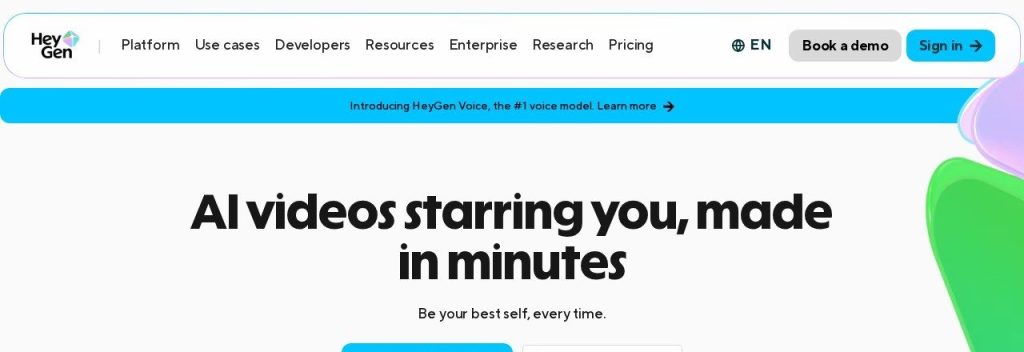
HeyGen turns a script, a photo, a PDF or a slide deck into a video with a realistic AI presenter. The headline feature is the digital twin: record yourself once, and HeyGen can then “film” new videos of you from typed text. Even the free plan includes 1 custom video avatar and 1 voice clone.
Picture a local accountant who wants a 60-second tax tip every week. She types the script, her avatar delivers it, and HeyGen can translate the same video into Spanish with lip sync. HeyGen says it has more than 30 million users in 196 countries and serves 100,000+ businesses.
Key Capabilities
- Digital twin of you: Create a custom avatar and voice clone from a short recording, then make new videos by typing.
- 700+ stock avatars: Pick a ready-made presenter if you would rather not appear on camera (500+ on the free plan).
- Video translation with lip sync: Translate a finished video into 175+ languages and dialects in your own cloned voice.
- Video Agent: Describe the video in one prompt and the AI writes the script, picks visuals and assembles a draft.
- 4K export from the $49 Pro tier: Sharp enough for your website hero or a trade show screen.
Languages Supported
175+ languages and dialects for translation and voice on paid plans; 30+ languages on the free plan.
Pros
- Most realistic avatars on this list, and a custom avatar even on the free plan
- Huge language range for selling abroad
- Creator plan removes HeyGen branding and allows videos up to 30 minutes
- Unused credits roll over for one extra month on monthly plans
Cons
- Credits go fast on the newest avatars: Avatar V uses 48 credits a minute, so Creator’s 600 credits cover about 12 minutes
- Creator and Pro cannot buy one-off credit top-ups, you have to upgrade
- Team features (shared workspace, brand kit) start at Business, $149/month
- Annual prices for Pro and Business are not published
Plans & Pricing
- Free: $0. 3 videos a month (up to 1 minute each) with a watermark, 1 custom avatar, 1 voice clone, 1 seat.
- Creator: $24/month (billed annually; $29 monthly). 600 credits a month, 1080p, videos up to 30 minutes, no HeyGen branding, 1 seat.
- Pro: From $49/month (billed monthly) for 1,000 credits, scaling up to 100,000 credits. Adds 4K export.
- Business: $149/month for the first seat plus $20 per extra seat (billed monthly). 1,500 credits, videos up to 60 minutes, 5+ custom avatars, brand kit, shared workspace, SSO.
- Enterprise: Custom pricing (contact sales).
Bottom line: Pick HeyGen if you want to be the face of your marketing without filming every week, or if you sell in more than one language. Skip it if you mainly edit footage you already shot, where Descript is a better fit.
2. Synthesia
Best for: Small teams that need clear training, onboarding, SOP or customer how-to videos they can update in minutes
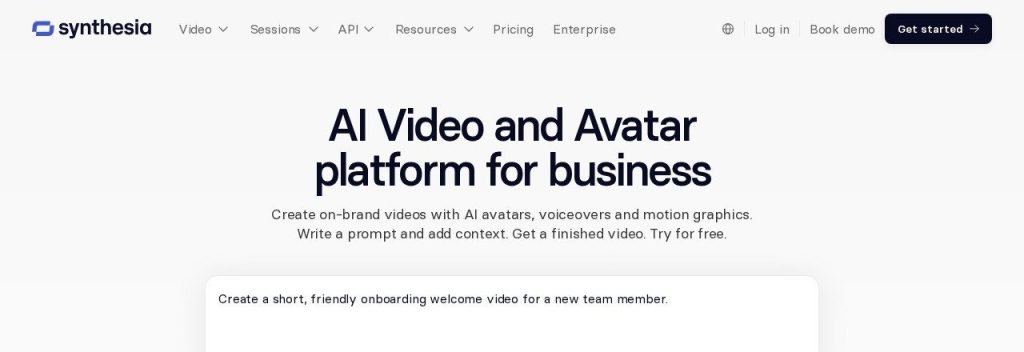
Synthesia is the business-first avatar video platform. You paste a script, a document, a PowerPoint or a web link, and its AI Assistant builds a presenter-led video with your brand colors. Need to change a step later? Edit the text and re-render, with no reshoot.
A 6-person cleaning company could turn its new-hire checklist into five short training videos in an afternoon. Synthesia says it has more than 2 million users and 50,000+ teams, including over 90% of the Fortune 100.
Key Capabilities
- Docs, slides or links to video: The AI Assistant drafts a full video from material you already have.
- 125+ stock avatars on Starter: Rises to 180+ on Pro, with 5 personal avatars of you or your team.
- AI dubbing and 1-click translation: Translate videos with optional lip sync, plus a glossary so product names stay correct.
- 60+ templates: Ready-made layouts for training, onboarding and explainers.
- Interactive videos and SCORM export: Add quizzes or surveys, and drop videos into a learning platform.
Languages Supported
Videos in 140+ languages (the full range for 1-click translation is listed on Enterprise); most self-serve plan columns show 70+ languages.
Pros
- Very generous free plan for testing (about 10 minutes a month)
- Starter is one of the cheapest paid plans here at $14/month
- Editing a script and re-rendering is much faster than reshooting
- Strong security and compliance (SOC 2 Type II, ISO 27001, GDPR)
Cons
- Starter has no personal avatars and only about 12 video minutes a month
- Big jump from Starter ($14) to Pro ($59) on annual billing
- Only 1 editor seat on every self-serve plan
- Presenter style feels corporate for playful social content
Plans & Pricing
- Basic (free): $0. 500 credits a month (about 10 minutes of video or dubbing), 9 avatars, 1 editor, watermark.
- Starter: $14/month (billed annually; $19 monthly). About 12 video minutes a month, up to 16 minutes of dubbing, 125+ avatars, 1 editor plus 3 guests.
- Pro: $59/month (billed annually; $89 monthly). About 60 video minutes a month, 180+ avatars, 5 personal avatars, interactive videos, branded video pages.
- Enterprise: Custom pricing (contact sales). Unlimited video minutes, 240+ avatars, SSO.
Time saver
Write your training scripts as short numbered steps. When a process changes, you only edit one line in Synthesia and re-render, instead of reshooting the whole video.
Bottom line: Pick Synthesia if your main need is training, onboarding or help videos that must stay up to date. Skip it if you want lively social clips, where Captions or VEED feel more natural.
3. Descript
Best for: Coaches, consultants and service businesses who record talking videos, webinars or podcasts and hate timeline editing
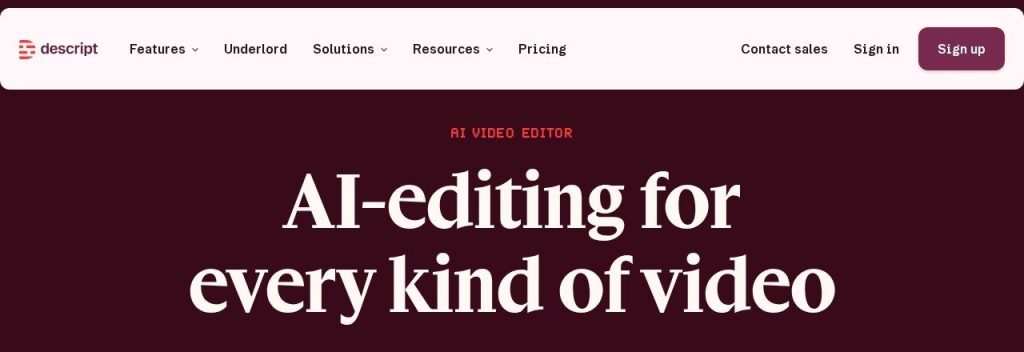
Descript transcribes your recording and lets you edit the video by editing the text. Delete a sentence in the transcript and it disappears from the video. One click removes filler words like “um” and “like”, and Studio Sound cleans up echo and background noise.
A business coach could record a 40-minute webinar, ask Descript’s AI co-editor Underlord for a rough cut, then pull five short clips for LinkedIn. Descript reports that Algolia saved 116 hours of video production time with it.
Key Capabilities
- Text-based editing: Cut and rearrange video like a document, on every plan including Free.
- Underlord AI co-editor: Makes rough cuts, centers speakers, adds lower thirds and turns docs or blog posts into video.
- Remove Filler Words and Studio Sound: Removes “ums” and repeated words, and makes a cheap mic sound like a studio.
- Eye Contact and Green Screen: Fixes your gaze when you read from notes and removes messy backgrounds.
- Works with Claude and ChatGPT: Descript’s MCP connection lets you edit from an AI assistant (it uses your AI credits).
Languages Supported
Transcription in 25 languages, caption translation into 61 languages, and dubbing in 30 languages (Business plan).
Pros
- Easiest way to edit talking videos if you are not an editor
- Hobbyist removes the watermark and exports in 1080p from $16/month
- Imports from Zoom and Riverside, exports to Premiere, Final Cut and DaVinci Resolve
- Also a full podcast editor, so one tool covers audio and video
Cons
- Free exports are watermarked and capped at 720p
- Priced per person, so a 5-person team on Business pays $250/month
- Dubbing, custom avatars and Brand Studio need Business ($50/month)
- Underlord uses AI credits quickly, and Descript does not publish the cost per action
Plans & Pricing
- Free: $0. 1 media hour a month, 100 one-time AI credits, 720p with a watermark.
- Hobbyist: $16/person/month (billed annually; $24 monthly). 10 media hours and 400 AI credits a month, 1080p, no watermark.
- Creator: $24/person/month (billed annually; $35 monthly). 30 media hours, 800 AI credits, 4K, AI video generation, unlimited stock media.
- Business: $50/person/month (billed annually; $65 monthly). 40 media hours, 1,500 AI credits, dubbing in 30+ languages, custom avatars, Brand Studio.
- Enterprise: Custom pricing (contact sales).
Bottom line: Pick Descript if you already record yourself and want editing to take minutes, not evenings. Skip it if you have no footage and want the AI to make the whole video, where HeyGen or Pictory fit better.
4. VEED
Best for: Solo owners and small marketing teams who make social videos and need subtitles, avatars and quick edits in one browser tab
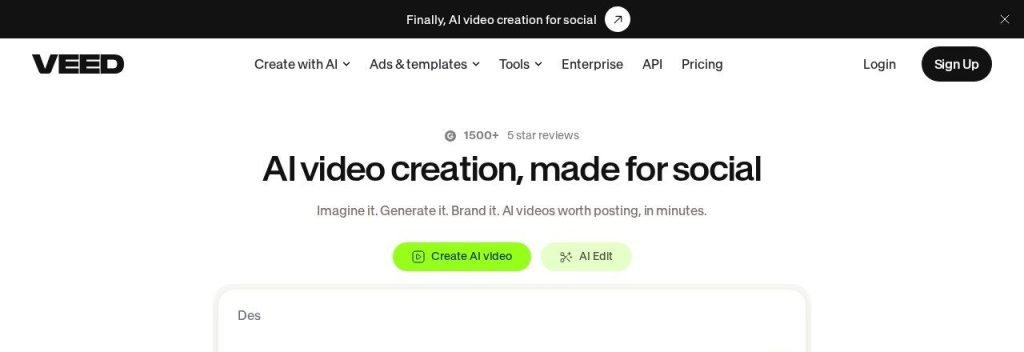
VEED is a browser-based editor with AI tools layered on top: auto subtitles, filler word removal, voice cloning, AI avatars, dubbing and its own text-to-video model, VEED Fabric. It calls itself “built for marketers and solopreneurs”, and the pricing matches.
A café owner could film a 30-second clip of a new menu item on a phone, add bold auto subtitles (most people watch social video on mute), and export it for Instagram in a few minutes. VEED says it is trusted by more than 1 million creators.
Key Capabilities
- Auto subtitles in 125+ languages: Unlimited on paid plans (fair use 50 hours a month), with styles you can save.
- 60+ stock AI avatars: Plus a custom digital clone of you from one recording on paid plans.
- AI dubbing in 29 languages: Keeps the speaker’s voice, from the Pro plan.
- Filler word removal and noise cleanup: Tidy up talking clips without manual cuts.
- VEED Fabric text-to-video: Generate short clips from a prompt or image (8 credits per second at 720p).
Languages Supported
Subtitles in 125+ languages, translation into 50+ languages (Pro), dubbing in 29 languages, avatars in 120+ languages.
Pros
- Lowest paid starting price on this list at $12.25/month billed annually
- Unlimited auto subtitles on every paid plan
- Everything runs in the browser, nothing to install
- Up to 3 editors on Creator and Pro
Cons
- Monthly billing costs about double the annual price ($25 vs $12.25)
- Credits are tight: Creator’s 500 monthly credits make about 1 minute of AI generated video
- Free exports are watermarked, 720p, and you cannot download subtitles
- Real dubbing starts at Pro, and integrations are Enterprise only
Plans & Pricing
- Free: $0. 50 AI credits a month, 720p with a watermark, videos up to 10 minutes, 10 minutes of subtitles a month.
- Creator: $12.25/editor/month (billed annually at $147; $25 monthly). 500 credits a month, 1080p, no watermark, unlimited subtitles, voice clone.
- Pro: $22.08/editor/month (billed annually at $265; $45 monthly). 2,500 credits, 4K, translation into 50+ languages, 30 minutes of dubbing a month.
- Studio: $38.75/editor/month (billed annually at $465; $79 monthly). 15,000 credits, up to 5 editors, unlimited storage, 1 hour of dubbing a month.
- Enterprise: Custom pricing (contact sales).
Money saver
Pay yearly if you are sure you will use VEED. Creator costs $147 a year on annual billing, against $300 a year on monthly billing.
Bottom line: Pick VEED if you post short social videos and want subtitles and quick AI edits for little money. Skip it if you need lots of AI generated footage, because the credit allowances are small.
5. Pictory
Best for: Marketers and coaches who want to turn existing scripts, blog posts or slide decks into videos with stock footage and voiceover
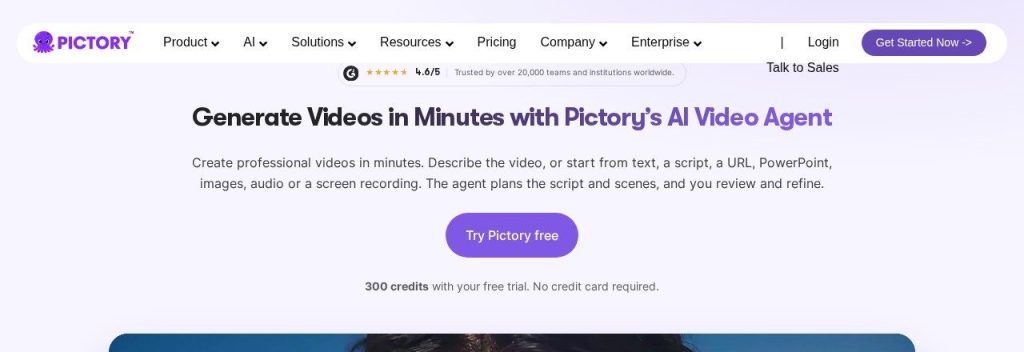
Pictory works like a video assistant. Give it a prompt, a script, a blog URL, a PowerPoint or a recording, and its AI video agent plans the scenes, matches stock clips from Storyblocks and Getty, and adds an AI voiceover and captions. You review the script and scenes before it renders.
An online course creator could paste a lesson outline and get a narrated 3-minute video, then make a vertical version for Reels. Pictory says more than 20,000 teams and institutions use it.
Key Capabilities
- Anything to video: Prompts, scripts, URLs, PowerPoint files, audio and images all work as starting points.
- Premium stock built in: Storyblocks and Getty footage plus 5,000 music tracks on Starter (15,000 on Professional).
- ElevenLabs AI voices: Natural voiceovers, with voice clones on Professional and up.
- Brand kits: 1 on Starter, 5 on Professional, so intros, colors and fonts stay consistent.
- Zapier and Make integrations: Automate video creation from new blog posts or form entries.
Languages Supported
AI voiceover in 29 languages on Professional and Teams, 7 languages on Starter.
Pros
- Premium stock footage included, no separate stock subscription
- You approve the script and scenes before rendering
- Exports in 16:9, 9:16 and 1:1, plus SRT and VTT subtitle files
- Free trial needs no credit card
Cons
- No free plan, only a 14-day trial (watermarked, 720p, 3 projects)
- Maximum 1080p on every paid plan, no 4K
- Starter has no voice clones and only 7 voice languages
- No refunds on paid subscriptions
Plans & Pricing
- Free trial: 14 days, 300 credits, up to 10 video minutes and 3 projects, 720p with a watermark. No credit card.
- Starter: $25/month (billed annually; $29 monthly). 2,000 credits and up to 30 video minutes a month, 1080p, no watermark, 1 user, 1 brand kit.
- Professional: $29.50/month billed annually during Pictory’s current Black Friday offer (was $59; $59 monthly). 6,000 credits and up to 90 video minutes, 2 custom avatars, voice clones, 29 languages.
- Teams: $119/month (billed annually; $199 monthly). 18,000 credits, up to 300 video minutes, 3+ users, 10 brand kits.
- Enterprise: Custom pricing (contact sales).
Bottom line: Pick Pictory if you have plenty of written content and want it turned into narrated videos fast. Skip it if you want to appear on screen yourself, where HeyGen or Descript make more sense.
6. Captions
Best for: Owners who film quick talking videos on their phone for Instagram, TikTok or YouTube Shorts and want them edited automatically
Captions is an AI video editor for iOS, Android and the web. Film yourself talking, and AI Edit adds cuts, B-roll, music and animated captions in the style you choose. You can also chat with the editor (“make it shorter and punchier”) or generate a talking video from a script with an AI avatar or your digital twin.
A real estate agent could record a 45-second market update in the car and have a polished Reel ready before the next showing. Captions says it has 20 million users and a 4.7 rating on the App Store.
Key Capabilities
- AI Edit: One tap turns raw footage into an edited clip with cuts, B-roll and music (Max plan and up).
- 100+ caption styles: Animated subtitles that keep muted viewers watching.
- Eye contact correction: Makes it look like you are looking at the camera while reading a script.
- AI avatars and digital twins: 200+ stock avatars, or a clone of you from a short recording.
- Dubbing with lip sync: Dub your video into 30+ languages in your cloned voice.
Languages Supported
Subtitles and translation in 100+ languages; voice dubbing in 30+ languages.
Pros
- Built for phones, so you can film and edit in one place
- Eye contact fix is a real time saver for anyone using notes
- Unused credits roll over for up to 2 extra months
- Direct publishing to TikTok, Instagram and YouTube
Cons
- The free plan has no AI credits, so the AI features effectively start at $24.99/month
- Published prices are iOS monthly only; annual and web prices are not listed
- Big jump from Max ($24.99) to Frontier ($69.99)
- Recent plan renames after merging with Mirage Studio make pricing harder to follow
Plans & Pricing
- Free: $0. Basic trimming, transitions and 1 caption template, no AI usage credits.
- Max: $24.99/month (iOS, billed monthly; Captions says yearly plans are discounted but does not list the price). 500 credits a month, 2 seats, AI Edit, chat to edit, digital twins.
- Frontier: $69.99/month (iOS, billed monthly). 1,400 credits, 3 seats, the most advanced AI models. Larger 2x ($139.99) and 4x ($279.99) tiers add credits and seats.
- Enterprise: Custom pricing (contact sales).
Bottom line: Pick Captions if your marketing lives on short vertical videos and you want them edited before you leave the parking lot. Skip it if you need training videos or long webinars, where Synthesia or Descript fit better.
7. Lumen5
Best for: Businesses with a blog or newsletter that want to turn each article into a short branded video for social media
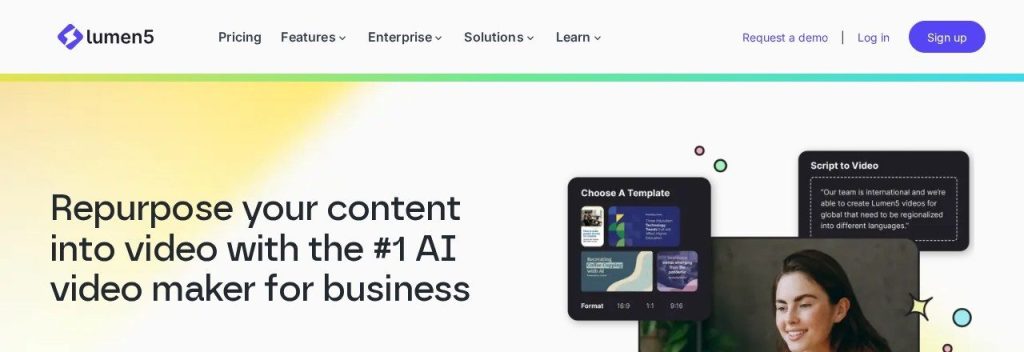
Lumen5 has done one job well since 2017: turning written content into video. Paste a blog URL, a PDF or a few bullet points, and it picks the key lines, matches stock footage and adds captions, voiceover and your colors. There are no realistic AI presenters here, which keeps it simple.
A landscaping company with a monthly blog could turn each post into a 60-second social video in about 15 minutes. Lumen5 says more than 5 million companies have joined, with customers such as Cisco, SAP and Siemens.
Key Capabilities
- Blog and PDF to video: Paste a link or upload a document and get a scene-by-scene draft.
- AI script writing: Start from just an idea and let Lumen5 write the script.
- 1,000+ AI voices: Voiceovers on paid plans, plus 1 voice clone from Basic.
- Automated captions on every plan: Including the free plan.
- 100+ premium templates: Branded layouts for quotes, tips and announcements.
Languages Supported
Auto captions in 35 languages, AI voiceover in 26 languages and translation into 36 languages (Lumen5’s interface is English only).
Pros
- Real free plan with 5 videos a month
- Unlimited videos on paid plans (fair use review above 500 a month on Basic)
- Very easy for beginners, no editing skills needed
- Licensed stock library included on every plan
Cons
- Basic is still 720p; 1080p starts at Starter ($59/month)
- Steep jumps from $19 to $59 to $149
- Every plan below Team is single-user
- Monthly billing prices are not shown publicly (yearly saves 25%)
Plans & Pricing
- Free: $0. 5 videos a month, 720p, up to 2 minutes each, Lumen5 outro.
- Basic: $19/month (billed yearly). Unlimited videos, 720p, no Lumen5 branding, 240 minutes of AI voiceover a year, 1 voice clone, 1 brand kit.
- Starter: $59/month (billed yearly). 1080p, 720 minutes of voiceover a year, Shutterstock library.
- Pro: $149/month (billed yearly). 3 voice clones, 3 brand kits, 60 translations a year, custom fonts and watermark.
- Team: Custom pricing (contact sales).
Bottom line: Pick Lumen5 if you already write and want every article to become a video with almost no effort. Skip it if you need AI presenters or HD exports on a small budget.
8. InVideo
Best for: Marketing teams and agencies that want AI generated clips and images plus a full timeline editor in one place
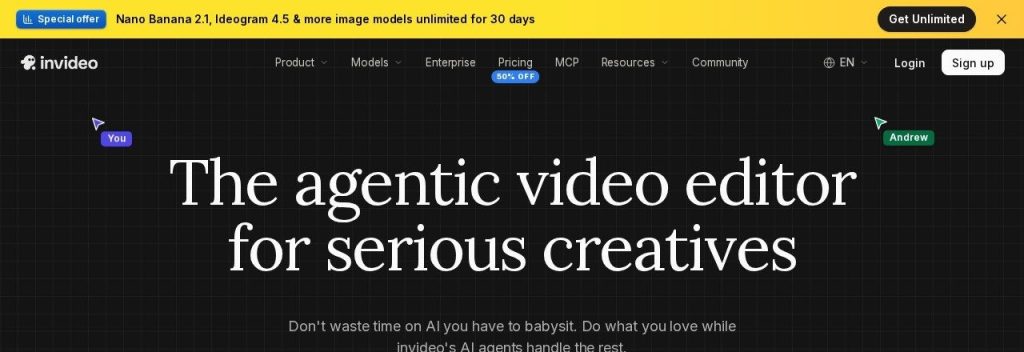
InVideo now calls itself “the agentic video editor for serious creatives.” It combines a multitrack editor with AI agents that write scripts, build storyboards and edit for you, and it includes generative video models (Seedance) and image models for footage you could not shoot yourself.
A small agency could generate product B-roll for a client ad, then fine-tune color and audio in the same editor with two teammates. InVideo also lets you connect outside AI assistants such as Claude, ChatGPT or Gemini to the editor.
Key Capabilities
- Agent Two AI editor: Lite on Starter, Pro and Ultra versions on Plus and Max for heavier editing jobs.
- Generative video and images: Seedance 2.0 on every plan, Seedance 2.5 and 4K generation from Plus.
- Bring your own AI agent: Connect Claude, ChatGPT Codex, Grok or Gemini to edit inside InVideo.
- Multiplayer editing: Up to 10 seats plus 10 free guest seats on Plus.
- Voice cloning and text-to-speech: Add narration without recording.
Languages Supported
InVideo does not publish a language count on its current pricing or homepage.
Pros
- Lowest per-seat starting price on this list at $10/month billed annually
- Generative footage and a full editor in one tool
- 4K export of your own footage from Starter
- Edits and downloads do not use credits
Cons
- Credit pricing is complex: models charge at their API rates and InVideo says costs can change without notice
- Credits do not roll over
- Big jumps from $10 to $30 to $75 per seat (annual)
- More of a pro tool, with a learning curve for beginners
Plans & Pricing
- Free: $0. A limited plan with a weekly usage cap (InVideo does not list exact limits on its pricing page).
- Starter: $10/seat/month (billed annually; $20 monthly). 400 credits per seat a month, up to 5 seats, Agent Two Lite, 200 GB storage.
- Plus: $30/seat/month (billed annually; $60 monthly). 2,000 credits per seat, up to 10 seats plus 10 guests, all models and agents.
- Max: $75/seat/month (billed annually; $150 monthly). 5,000 credits per seat, up to 20 seats, lowest cost per credit.
- Enterprise: Custom pricing (contact sales).
Bottom line: Pick InVideo if your team wants cinematic AI footage and is comfortable in a real editor. Skip it if you want something simple with predictable costs, where VEED or Lumen5 are easier.
What to Look For in an AI Video Generator
Almost every tool on this list says “AI video.” These are the details that decide what you can actually make and what you end up paying.
- The kind of video you need: Presenter videos from a script (HeyGen, Synthesia), editing your own footage (Descript, Captions, VEED) and turning text into stock footage videos (Lumen5, Pictory) are three different jobs. Pick the tool built for yours.
- How credits really convert to minutes: Most tools now sell credits, not minutes. HeyGen’s 600 Creator credits cover about 12 minutes of its newest Avatar V footage, and VEED’s 500 monthly Creator credits make about 1 minute of AI generated footage. Do the math for your volume before you pay.
- Watermarks and resolution: Free plans on HeyGen, Synthesia, Descript and VEED add a watermark, and several cap exports at 720p. Plan to pay before anything goes on your website or in an ad.
- Languages and dubbing: If you sell abroad, check dubbing, not just subtitles. HeyGen translates into 175+ languages with lip sync, while Descript only dubs (30 languages) on its $50 Business plan.
- A custom avatar of you: A digital twin lets you “film” new videos without a camera. HeyGen includes one even on its free plan; Synthesia needs Pro ($59/month, billed annually).
- Brand kit: Saved logos, colors and fonts keep every video on brand. Pictory includes 1 brand kit on Starter, and Lumen5 starts at Basic.
- Seats: Descript, VEED and InVideo charge per editor seat, so a 3-person team pays 3 times the headline price.
Which AI Video Generator Should You Choose?
- If you want marketing videos with you on screen but hate filming, pick HeyGen and make a digital twin once.
- If you need training, onboarding or how-to videos for staff or customers, pick Synthesia.
- If you already film podcasts, webinars or talking videos, pick Descript to edit them like a document.
- If you post short videos on Instagram, TikTok or YouTube Shorts from your phone, pick Captions or VEED.
- If you have a blog full of articles and want them as videos, pick Lumen5 (free to start) or Pictory.
- If every dollar counts, start with VEED Creator at $12.25/month billed annually, or a free plan from Lumen5 or Synthesia.
FAQs
What is the best AI video generator for a small business?
For most small businesses, HeyGen is the best all-round pick because it makes realistic presenter videos from a script, includes a custom avatar of you even on the free plan, and translates into 175+ languages. Paid plans start at $24 a month billed annually (Creator) as of November 2026.
Is there a free AI video generator?
Yes. HeyGen (3 watermarked videos a month), Synthesia (about 10 minutes a month with a watermark), Descript (1 media hour a month), VEED (720p with a watermark) and Lumen5 (5 videos a month at 720p) all have free plans. Expect watermarks or low resolution, so free plans are best for testing.
How much do AI video generators cost?
Paid plans on this list start at $10 to $25 a month for one person on annual billing, such as InVideo Starter ($10/seat), VEED Creator ($12.25) and Synthesia Starter ($14). Plans with more AI credits, 4K exports or team seats usually cost $50 to $150 a month.
Can I make a video of myself without filming?
Yes. HeyGen, Synthesia, Captions and VEED can create a digital twin (a custom AI avatar) from a short recording of you. After that, you type a script and the avatar delivers it in your voice, often in other languages too.
Are AI-generated videos good enough for ads and social media?
For explainers, product tips, training and social posts, yes: the best avatars and voices are now hard to tell from real footage at phone size. For a brand film or a TV ad, a human crew still gives you more control.
Final Thoughts
Do not start by comparing every feature. Pick the one video you need most this month (a product explainer, a welcome video, a weekly reel), and make it on a free plan first.
For most owners, HeyGen’s free plan is the best first step for presenter videos, and Descript’s free plan is the best first step if you film yourself.
Need words before you need video? See our picks for the best AI writing tools to draft your scripts, and the best AI social media schedulers to post your videos on autopilot.