


Prices checked: November 2026
It is 9 p.m. and you are still copying form leads into your CRM, pasting order details into a spreadsheet and sending the same “thanks for booking” email for the fifth time today.
None of that needs you. An automation tool watches your apps and does the hand-offs for you, 24 hours a day, and the new AI features can now read, sort and reply to things that used to need a human.
Even saving 30 minutes a day adds up to about 10 hours a month. For most small businesses, that is worth far more than a $10 to $30 subscription.
We compared plans, limits and AI features on each tool’s own website in November 2026. Here are the 7 best AI automation tools, and who each one suits.
Quick answer
- Best overall: Zapier (easiest, 9,000+ apps)
- Best value for complex workflows: Make (from $9/mo)
- Best AI assistant for busy owners: Lindy
- Best budget and lifetime deals: Pabbly Connect
- Best free or open-source option: Activepieces or n8n
What’s the Best AI Automation Tool?
| Tool | Best for | Free plan | Starting price |
|---|---|---|---|
| Zapier | Connecting the most apps with the least effort | Yes (100 tasks) | $19.99/mo |
| Make | Multi-step workflows on a small budget | Yes (1,000 credits) | $9/mo |
| n8n | Tech-savvy teams that want control or self-hosting | Yes (self-hosted) | €20/mo |
| Lindy | Handing off inbox, meetings and follow-ups to an AI assistant | No ($50 free credits) | $29.99/user/mo |
| Gumloop | Teams building shared AI agents without code | No (14-day trial) | $37/mo |
| Pabbly Connect | High task volume on a tight budget | Yes (100 tasks) | $16/mo |
| Activepieces | A generous free plan with an open-source core | Yes (1,000 credits) | $20/mo |
Prices checked November 2026. Starting prices use annual billing unless noted. Activepieces and Lindy show monthly prices; n8n prices are in euros.
1. Zapier
Best for: Non-technical owners who want to connect their everyday apps fast, without learning a new way of thinking
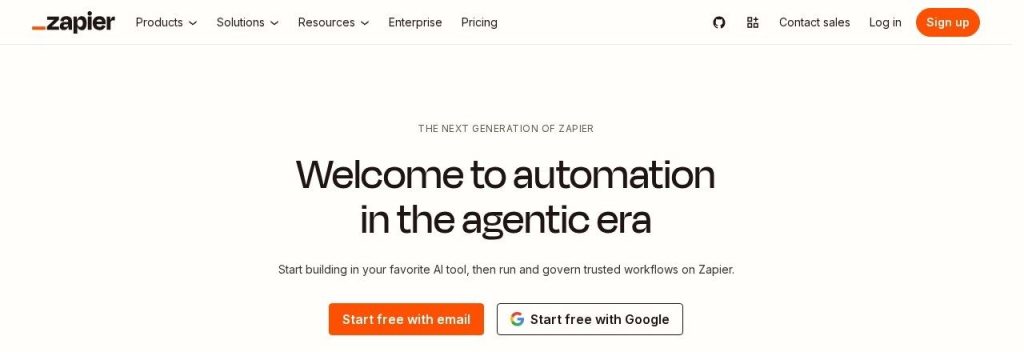
Zapier is the tool most people mean when they say “automation.” It connects 9,000+ apps, and you build each automation (a “Zap”) as a simple list: when this happens, do that. Zapier says more than 3 million businesses use it.
A typical win: a 4-person cleaning company could send every new website form lead into its CRM, text the owner, and add a follow-up task, all in one Zap that took 15 minutes to set up.
Key Capabilities
- Biggest app library: 9,000+ apps and 66,000+ triggers and actions, so the obscure tool your accountant uses is probably there.
- Copilot (AI builder): Describe the workflow in plain English and Copilot drafts the Zap for you, included on every plan.
- AI steps inside Zaps: “AI by Zapier” can summarize an email, sort a lead or draft a reply as one step, billed as normal tasks.
- Agents and chatbots: Build AI agents that act on their own and website chatbots that collect leads (sold as separate add-ons).
- Zapier MCP: Lets Claude, ChatGPT and 230+ AI tools trigger actions in your apps, with each tool call using 2 tasks.
Integrations
9,000+ apps, plus Zapier Tables and Forms built in.
Pros
- Easiest builder on this list for beginners
- More app connections than any rival
- Free plan with no time limit
- Copilot builds Zaps from a plain-English prompt
Cons
- Free plan only allows two-step Zaps
- Per-task pricing gets expensive at high volume
- Big jump from Professional ($19.99) to Team ($69)
- Agents and chatbots cost extra
Plans & Pricing
- Free: $0. 100 tasks/month, 1 user, two-step Zaps, checks for new data every 15 minutes.
- Professional: From $19.99/month (billed annually; Zapier says yearly billing saves up to 33%). 750 tasks/month at the entry tier, multi-step Zaps, 1 user, 2-minute checks. 14-day free trial.
- Team: From $69/month (billed annually). 2,000 tasks/month at the entry tier, 25 users, shared workspace, SAML SSO.
- Enterprise: Custom pricing (contact sales).
- Add-ons: Agents Pro $33.33/month and Chatbots Pro $13.33/month (both billed annually).
Bottom line: Pick Zapier if you want the shortest path from “this is annoying” to “this runs by itself.” Skip it if you plan to run tens of thousands of tasks a month, where Make or Pabbly cost far less.
2. Make
Best for: Owners (or their ops person) who want branching, multi-step workflows and are happy to spend an afternoon learning a visual builder
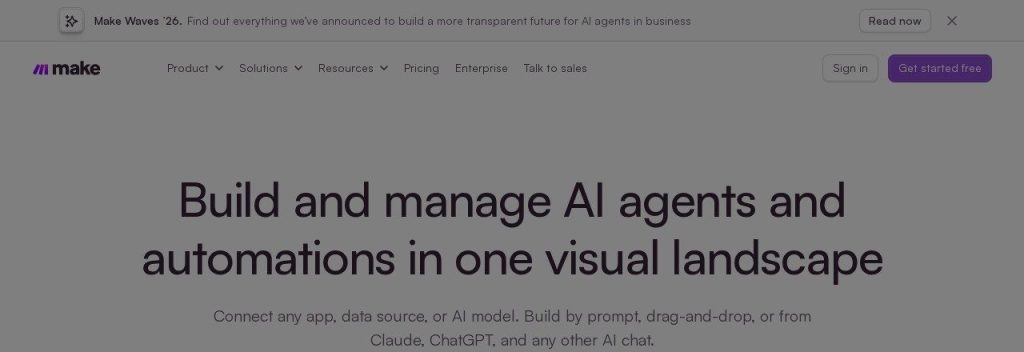
Make (formerly Integromat, now owned by Celonis) lets you build automations on a visual canvas. Each workflow, called a scenario, looks like a flowchart, so you can add filters, routers and error handling where Zapier would need several Zaps.
Paid plans start at $9 a month for 10,000 credits as of November 2026, which is a lot of room for the price. An online store could route orders by country, update stock in a Google Sheet and post a Slack alert for big orders in one scenario.
Key Capabilities
- Visual scenario builder: See every step, branch and filter on one screen, which makes complex flows easier to fix later.
- Make AI Agents: Included on all paid plans. Agents live inside the builder and show their reasoning step by step.
- Maia AI assistant: Describe what you want and Maia helps plan and build the scenario (upgraded at Make Waves on October 20, 2026).
- Bring your own AI key: Core and higher plans can plug in an OpenAI or Anthropic key for the AI Toolkit and agents.
- Free routing and error handling: Router and error-handler modules do not use credits.
Integrations
3,000+ native apps, plus an MCP server so Claude, ChatGPT or Gemini can run your scenarios.
Pros
- Very low starting price for 10,000 credits
- Handles branching logic far better than simple tools
- AI agents on every paid plan
- Free plan never expires
Cons
- Steeper learning curve than Zapier
- AI modules can use more than one credit, so costs are harder to predict
- Extra credits cost 25% more than plan credits
- Fewer apps than Zapier
Plans & Pricing
- Free: $0. 1,000 credits/month.
- Core: From $9/month for 10,000 credits/month. Unlimited active scenarios. Make says annual billing is cheaper than monthly.
- Pro: From $16/month for 10,000 credits/month. Adds priority execution and full-text log search.
- Teams: From $29/month for 10,000 credits/month. Adds team roles and shared templates.
- Enterprise: Custom pricing (contact sales).
Money saver
Before you pick a plan on Make or Zapier, count how many times your busiest workflow runs per month. A form that gets 20 leads a day runs about 600 times a month, and that single number decides which tier you need.
Bottom line: Choose Make if you want serious automation power for less than the cost of lunch. Skip it if you want something you can set up in five minutes without watching a tutorial.
3. n8n
Best for: Businesses with a developer or a tech-comfortable owner who wants AI agents, full control and the option to host it themselves
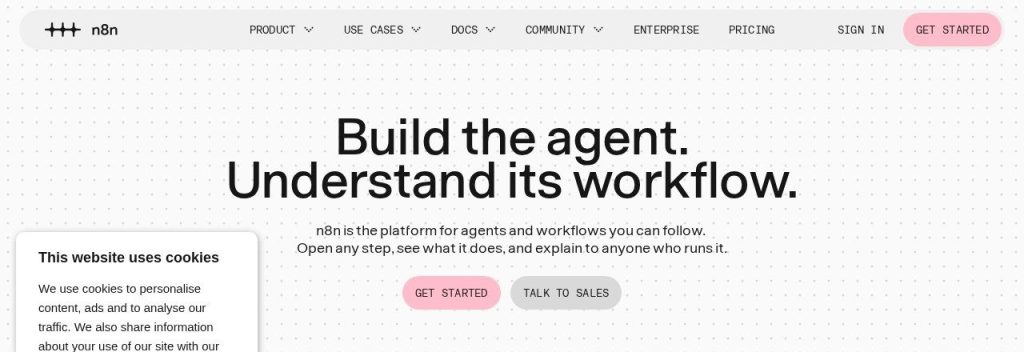
n8n is a workflow and AI agent builder with about 209,000 GitHub stars, which makes it one of the most popular automation projects in the world. You can use n8n Cloud or run the free Community Edition on your own server.
Its pricing counts whole workflow runs, not steps. A 20-step workflow that enriches a lead, scores it with AI and books a call counts as 1 execution, which is far cheaper than per-step billing for long workflows.
Key Capabilities
- AI agent builder: Build agents with any model provider, add guardrails, and test them with built-in evaluations.
- Human-in-the-loop: Pause a workflow for your approval before it sends an email or updates a record.
- Per-run pricing: One execution is one full workflow run, however many steps it has.
- MCP support: Connect your workflows to any AI agent or coding assistant via MCP.
- Self-hosting: Run it on your own server for full data control, with the AI Assistant using your own API key.
Integrations
500+ native integrations, plus any app with an API through the HTTP node.
Pros
- Free self-hosted Community Edition
- Pays per workflow run, not per step
- Strong AI agent features on every cloud plan
- Unlimited users and workflows on cloud plans
Cons
- Needs technical comfort (JSON, expressions)
- Prices are in euros
- Starter’s 2,500 executions go fast with frequent schedules
- Huge jump from Pro (€50) to Business (€667)
Plans & Pricing
- Community Edition: Free to self-host under n8n’s Sustainable Use License.
- Free trial: Cloud trial with Pro features and 1,000 executions, no credit card.
- Starter: €20/month (billed annually; €24 monthly). 2,500 executions/month, unlimited workflows and users, 5 concurrent runs.
- Pro: €50/month (billed annually; €60 monthly). 10,000 executions/month, 3 shared projects, 30-day logs.
- Business: €667/month (billed annually). Self-hosted, 40,000 executions/month, SSO and Git version control.
- Enterprise: Custom pricing (contact sales).
Bottom line: Go with n8n if someone on your team likes to tinker and you want AI agents without per-step bills. Skip it if nobody on the team wants to touch JSON.
4. Lindy
Best for: Founders who “wear every hat” and want an AI teammate to handle email, meeting notes and follow-ups instead of building workflows

Lindy takes a different approach from the rest of this list. Instead of drawing workflows, you tell Lindy what job to do (in Slack, by text or in its app) and it works across your tools to get it done.
Think of a consultant who asks Lindy to triage the inbox each morning, draft replies in her voice, send meeting recaps to the CRM and chase an unpaid invoice. Anything that affects the outside world waits for her approval until she trusts it to run alone.
Key Capabilities
- Inbox management: Sorts email and drafts or sends replies in your voice.
- Meeting notes: Records meetings, writes recaps and pushes them into your CRM.
- Approvals: Actions with outside impact wait for your OK, so nothing goes out by surprise.
- Computer use: Lindy can drive a browser to work in tools that have no integration.
- Works where you chat: Give Lindy jobs in Slack, by text or in iMessage.
Integrations
1,500+ integrations plus MCP, so it can use any hosted MCP server.
Pros
- No workflow building needed: you assign jobs in plain English
- Approvals keep you in control
- SOC 2 Type II; HIPAA available on Enterprise
- $50 in free credits with no card
Cons
- Credit-based billing is hard to predict for big jobs
- Every active user is billed separately
- Unused monthly credits do not roll over
- Free credits last only 7 days
Plans & Pricing
- Free: $0. $50 in credits that last 7 days, no credit card.
- Team: From $29.99/month per active user for 3,000 credits/month (5,000 credits is $49.99; 15,000 is $99.99). Credits are pooled across the team. Top-ups cost $10 per 1,000 credits.
- Enterprise: Custom pricing (contact sales). Adds SSO, audit logs and HIPAA with a signed BAA.
Time saver
Start any AI tool on one boring job you do every day (like sorting your inbox or writing meeting recaps), keep approvals switched on for two weeks, then let it run on its own once the results look right.
Bottom line: Try Lindy if you would rather delegate work than design workflows. Skip it if your automations are simple app-to-app hand-offs, which Zapier or Make do for less.
5. Gumloop
Best for: Small teams that want to build AI agents everyone can use (research, lead enrichment, reporting) without writing code

Gumloop is a no-code builder for AI agents that a whole team can share. It raised a $50 million Series B led by Benchmark in March 2026, and lists Shopify, Instacart and Gusto among its customers.
Its Pro plan gives unlimited seats, so a 6-person agency could build one “client research” agent and let every account manager use it without paying per head.
Key Capabilities
- Shared AI agents: Build an agent once and share it with Owner, Editor, Viewer or Use Only access.
- 35+ AI models: Pick the model that fits each job, from fast and cheap to most capable.
- Unlimited seats on Pro: Add the whole team without per-user fees.
- Hosted MCP server: Pro includes 1 hosted MCP server so other AI tools can call your agents.
- 400+ connectors: Plug agents into the apps your team already uses.
Integrations
400+ connectors and 35+ AI models.
Pros
- Unlimited seats, teams and agents on Pro
- Built for AI agents from the ground up
- Strong backing and well-known customers
- Easy access controls for sharing
Cons
- No free plan, only a 14-day trial
- Credit-based usage plus an 8% orchestration fee
- Only one public plan
- More than a solo owner usually needs
Plans & Pricing
- Free trial: 14 days.
- Pro: From $37/month. 20,000 credits/month, unlimited seats and agents, 35+ AI models, 5 concurrent workflow runs, 1 hosted MCP server, 8% orchestration fee.
- Enterprise: Custom pricing (contact sales). Custom credits, org-wide connector policies, optional VPC.
Bottom line: Pick Gumloop if your team wants to build and share AI agents, not just move data between apps. Skip it if you need a free plan or simple trigger-and-action automations.
6. Pabbly Connect
Best for: Cost-conscious owners who run lots of simple automations and like the idea of paying once instead of every month
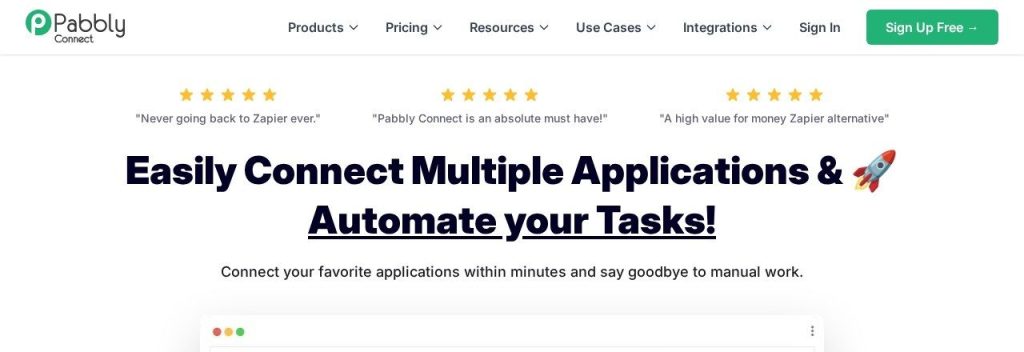
Pabbly Connect is the budget alternative to Zapier and Make. It connects 2,000+ apps and says it is trusted by 14,099+ businesses.
The big draw is price. As of November 2026, $16 a month (billed yearly) buys 10,000 tasks a month, and filters and formatters do not count as tasks. A coach running funnels could also skip subscriptions entirely with a $349 one-time plan for 3,000 tasks a month.
Key Capabilities
- Lifetime plans: Pay once and keep a monthly task allowance, starting at $349 for 3,000 tasks a month.
- Free internal steps: Filters, formatters and routers do not use tasks, so long workflows stay cheap.
- AI agent and assistant: AI steps are included on every plan, even the free one.
- MCP servers: Connect Claude, ChatGPT, Cursor or any MCP-compatible assistant to your workflows.
- Code steps: Add JavaScript or Python when a built-in step is not enough.
Integrations
2,000+ apps, plus webhooks and an email parser.
Pros
- Lowest cost per task on this list
- Lifetime deals end monthly bills
- AI and MCP features on every plan
- 30-day money-back guarantee
Cons
- Free plan is limited to two-step workflows
- Pricing page is busy and hard to compare
- Lifetime plans include only 1 year of support
- Fewer apps and a less polished builder than Zapier
Plans & Pricing
- Free: $0. 100 tasks/month, two-step workflows, no credit card.
- Standard: $16/month (billed yearly; $19 monthly). 10,000 tasks/month, unlimited multi-step workflows.
- Unlimited: $69/month (billed yearly; $79 monthly). Unlimited tasks.
- Lifetime: $349 one time (3,000 tasks/month), $799 (10,000 tasks/month) or $1,298 (20,000 tasks/month).
Bottom line: Choose Pabbly Connect if cost per task matters more than polish. Skip it if you need the widest app library or very complex AI agents.
7. Activepieces
Best for: Small teams that want a friendly, open-source automation tool with a free plan for up to 5 users
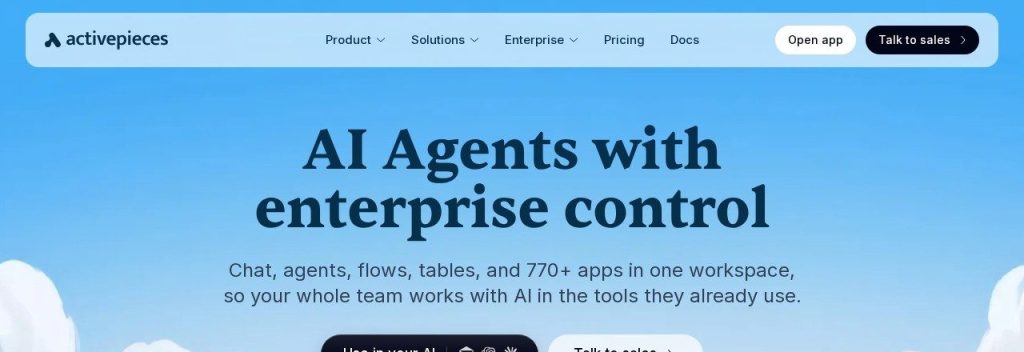
Activepieces puts flows, AI agents, chat and tables in one workspace with 770+ apps. Its Community Edition is MIT-licensed open source, and the project has about 25,000 GitHub stars.
Billing is simple: 1 credit per run, however many steps it has. A 3-person bakery could automate order confirmations, supplier emails and a weekly sales summary on the free plan without paying anything.
Key Capabilities
- AI agents from a description: Describe the agent in plain words and add approval gates before it acts.
- Chat to automation: Ask in chat and Activepieces builds the flow for you.
- Per-run credits: A run costs 1 credit regardless of step count; AI steps cost more unless you use your own keys.
- Hosted MCP server: Let Claude or Cursor run your flows.
- Self-hosting: Run it on your own servers if you want full data control.
Integrations
770+ apps, plus custom TypeScript code steps.
Pros
- Free plan for up to 5 users
- Simple per-run credit system
- Open-source core you can self-host
- Flat team pricing, not per seat
Cons
- Free credits reset daily, so bursts get paused
- Big jump from Plus ($20) to Team ($200)
- AI steps use 2 to 20 credits without your own keys
- SOC 2 certification still in progress
Plans & Pricing
- Free: $0. 1,000 credits/month (reset daily), up to 5 users, unlimited flows.
- Plus: $20/month flat (billed monthly; annual billing saves 2 months). 10,000 credits/month, up to 5 users, bring your own AI keys.
- Team: $200/month flat (billed monthly). 50,000 credits/month, 25 users, SSO.
- Ultimate: Custom pricing (contact sales).
Bottom line: Start with Activepieces if you want a free plan your whole small team can share. Skip it if you need the deepest app catalog or certified compliance today.
What to Look For in an AI Automation Tool
Most tools look alike on their homepages. These are the details that change what you actually pay and how much time you save.
- How usage is counted: Zapier counts every action step as a task, while n8n and Activepieces count a whole workflow run as one unit. Long workflows are much cheaper on per-run billing.
- Your apps are supported: Check your must-have apps first. Zapier covers 9,000+, Make 3,000+, Pabbly Connect 2,000+ and Gumloop 400+.
- Ease of building: If nobody on your team is technical, Zapier’s step list or Lindy’s plain-English jobs beat a node canvas like n8n.
- AI that does real work: Look for AI steps that sort, summarize and draft inside a workflow, plus approvals so the AI cannot email a customer without your OK (Lindy and n8n both do this).
- A free plan you can test with: Zapier, Make, Pabbly Connect and Activepieces all have free plans, so build one real workflow before you pay.
- Price jumps between tiers: Activepieces goes from $20 to $200 and n8n from €50 to €667. Know where your next tier sits before you grow into it.
- Data control: If you handle sensitive data, n8n and Activepieces can be self-hosted, and Lindy offers HIPAA on Enterprise.
Which AI Automation Tool Should You Choose?
- If you have never automated anything before, pick Zapier and start with its free plan.
- If you want complex workflows on a small budget, pick Make.
- If you would rather delegate jobs than build workflows, pick Lindy.
- If you run thousands of tasks and hate monthly bills, pick Pabbly Connect and look at its lifetime plans.
- If you have a developer and want full control, pick n8n (self-hosted is free).
- If your team wants to build shared AI agents, pick Gumloop; for a free team plan, pick Activepieces.
FAQs
What is the best AI automation tool for a small business?
For most small businesses, Zapier is the best place to start because it is the easiest to use and connects 9,000+ apps. If price matters more than ease, Make offers 10,000 credits a month from $9 as of November 2026.
Is there a free AI automation tool?
Yes. Zapier (100 tasks a month), Make (1,000 credits a month), Pabbly Connect (100 tasks a month) and Activepieces (1,000 credits a month for up to 5 users) all have free plans. n8n’s Community Edition is free if you host it yourself.
What is the difference between Zapier and Make?
Zapier builds automations as a simple step-by-step list and has more apps, so it is easier for beginners. Make uses a visual flowchart that handles branching logic better and usually costs less per task, but takes longer to learn.
What is the cheapest automation tool for high volume?
Pabbly Connect is the cheapest per task on this list, at $16 a month (billed yearly) for 10,000 tasks, or $349 one time for 3,000 tasks a month. Self-hosting n8n is free but needs technical skills and a server.
Can AI automation tools replace a virtual assistant?
They can take over repeat jobs like data entry, follow-up emails, meeting notes and lead sorting. Tools like Lindy go further by handling inbox and scheduling tasks, but you should keep approvals on for anything customer-facing.
Final Thoughts
Pick the one task you repeat most often this week and automate just that. For most owners, the free plan of Zapier or Make is the best first step, and you can move to a cheaper or more powerful tool once you know your volume.
Building your full setup? See our AI tool stack for a one-person business, or pair your automations with one of the best CRM tools for small businesses.