


Prices checked: November 2026
You signed up for HubSpot because the CRM was free. A year later your team has grown to five people, you want automated follow-ups, and the quote for Sales Hub Professional is $90 per seat a month plus a required $1,500 onboarding fee.
That jump is the most common reason small businesses start searching for HubSpot alternatives. The free plan stops at 2 users, the cheap Starter price is a new-customer promo, and the AI features run on metered HubSpot Credits.
To be fair, HubSpot is popular for good reasons: the free CRM is easy, the app marketplace is huge, and sales, marketing and support all share one database. If you use all of that, it can be worth the money.
But if you mainly need a pipeline, reminders and email follow-ups, a good alternative gives you that for a fraction of the price, with less setup. Five of the eight tools below have a built-in or free HubSpot import, so switching is less painful than it sounds.
Here are the 8 best HubSpot alternatives, and who each one suits.
Quick answer
- Best overall HubSpot alternative: Pipedrive
- Best free alternative: Zoho CRM (free for 3 users)
- Cheapest paid plan: Freshsales ($9 per user a month)
- Best AI-native CRM: Attio
- Simplest switch: Less Annoying CRM ($15 per user, everything included)
What’s the Best HubSpot Alternative?
| Tool | Best for | Free plan | Starting price |
|---|---|---|---|
| Pipedrive | Sales teams that want a clear visual pipeline | No (14-day trial) | $14/seat/mo |
| Zoho CRM | Teams that want a bigger free plan and lots of features | Yes (3 users) | $14/user/mo |
| Freshsales | The lowest paid price with phone and chat built in | No (21-day trial) | $9/user/mo |
| Capsule | Small teams that want a tidy, simple CRM with a free tier | Yes (2 users) | $18/user/mo |
| monday CRM | Teams that sell and then deliver projects | No (14-day trial) | $12/seat/mo (3-seat min.) |
| Attio | Startups and modern teams that want an AI-native CRM | Yes (3 seats) | $35/seat/mo |
| folk | Founders and agencies who sell through relationships | No (14-day trial) | $24/user/mo |
| Less Annoying CRM | Owners who want one simple plan and no upsells | No (30-day trial) | $15/user/mo |
Prices checked November 2026. Starting prices use annual billing unless noted. For comparison, HubSpot’s Starter plan lists at $20 per seat a month (with a new-customer promo from $7), and Professional costs $90 per seat plus a $1,500 onboarding fee.
1. Pipedrive
Best for: Small sales teams, agencies and contractors who live in their deal pipeline and want sequences without HubSpot’s Professional price
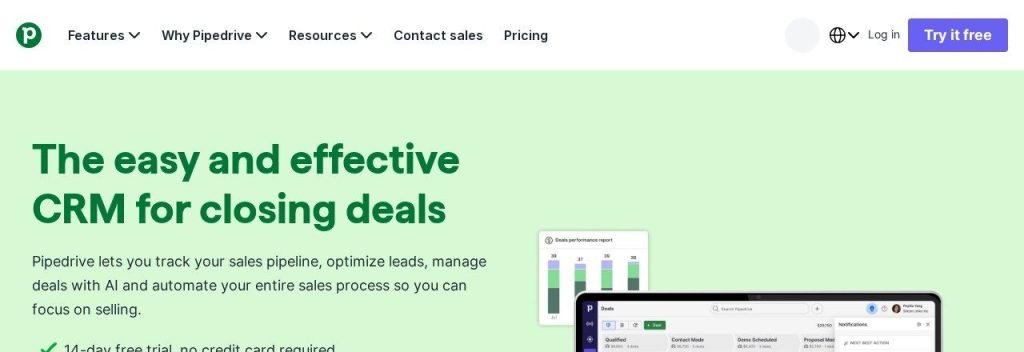
Pipedrive is the most common place HubSpot users land, because it does the sales part just as well and costs far less. Its Growth plan, which adds email sync, automations and sequences, costs $39 per seat a month on annual billing as of November 2026. HubSpot only gives you sequences on Professional at $90 per seat.
Pipedrive keeps everything around one drag-and-drop pipeline. A 4-person roofing company could see every quote by stage, get a nudge when a deal sits too long, and send a 3-step follow-up sequence automatically.
Key Capabilities
- Visual pipeline: Drag deals between stages and spot stalled ones at a glance.
- Automations and sequences: From the Growth plan, follow-up emails and tasks run on their own.
- AI sales tools: Every plan includes an AI report generator, and Premium adds AI multi-email tools.
- Guided HubSpot import: Pipedrive has a HubSpot migration guide that brings over people, organizations, deals, activities and notes.
- 500+ integrations: Connect your email, calendar, forms and accounting apps.
Pros
- Very easy to learn, even for non-technical teams
- Sequences cost $39 per seat, not $90
- No onboarding fee on any plan
- 14-day free trial with no credit card
Cons
- No free plan
- Lead scoring and enrichment need Premium ($59)
- Marketing tools are basic compared with HubSpot
- Prices exclude VAT where it applies
Plans & Pricing
- Free trial: 14 days, no credit card.
- Lite: $14/seat/month (billed annually). Pipeline, leads, calendar and AI report creation.
- Growth: $39/seat/month (billed annually). Email sync and tracking, automations, sequences, forecasts.
- Premium: $59/seat/month (billed annually). Lead routing, scoring, enrichment, e-signatures.
- Ultimate: $79/seat/month (billed annually). Security rules, sandbox, extended phone support.
- Monthly billing costs more; Pipedrive says annual billing saves up to 42%.
Bottom line: Switch to Pipedrive if HubSpot’s sales tools are what you use most and Professional is too expensive. Skip it if you rely on HubSpot’s marketing emails and landing pages.
2. Zoho CRM
Best for: Budget-minded teams that have outgrown HubSpot’s 2-user free plan and want more features per dollar
Zoho CRM is the closest like-for-like swap for HubSpot on a budget. Its free edition covers 3 users (HubSpot’s covers 2), and paid plans start at $14 per user a month on annual billing as of November 2026.
Zoho also has a built-in HubSpot import that pulls in companies, contacts, deals, tasks, calls, notes and quotes using a HubSpot API token. A 3-person consultancy could move over in an afternoon and keep its full history.
Key Capabilities
- Free for 3 users: Up to 5,000 records, basic workflows and the default pipeline.
- Zia AI: Lead and deal scoring, email writing help, record summaries and forecasting on higher plans.
- Built-in HubSpot migration: Go to Setup, Data Administration, Import, then HubSpot.
- Deep customization: Custom modules, fields, layouts and multiple pipelines from Standard.
- Zoho ecosystem: Connects with Zoho Books, Desk, Campaigns and 50+ other Zoho apps.
Pros
- Bigger free plan than HubSpot
- Professional costs $23 per user, a quarter of HubSpot Professional
- Free HubSpot import tool
- Zoho offers free migration help for HubSpot users
Cons
- The interface takes longer to learn
- Many AI features need Professional or higher
- Settings menus can feel crowded
Plans & Pricing
- Free: $0 for up to 3 users. 5,000 records, basic workflows. Paid plans also offer a free trial.
- Standard: $14/user/month (billed annually). Up to 100,000 records, 5 pipelines.
- Professional: $23/user/month (billed annually). Zia predictions, more automation, 10 pipelines.
- Enterprise: $40/user/month (billed annually). Advanced AI, 20 pipelines, custom modules.
- Ultimate: $52/user/month (billed annually). Highest limits and analytics.
Bottom line: Switch to Zoho CRM if you want the most features for the least money and do not mind a learning curve. Skip it if your team needs something it can use on day one without training.
3. Freshsales
Best for: Price-sensitive teams that want built-in phone, email and chat in one CRM
Freshsales is the cheapest paid CRM in this list. Its Growth plan costs $9 per user a month on annual billing as of November 2026, less than half of HubSpot Starter’s $20 list price.
Freshsales also has a HubSpot migration tool in its settings that brings over contacts, accounts and deals. A small B2B supplier could call, email and chat with buyers from one screen without paying for a separate phone app.
Key Capabilities
- Built-in phone, email and chat: Included from the Growth plan.
- Freddy AI: Contact scoring, AI email writing and deal insights, mostly on Pro and above.
- Sales sequences: Automated follow-up emails from the Pro plan ($39).
- HubSpot migration tool: Found under Admin Settings, Data and Import, HubSpot Migration.
Pros
- Lowest paid starting price here
- Phone and chat included without add-ons
- 21-day free trial
- Built-in HubSpot importer
Cons
- Contact scoring and sequences need Pro ($39)
- The Freddy AI Agent chatbot is a paid add-on ($49 per 100 sessions)
- Bringing over HubSpot notes and calls can take extra work
Plans & Pricing
- Free trial: 21 days of the full CRM.
- Growth: $9/user/month (billed annually). Kanban pipeline, phone, email, chat, basic workflows.
- Pro: $39/user/month (billed annually). Contact scoring, deal insights, sales sequences.
- Enterprise: $59/user/month (billed annually). Forecasting insights, custom modules, sandbox.
- Freshworks says annual billing saves 20% compared with monthly.
Bottom line: Switch to Freshsales if price is your main problem with HubSpot and you call customers often. Skip it if you need sequences but only want to pay the $9 plan.
4. Capsule
Best for: Service businesses and small teams of 1 to 5 who want an easy CRM and a free, guided move from HubSpot
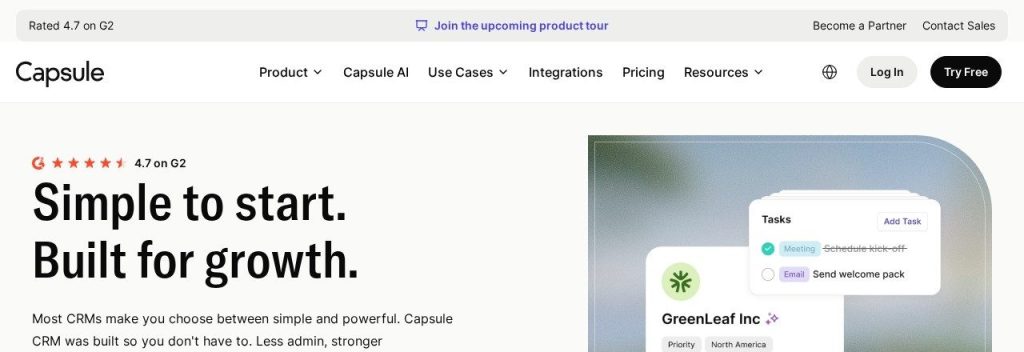
Capsule is a clean, simple CRM built for small businesses. Its Starter plan costs $18 per user a month on annual billing as of November 2026, and there is a free plan for 2 users and 250 contacts.
The standout for HubSpot users is the migration: inside Capsule you choose Import, From another CRM, HubSpot, and the move runs through Import2 at no charge. A 2-person bookkeeping firm could switch over a weekend without touching a spreadsheet.
Key Capabilities
- Free HubSpot migration: Built-in import through Import2, with no migration fee.
- AI Pipeline Generator: Starter builds a sales pipeline for your business type.
- AI enrichment and summaries: Growth and above fill in contact data and summarize the last 50 activities on a record.
- Projects alongside sales: Growth adds project boards to track work after a deal is won.
- Accounting links: Starter includes integrations such as Xero.
Pros
- Very easy to use
- Free, guided migration from HubSpot
- Free plan for 2 users
- Clear pricing with no onboarding fees
Cons
- Free plan caps you at 250 contacts and 1 pipeline
- AI features are lighter than HubSpot or Attio
- Marketing email needs a separate tool (Capsule’s sister product, Transpond)
Plans & Pricing
- Free: $0 for up to 2 users, 250 contacts, 1 pipeline. Paid plans have a 14-day free trial.
- Starter: $18/user/month (billed annually; $22 monthly). 30,000 contacts, AI Pipeline Generator.
- Growth: $36/user/month (billed annually; $40 monthly). 60,000 contacts, 5 pipelines, AI enrichment.
- Advanced: $54/user/month (billed annually; $60 monthly). 120,000 contacts, 50 pipelines.
- Ultimate: $72/user/month (billed annually; $75 monthly). Account manager and custom training.
Bottom line: Switch to Capsule if HubSpot feels like too much software and you want a painless move. Skip it if you need advanced automation or heavy AI.
5. monday CRM
Best for: Agencies and service teams that want one place to win deals and then run the work
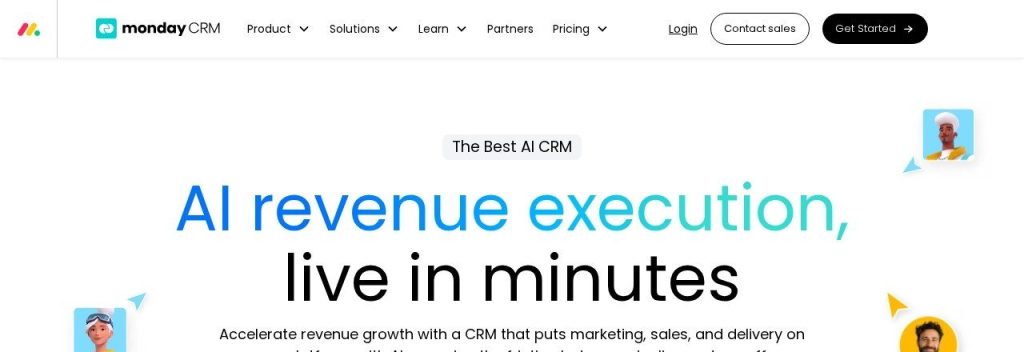
monday CRM feels less like a classic CRM and more like a flexible board you shape around your sales process. The Basic plan costs $12 per seat a month on annual billing as of November 2026, with a 3-seat minimum.
Its real advantage over HubSpot is what happens after the sale. A 6-person marketing agency could track leads, send quotes, then hand won deals straight into project boards in the same account.
Key Capabilities
- Customizable boards: Build pipelines, contact lists and project trackers with drag-and-drop columns.
- AI agents and Sidekick: From Standard, AI helps with lead sourcing, meeting prep and notes.
- Quotes and invoices: Create and send them inside the CRM (20 a month on Basic).
- Email sequences: Mass email and sequences on the Pro plan.
- HubSpot integration: Sync HubSpot contacts, companies and deals into monday boards while you switch.
Pros
- Easy to shape around how you already work
- Sales and project work in one place
- Clean, visual interface
- 14-day trial with no credit card
Cons
- 3-seat minimum, so a solo owner pays for three
- Basic caps you at 1,000 contacts and deals
- AI runs on credits, which add cost as you use more
- No dedicated one-click HubSpot migration tool
Plans & Pricing
- Free trial: 14 days of Pro, no credit card.
- Basic: $12/seat/month (billed annually; $18 monthly). 1,000 contacts and deals, 3-seat minimum.
- Standard: $17/seat/month (billed annually; $25 monthly). 10,000 contacts, 250 automations a month, AI features.
- Pro: $28/seat/month (billed annually; $41 monthly). 100,000 contacts, sequences, 25,000 automations a month.
- Ultimate: Custom pricing (contact sales). Unlimited limits and white-glove migration.
Bottom line: Switch to monday CRM if you want sales and delivery in one tool. Skip it if you work alone, because the 3-seat minimum makes it pricey for one person.
6. Attio
Best for: Startups, investors and tech-savvy teams who want a flexible, AI-first CRM that builds itself from their inbox
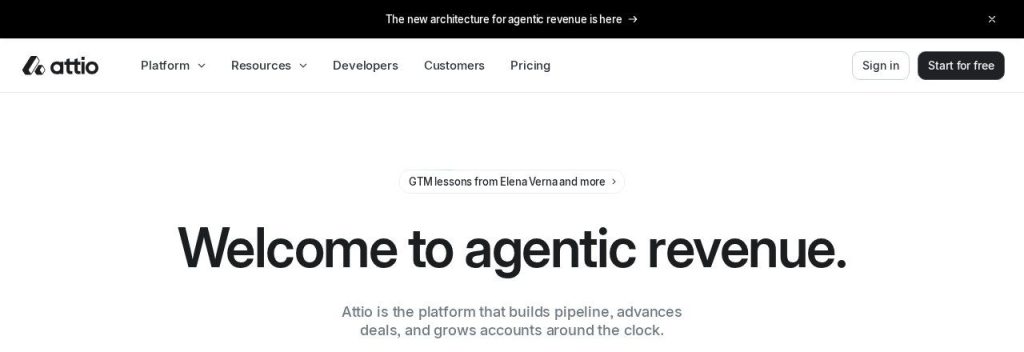
Attio is the modern pick for teams that find HubSpot rigid. Its free plan covers 3 seats and 50,000 records, and the Plus plan costs $35 per seat a month on annual billing as of November 2026.
Attio builds contact and company records from your email and calendar, and its Ask Attio assistant can search your data, draft emails and create tasks. A 5-person startup could run fundraising and sales pipelines side by side with very little data entry.
Key Capabilities
- Ask Attio: An AI assistant on every plan that searches your CRM and the web, drafts emails and updates records.
- Automatic records: Email and calendar sync create and enrich contacts for you.
- Flexible data model: Build custom objects for deals, investors, partners or anything else.
- Free HubSpot migration: Import2 moves companies, people, deals, notes, tasks and files at no cost on Plus and above.
- Call Intelligence: Recording, transcripts and AI summaries on Pro.
Pros
- Generous free plan for 3 seats
- Modern, fast interface
- AI credits included on every plan
- Free HubSpot migration on paid plans
Cons
- Pro jumps to $79 per seat
- Heavy AI use can mean buying extra credit packs
- Takes some setup to get the most from custom objects
- Free migration is not on the free plan
Plans & Pricing
- Free: $0 for up to 3 seats, 50,000 records, 100 AI and workflow credits per seat. Pro has a 14-day trial.
- Plus: $35/seat/month (billed annually; $44 monthly). Up to 10 seats, 250,000 records.
- Pro: $79/seat/month (billed annually; $99 monthly). Unlimited seats, call intelligence, 1,000,000 records.
- Enterprise: Custom pricing (contact sales). Annual billing only.
Bottom line: Switch to Attio if you want a CRM that feels modern and leans on AI. Skip it if you want the cheapest option or a CRM your whole team can learn in an hour.
7. folk
Best for: Consultants, agencies and founders whose deals come from LinkedIn, referrals and warm intros
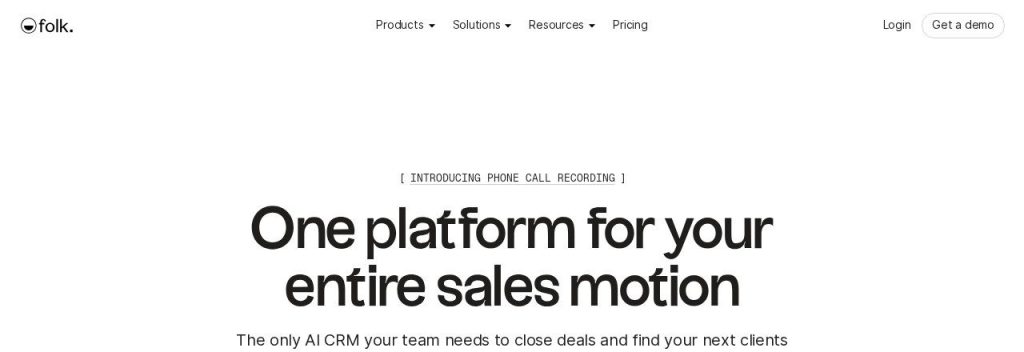
folk is a lightweight CRM for people who sell through relationships, not cold calls. The Standard plan costs $24 per user a month on annual billing as of November 2026, and it includes AI assistants for research, follow-ups and recaps.
folk offers a HubSpot migration guide plus a “Migrate my CRM” request service where you upload your export and the team reviews it. A solo consultant could pull contacts from LinkedIn with folk’s browser extension and get reminded to follow up with each one.
Key Capabilities
- AI assistants: Research, follow-up and recap assistants plus AI-filled “magic fields” on every paid plan.
- LinkedIn capture: Save contacts from LinkedIn and other sites in one click.
- Email sync and finder: Up to 500 email finds a month on Standard.
- HubSpot move: CSV import guide plus a migration request service.
- Sequences on Premium: Automated follow-up emails, dashboards and API access.
Pros
- Very quick to set up
- Strong for LinkedIn and referral-based sales
- AI included in the price
- Unlimited contacts on Standard and Premium
Cons
- No free plan
- Sequences need Premium ($48)
- Standard shows only the last 30 interactions per contact
- Not built for large sales teams
Plans & Pricing
- Free trial: 14 days with Premium features, no card needed.
- Standard: $24/user/month (billed annually; $30 monthly). 2,000 magic fields a month, 500 email finds.
- Premium: $48/user/month (billed annually; $60 monthly). Sequences, dashboards, full history, API.
- Enterprise: From $80/user/month (billed annually). Custom quote.
Bottom line: Switch to folk if HubSpot feels built for a sales floor you do not have. Skip it if you need deep reporting or a big team pipeline.
8. Less Annoying CRM
Best for: Owners who are tired of tiers, credits and upsells and just want a CRM that works
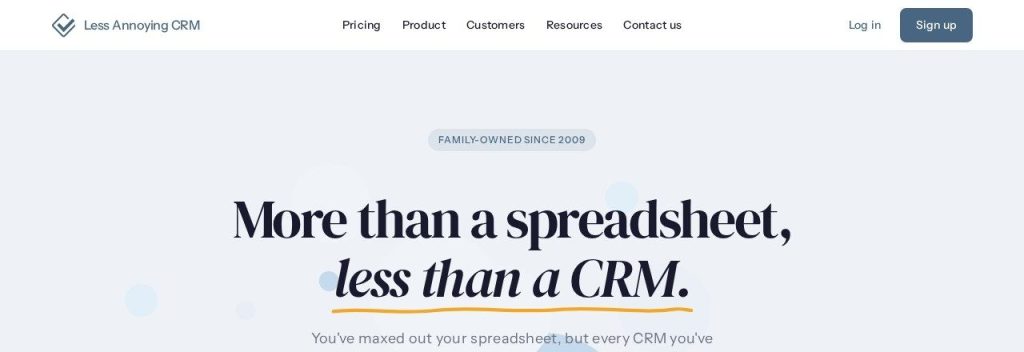
Less Annoying CRM is the opposite of HubSpot’s pricing model. There is one plan, it costs $15 per user a month as of November 2026, and every feature is included, with no contracts or onboarding fees.
It handles contacts, pipelines, tasks and calendar reminders, and the team will run up to 3 free spreadsheet imports for you. A local landscaping business could export its HubSpot contacts and be up and running the same day.
Key Capabilities
- One plan, everything included: No feature tiers, AI credits or add-ons.
- Unlimited pipelines: Track sales, hiring or onboarding in separate pipelines.
- Free import help: Up to 3 staff-run imports, plus free Import2 migration if you prepay a year.
- Calendar and tasks: Daily agenda emails so follow-ups do not slip.
- Free phone and email support: Real people help every customer.
Pros
- Clear, flat price
- Very easy for non-technical teams
- Free import help
- Friendly support for every customer
Cons
- No built-in AI features
- No free plan
- No marketing email or automation tools
Plans & Pricing
- Free trial: 30 days, no credit card.
- Everything included: $15/user/month (billed monthly, no contract). 25GB storage per user, unlimited pipelines. Prepaying a year costs the same rate and includes free Import2 migration.
Bottom line: Switch to Less Annoying CRM if HubSpot’s tiers and fees are what bother you most. Skip it if AI email writing and automation are the reason you want a CRM.
What to Look For in a HubSpot Alternative
Leaving HubSpot is a good moment to pick a CRM that fits how you sell today. Check these before you move.
- Switching cost and data migration: Zoho CRM and Freshsales have built-in HubSpot importers, and Capsule and Attio move your data through Import2 for free.
- Total price for your team: Multiply the seat price by your headcount. monday CRM starts at 3 seats, so a solo owner pays for three.
- Where the price jumps: HubSpot’s jump from Starter to Professional is steep. Pipedrive includes sequences at $39 per seat, Freshsales at $39.
- A free plan that fits: Zoho CRM and Attio are free for 3 users, Capsule for 2 users and 250 contacts.
- How AI is billed: Attio and monday CRM run AI on credits, while Less Annoying CRM has no AI at all. Pick the trade-off you prefer.
- Onboarding fees and contracts: None of the eight tools here charges a required onboarding fee like HubSpot Professional’s $1,500.
- Marketing needs: If you send newsletters from HubSpot today, plan a separate email tool, because most of these CRMs focus on sales.
Which HubSpot Alternative Should You Choose?
- If you want the best all-round sales CRM for less, pick Pipedrive.
- If you need a free plan for a team of 3, pick Zoho CRM or Attio.
- If the lowest paid price matters most, pick Freshsales.
- If you want a simple tool and a painless move, pick Capsule or Less Annoying CRM.
- If you sell and then deliver projects, pick monday CRM.
- If you use HubSpot’s marketing, sales and support hubs together and they pay off, stay with HubSpot.
FAQs
What is the best alternative to HubSpot for a small business?
For most small sales teams, Pipedrive is the best HubSpot alternative because it covers pipelines, automations and sequences from $39 per seat a month. If you need a free plan, Zoho CRM is free for 3 users.
What is the best free HubSpot alternative?
Zoho CRM is free for up to 3 users and 5,000 records, and Attio is free for 3 seats and 50,000 records as of November 2026. Capsule also has a free plan for 2 users and 250 contacts.
Is there a cheaper alternative to HubSpot?
Yes. Freshsales starts at $9 per user a month and Pipedrive at $14 per seat on annual billing, while HubSpot Starter lists at $20 per seat and Professional costs $90 per seat plus a $1,500 onboarding fee.
Can I move my data from HubSpot to another CRM?
Yes. Zoho CRM and Freshsales have built-in HubSpot importers, and Capsule and Attio offer free migrations through Import2. Every tool here also accepts a CSV export from HubSpot.
Why do businesses leave HubSpot?
The most common reasons are the price jump from Starter to Professional, required onboarding fees, per-seat costs as the team grows and metered AI credits. Some teams also find it more complex than they need.
Final Thoughts
Start by listing what you actually use in HubSpot today, then trial two tools from this list with your real deals. For most small teams, Pipedrive or Zoho CRM is the best place to start, and Capsule is the easiest move.
Want to compare more CRMs, HubSpot included? See our full list of the best CRM software for small businesses, or fill your new pipeline with the best AI lead generation tools.