

A lead says “send me a proposal.” Two evenings later you are still copying an old Word file, fixing the logo, retyping prices and hoping the PDF looks fine on their phone.
Meanwhile the lead has three other quotes in their inbox. Speed matters: Proposify says 43% of the proposals sent through its platform are won within 24 hours of being opened.
AI proposal software fixes the slow parts. It drafts the scope and summary for you, fills in client details, lets the client sign and pay inside the proposal, and tells you the moment they open it.
We checked the official website and pricing page of every tool below in November 2026, so you can compare real plan limits, not marketing promises.
Here are the 8 best picks, and who each one suits.
Quick answer
- Best overall: PandaDoc (free plan, then $19/month)
- Best for freelancers on a budget: Prospero ($12/month billed annually)
- Best cheap option for small teams: Better Proposals ($13/month billed annually)
- Best AI first drafts: Storydoc
- Best for proposal, contract and invoice in one place: Bonsai
What’s the Best AI Proposal Software?
| Tool | Best for | Free plan | Starting price |
|---|---|---|---|
| PandaDoc | Best overall, e-signature + CRM | Yes (5 docs/mo) | $19/seat/mo |
| Proposify | Sales teams with approvals | 14-day free trial | $39/user/mo |
| Qwilr | Interactive web page proposals | 14-day free trial | $35/user/mo |
| Better Proposals | Low cost for small teams | 14-day free trial | $13/mo |
| Bonsai | Proposal, contract and invoice in one | 7-day free trial | $19/user/mo |
| Storydoc | AI-built visual proposals | 14-day free trial | $19.80/mo |
| Prospero | Solo freelancers on a budget | 14-day free trial | $12/mo |
| Nusii | Agencies wanting flat pricing | 14-day free trial | $29/mo ($290/yr) |
Prices checked November 2026. Starting prices use annual billing unless noted.
1. PandaDoc
Best for: Small sales teams that want proposals, quotes and contracts with unlimited e-signatures in one tool
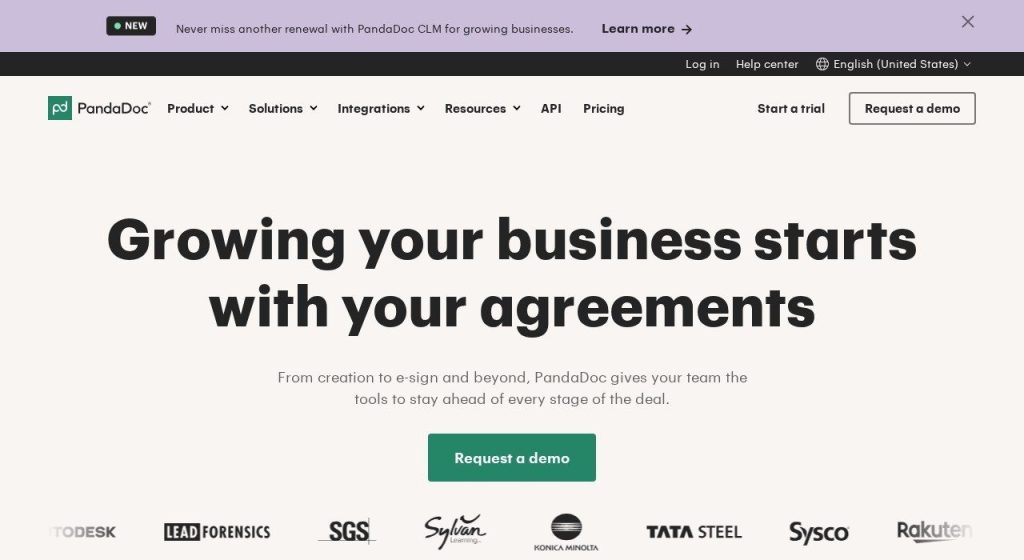
PandaDoc is a document platform for proposals, quotes and contracts. You build from a template, add a pricing table, send it, and the client signs (and can pay) without printing anything. PandaDoc says it has 50,000+ customers and 1,000+ templates.
Its Free plan covers 5 documents a month, which is enough to test it on real deals. A 4-person marketing agency could keep one approved proposal template, let the AI fill in each client’s name and deal amount from call notes, and get an alert the second the client opens it.
Key Capabilities
- AI Assistant: On the Business plan, it reviews documents and points out key terms and insights before you send.
- AI autofill from notes: Paste a CRM record, call notes or an email thread and the AI fills variables like client name, deal value and address (added in August 2026).
- Unlimited e-signatures: Every paid plan includes unlimited signature requests by email, link or SMS, with a full audit trail.
- Pricing tables and payments: Clients pick options and pay by card or ACH through Stripe, Square, PayPal and others (Business plan).
- Open and view tracking: See who opened, viewed and signed, with real time notifications.
- PandaDoc in Claude: A beta MCP connector lets you create and send documents from templates inside Claude.
Integrations
HubSpot, Salesforce (paid add-on), Pipedrive, Zoho, monday.com, Copper, Zapier, Make, Stripe, Square, PayPal, QuickBooks Online, Slack and Canva.
Pros
- Real free plan to test with live clients
- Unlimited e-signatures on every paid plan
- Huge template library (1,000+)
- Strong CRM and payment options
Cons
- Starter has only 5 templates and no CRM sync, payments or branding
- Business costs $49 per seat, a big jump from $19
- API, Zapier, forms and bulk send use extra Usage Credits
- Salesforce is a paid add-on even on Business
Plans & Pricing
- Free: $0. 5 documents a month (UI and API combined), up to 5 templates.
- Starter: $19 per seat per month (billed annually; monthly billing costs more). Unlimited uploads and e-signatures, up to 5 templates.
- Business: $49 per seat per month (billed annually). Unlimited templates, branding, content library, pricing tables, payments, CRM integrations, approval workflows, AI Assistant.
- Enterprise: Custom pricing (contact sales). Adds SSO, smart content, custom roles, optional AI data extraction and CPQ.
- Free trial: 14 days of paid features, no credit card.
Money saver
Start on PandaDoc’s Free plan for your first 5 proposals a month. Only upgrade to Business when you actually need CRM sync or online payments, since that is where the price jumps.
Bottom line: Pick PandaDoc if you want one trusted tool for proposals, quotes and contracts, and you will grow into the Business plan. Skip it if you are a solo freelancer who only sends a few simple proposals a month.
2. Proposify
Best for: Growing sales teams that need approval workflows, content control and lots of CRM integrations
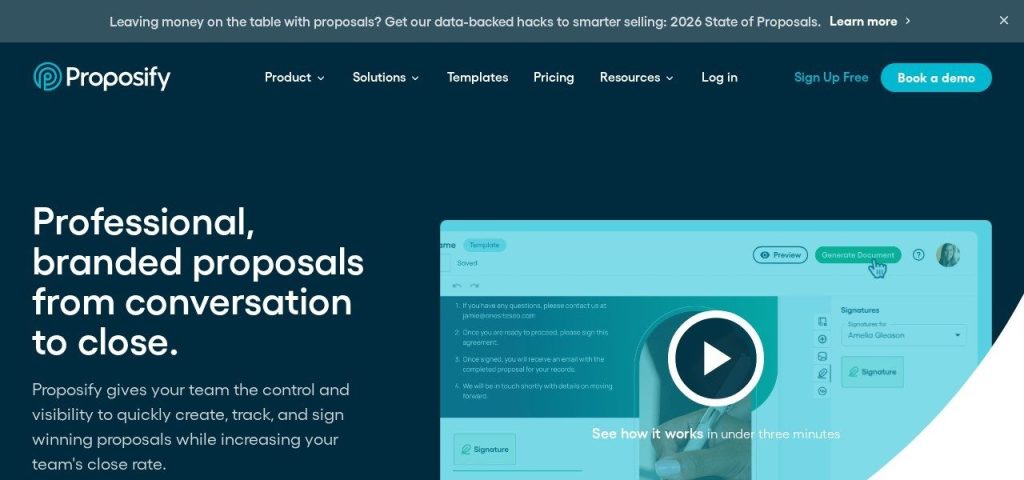
Proposify is proposal software built around sales teams. You get a design editor, a content library of approved sections, unlimited documents and e-signatures, and 48 integrations, including 21 CRMs.
Proposify says 8,976 companies use it and that the average proposal is created in 17 minutes or less. A small IT services firm could have a sales rep paste discovery call notes into the AI Assistant, get a first draft of the scope of work, then send it to the owner for approval before it goes out.
Key Capabilities
- AI content generator: Paste call notes, transcripts or requirements and it drafts executive summaries, cover letters and scopes of work you can edit.
- AI + MCP server: Included from the Build plan, so you can connect Proposify to your AI assistant.
- Unlimited e-signatures: Every plan includes unlimited documents and signatures.
- Approval workflows: On Grow and above, managers sign off on pricing and terms before anything reaches a client.
- Document insights: See when a proposal is opened and which sections get attention.
Integrations
HubSpot, Salesforce (add-on), Pipedrive, Zoho, Microsoft Dynamics, Copper, ActiveCampaign, Close, Keap, Stripe, QuickBooks, FreshBooks, Zapier, Gong and Slack (48 in total).
Pros
- Unlimited documents, templates and e-signatures
- Very wide CRM support (21 CRMs)
- Approval workflows and roles for teams
- Interface available in 15 languages
Cons
- No free plan
- Sends are capped on every plan (10 a month on Build), with per-send overage
- Grow is billed annually only
- Scale requires a $12,800 per year platform fee
Plans & Pricing
- Free trial: 14 days, no credit card.
- Build: $39 per user per month (billed annually; $49 monthly). 10 sends a month, then $0.50 per send. AI + MCP server, content library, integrations.
- Grow: $65 per user per month (billed annually only). 30 sends a month, then $0.30 per send. Adds roles, approval workflows, custom fields and API access.
- Scale: $12,800 per year platform fee including 10 users. 75 sends a month. Adds SSO, multiple workspaces, custom reporting and Salesforce (add-on).
Bottom line: Pick Proposify if you have a few sales reps and need control over what goes out. Skip it if you send more than 10 proposals a month on a solo budget, because the send cap adds up.
3. Qwilr
Best for: Businesses selling higher value deals that want proposals to feel like a polished web page, not a PDF
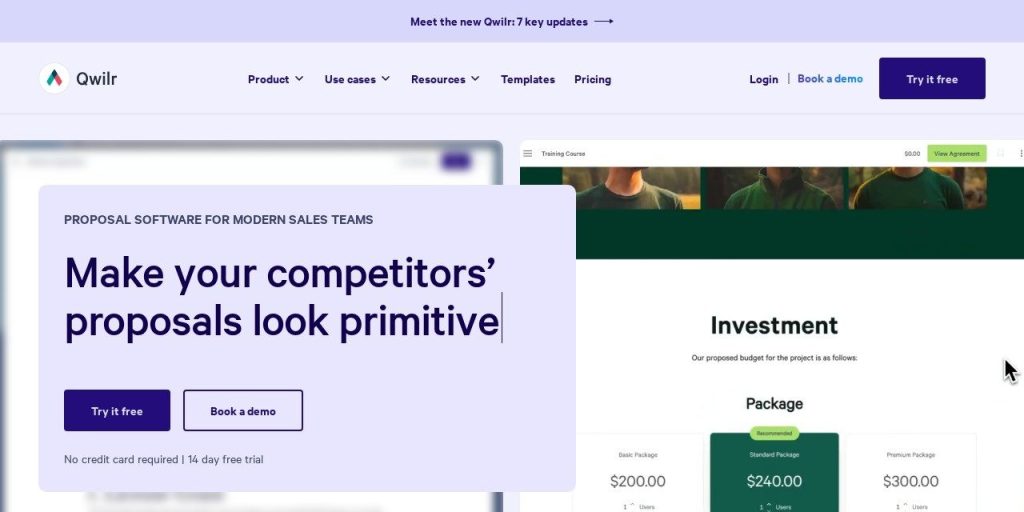
Qwilr turns proposals and quotes into interactive web pages. Clients can scroll, pick options, accept, sign and pay on the page, and you see exactly how they engage. Qwilr says it has 5,000+ customers.
Its free AI Proposal Creator scans your website URL and builds a branded proposal template for you. A boutique consulting firm could use it to create a good looking first template in minutes, then reuse it for every new client.
Key Capabilities
- AI Proposal Creator: Enter your website address and the AI builds a branded proposal template based on your offer.
- Smart Proposal Engine: On Scale, the proposal builds itself from a short form using variables, conditional content and AI Prefill.
- Sign and pay on the page: Legally binding e-signatures on every plan, plus QwilrPay so clients can pay right away.
- Engagement analytics: See who viewed what and get alerts (60 days of history on Starter).
- Qwilr MCP: Work with your Qwilr pages from your own AI assistant, from Starter up.
Integrations
HubSpot, Salesforce (Scale), Zoho CRM, Pipedrive, Microsoft Dynamics (Growth and up), QuickBooks, Stripe, Slack, Zapier and an API.
Pros
- Proposals look modern and work well on phones
- Free AI Creator builds your first template
- Unlimited pages on every plan
- Built-in payments with a low 0.09% fee on Starter
Cons
- No free plan, and monthly billing is only on Starter
- Growth needs 5 seats and Scale needs 10, both billed annually
- Documents are capped (40 on Starter annual), then $2.50 each
- The best AI features are on Scale only
Plans & Pricing
- Free trial: 14 days, no credit card.
- Starter: $35 per user per month (billed annually; $49 monthly). 40 free documents a year on annual billing, then $2.50 each. E-signature, QwilrPay, HubSpot, Zoho and Pipedrive.
- Growth: $55 per user per month (billed annually, minimum 5 seats). 200 documents. Adds automations, custom branding and Microsoft Dynamics.
- Scale: $75 per user per month (billed annually, minimum 10 seats). 600 documents. Adds AI Prefill, Smart Proposal Engine and Salesforce.
Bottom line: Pick Qwilr if your deals are worth thousands and presentation helps you win. Skip it if you are a team of two who sends lots of small quotes, since the document caps and seat minimums will pinch.
4. Better Proposals
Best for: Small businesses and agencies that want a simple, low cost proposal tool with payments built in
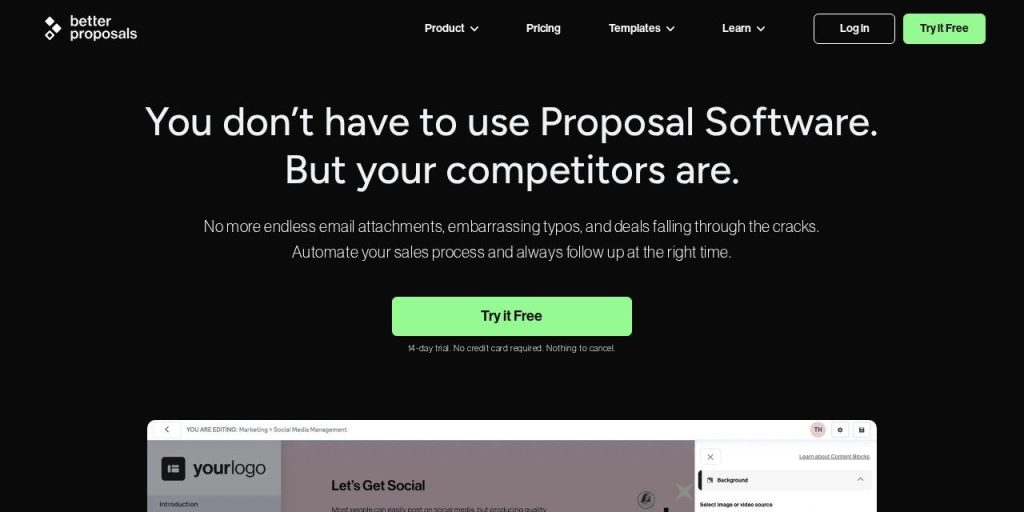
Better Proposals is straightforward proposal software: pick one of 260+ free templates, send the proposal as a web link, and collect e-signatures and payments. It says 10,000+ businesses and freelancers use it.
Its take on AI is different. There is no built-in AI writer, and the company says it bans AI for customer communication. Instead, Premium and Enterprise include an MCP server and CLI, so you can connect Claude or a similar assistant to create proposals from your own templates. A web design studio could keep full control over the wording while still drafting faster.
Key Capabilities
- Connect your own AI: Premium and up include an MCP server and CLI that let Claude and similar tools create proposals from your templates.
- Payments on every plan: Clients can pay with Stripe, PayPal or GoCardless the moment they sign.
- Section level analytics: See which sections a client read, in what order and for how long.
- Client onboarding: After signing, send forms, book a kickoff call and take payment in one flow.
- Document Checker: Flags problems like missing details before you hit send.
Integrations
HubSpot, Salesforce, Pipedrive, Zoho, Close, Capsule, Insightly, Asana, Trello, Slack, Zapier, Stripe, PayPal and GoCardless (CRM integrations on Premium and up).
Pros
- Very low entry price
- Payments and e-signatures on every plan
- 260+ free templates
- Unlimited users from Premium
Cons
- No built-in AI writer; AI only through MCP or CLI on Premium and up
- Starter allows 1 user and 10 documents a month
- Premium caps you at 50 documents a month
- Automated follow-up nudges cost $10 per user per month extra
Plans & Pricing
- Free trial: 14 days on Premium, no credit card.
- Starter: $13 per month (billed annually). 1 user, 10 documents a month, e-signatures, payments, analytics.
- Premium: $21 per user per month (billed annually). 50 documents a month, CRM integrations, Zapier, API, MCP server, custom domain, white label.
- Enterprise: $42 per user per month (billed annually). Unlimited documents, simultaneous editing, comments, manager approvals.
- Nudge add-on: $10 per user per month for automated follow-ups.
Time saver
Most deals die from silence, not a no. Whichever tool you pick, turn on open notifications and follow up within a day of the client first viewing your proposal.
Bottom line: Pick Better Proposals if you want payments, signatures and nice templates for the price of a lunch. Skip it if you want AI to write the proposal for you inside the app.
5. Bonsai
Best for: Freelancers and small agencies that want proposals to flow straight into contracts, invoices and projects
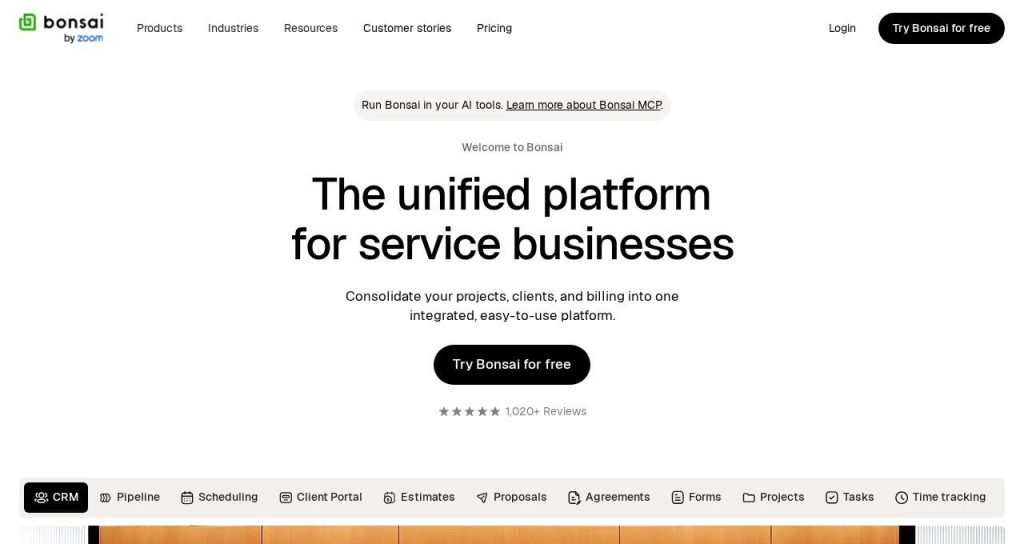
Bonsai is business software for service businesses: CRM, proposals, contracts, invoicing, time tracking and projects in one place. Proposals start on its Essentials plan.
The big time saver is what happens after a yes. When a client accepts, Bonsai can ask for a deposit and create the invoice automatically. A freelance videographer could send three package options, let the client pick one, and have the deposit invoice ready without touching another app.
Key Capabilities
- Package options: Offer a single price, a choice of packages, or let clients tick several services.
- Deposit on acceptance: Require a deposit payment the moment a client accepts.
- Automatic invoicing: Bonsai creates an invoice for the accepted amount for you.
- AI customization: Customize proposal templates with AI content and themes, plus Bonsai MCP to connect Claude, ChatGPT or Gemini.
- Seen receipts: Know when a client has opened your proposal.
Integrations
QuickBooks Online, Xero, HubSpot, Zapier, Calendly, Slack, Gmail, Google Calendar and Google Drive (integrations on Premium and up), with Stripe for payments.
Pros
- Replaces several tools (proposals, contracts, invoices, time tracking)
- Automatic deposit and invoice after a client accepts
- Package and multi-select pricing options
- Large user base and lots of reviews
Cons
- No proposals on the cheapest Basic plan
- Integrations and removing Bonsai branding need Premium
- Only a 7-day trial
- Proposal analytics are basic compared with PandaDoc or Qwilr
Plans & Pricing
- Free trial: 7 days with full access.
- Basic: $9 per user per month (billed annually; $15 monthly). CRM, projects and time tracking, but no proposals.
- Essentials: $19 per user per month (billed annually; $25 monthly). Proposals, contracts, invoices, payments, templates, client portal.
- Premium: $29 per user per month (billed annually; $39 monthly). Adds deals pipeline, reports, integrations and removes Bonsai branding.
- Elite: $49 per user per month (billed annually; $59 monthly). 3 user minimum. Adds custom permissions and data import.
Bottom line: Pick Bonsai if you want your whole client workflow in one tool. Skip it if you only need proposals and already use separate invoicing software.
6. Storydoc
Best for: Founders and agencies that want AI to build a full, deck style proposal from a prompt or their website
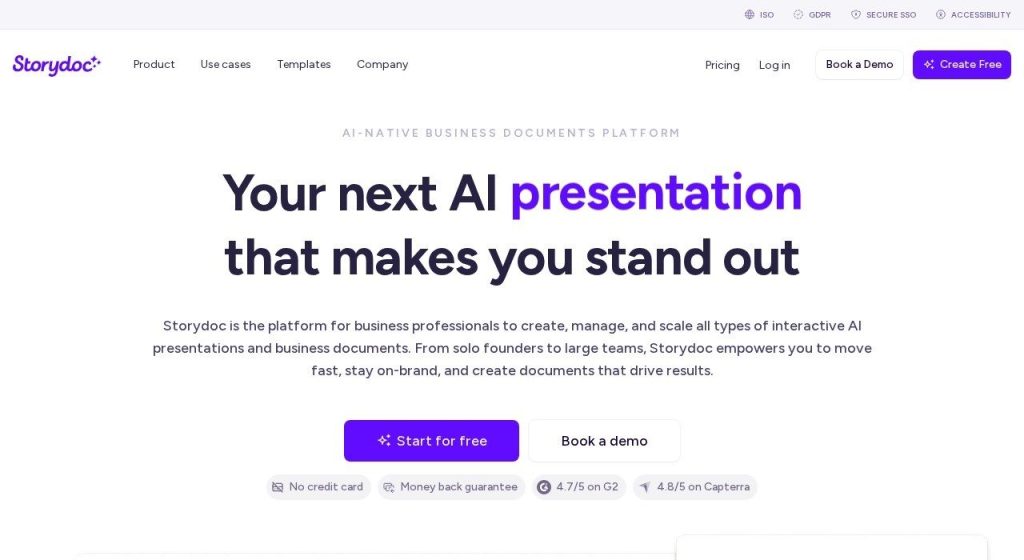
Storydoc creates interactive, slide style proposals and sales decks. Its AI can build a whole proposal from a prompt, a template, your website or an existing document. Storydoc says 400,000+ users and companies have used it.
Storydoc reports that teams save up to 86% of the time spent per proposal (its own figure). A small SaaS company could paste a prospect’s website, get a first draft deck with their logo pulled in, then tweak the pricing slide and send it the same morning.
Key Capabilities
- AI proposal generator: Builds a complete proposal from a prompt, your website or an old document.
- StoryBrain: Trains the AI on your brand voice and past proposals so drafts sound like you.
- Slide AI assistant: Rewrites, shortens, changes tone or creates visuals on any slide.
- Sign and pay inside: Built-in e-signatures and embedded payments through Stripe.
- Deep analytics: Opens, time per slide, drop-off points and internal shares, with A/B testing of versions.
Integrations
HubSpot, Salesforce, Pipedrive, Salesloft, Outreach, Gong, Calendly, Zapier, Make, Clay, DocuSign and Stripe (integrations on Pro and up).
Pros
- Strongest AI drafting on this list
- Proposals look like modern web decks
- Detailed per-slide analytics
- Smart AI assistant included on every plan
Cons
- Starter allows only 5 active documents and 3 live templates
- No integrations or CRM personalization on Starter
- Teams plan has no public price
- Not a contracts or invoicing tool
Plans & Pricing
- Free trial: 14 days, no credit card.
- Starter: $19.80 per month (billed annually, $237.60 a year). 5 active documents, 25 AI text and 20 AI image credits a month, basic analytics.
- Pro: $36 per month (billed annually, $432 a year). 30 active documents, integrations, collaboration, variables, version control.
- Teams: Custom pricing (contact sales) for 5+ users. Unlimited documents and AI credits.
Bottom line: Pick Storydoc if you want AI to do most of the writing and design. Skip it if you need a simple quote tool with invoicing.
7. Prospero
Best for: Solo freelancers and tiny agencies that want unlimited proposals and an AI writing helper for very little money
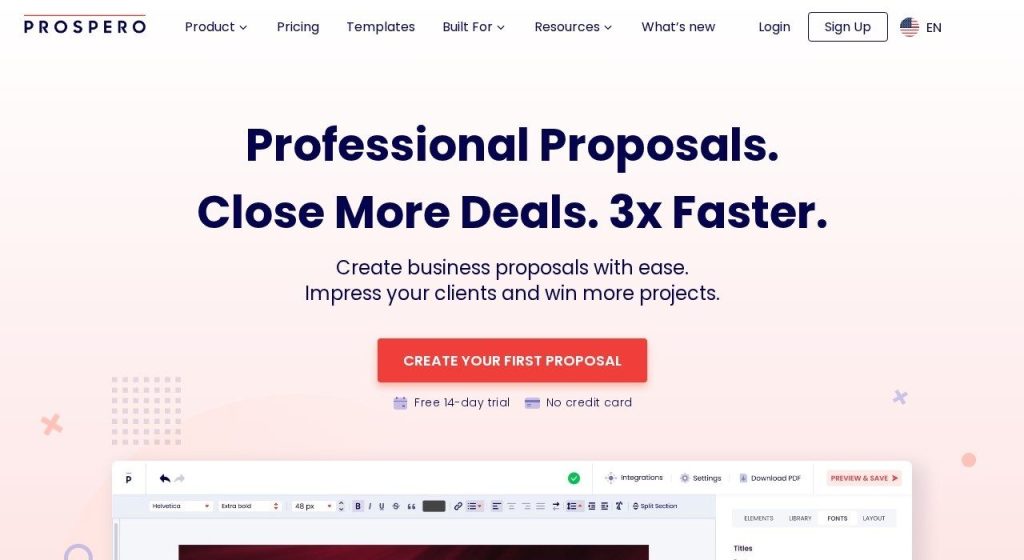
Prospero is simple proposal software with one plan. You get unlimited proposals, 100+ templates, e-signatures and a generative AI assistant. Prospero says 2,000+ businesses in 57 countries use it.
A freelance copywriter could start from a template, ask the AI assistant to tighten the project summary and change its tone, add an interactive pricing section, and get paid through Stripe or Square when the client approves.
Key Capabilities
- Generative AI assistant: Writes new text, changes tone or length, polishes your copy and even generates images.
- Unlimited proposals: No caps on proposals or proposal emails.
- Interactive pricing: Clients choose the plans or services they want inside the proposal.
- E-signature on any device: Typed, drawn or uploaded signatures, with time, IP and device recorded.
- Open tracking: Email alert on first open, plus time spent and acceptance rates.
Integrations
HubSpot, monday.com, Wix, Stripe, Square, QuickBooks, FreshBooks, Zapier, Make and Slack.
Pros
- One of the lowest prices for unlimited proposals
- AI assistant included, not an add-on
- 100+ templates
- No credit card for the trial
Cons
- Team pricing is not published
- Fewer CRM integrations (no Salesforce)
- Live support only weekdays during European business hours
- Smaller user base than the big names
Plans & Pricing
- Free trial: 14 days, no credit card.
- Standard: $12 per month (billed annually; $19 monthly) for one user. Unlimited proposals, 100+ templates, AI assistant, e-signature, analytics, payments.
- Teams: Price scales with team size (not published).
Money saver
If you send fewer than 10 proposals a month, a $12 to $13 tool like Prospero or Better Proposals is usually enough. Pay for PandaDoc Business or Qwilr only when CRM sync or advanced analytics will win you more deals.
Bottom line: Pick Prospero if you work alone and want unlimited AI-assisted proposals for $12 a month. Skip it if you need deep CRM sync for a sales team.
8. Nusii
Best for: Small agencies that prefer a flat account price with users included instead of paying per seat
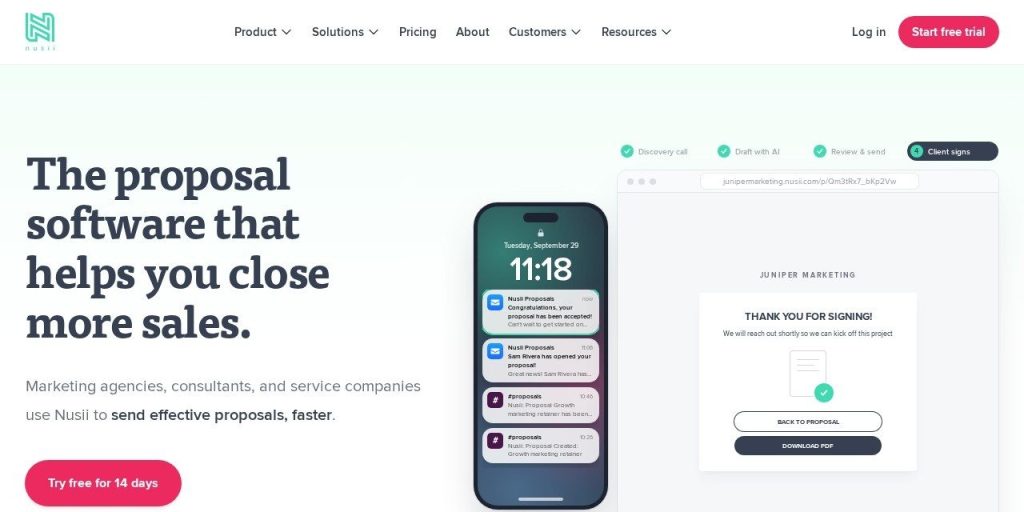
Nusii is focused proposal software for agencies, consultants and service businesses, running since 2013. Unlike most tools here, plans are priced per account, and the Agency plan includes 3 users.
Nusii says 6,985 companies use it, and that 50.2% of the 9,022 proposals sent through Nusii in 2025 were accepted. A 3-person design agency could share one $49 account and reuse a content library of its best case studies and pricing sections.
Key Capabilities
- AI access through MCP: An MCP server, CLI and API let assistants like Claude and ChatGPT work with your proposals, and signup includes a Draft with AI step.
- Content library: Save your best sections and drop them into new proposals in seconds.
- Unlimited templates and clients: No caps on templates or client records on any plan.
- Stripe payments: Collect payment on acceptance (Agency plan and up).
- Open notifications: Filter proposals by sent, unopened or opened so you know who to chase.
Integrations
HubSpot, Pipedrive, Less Annoying CRM, OnePageCRM, Zapier, Make, Stripe, Slack and Basecamp (CRM and payments on Agency and up).
Pros
- Flat account pricing with users included
- 60-day money-back guarantee
- Unlimited templates and clients
- Long track record (since 2013)
Cons
- Free trial requires a credit card
- Freelancer plan caps you at 5 active proposals and has no payments
- Multiple signers need the $129 Business plan
- AI features are thin compared with Storydoc or Proposify
Plans & Pricing
- Free trial: 14 days (credit card required), plus a 60-day money-back guarantee.
- Freelancer: $29 per month or $290 a year. 1 user, 5 active proposals.
- Agency: $49 per month or $490 a year. 3 users included (extra users $19 a month), 20 active proposals, payments, CRM integrations, custom domain.
- Business: $129 per month or $1,290 a year. 5 users included (extra users $29 a month), 50+ active proposals, multiple signers, permissions.
Bottom line: Pick Nusii if you run a small agency and want predictable pricing for the whole team. Skip it if AI writing is the main reason you are shopping.
What to Look For in AI Proposal Software
Most of these tools look similar on the homepage. These details are what actually change your monthly bill and win rate:
- Real AI help, or just a label: Storydoc and Proposify draft content inside the app, while Better Proposals and Nusii rely on connecting your own AI assistant.
- Document or send limits: Proposify caps sends (10 a month on Build) and Qwilr caps documents. Prospero offers unlimited proposals.
- E-signatures included: Every tool here includes e-signatures, so you can likely cancel a separate signing tool.
- Payments on acceptance: Getting paid at signing speeds up cash flow. Bonsai can even request a deposit and invoice automatically.
- Per seat vs flat pricing: PandaDoc and Qwilr charge per seat; Nusii includes 3 users on its $49 Agency plan.
- CRM sync: If you live in HubSpot or Pipedrive, check which plan includes it. PandaDoc needs Business; Better Proposals needs Premium.
- Tracking and alerts: Knowing when a client opens your proposal tells you exactly when to follow up.
Which AI Proposal Software Should You Choose?
- If you want one proven tool for proposals, quotes and contracts, pick PandaDoc.
- If you are a solo freelancer watching every dollar, pick Prospero at $12 a month (billed annually).
- If you are a small team that wants payments and signatures cheaply, pick Better Proposals.
- If you want AI to build the whole proposal for you, pick Storydoc.
- If you want proposals, contracts and invoices in one place, pick Bonsai.
- If you have several sales reps and need approvals, pick Proposify.
FAQs
What is AI proposal software?
AI proposal software helps you create, send and track business proposals, with AI that drafts or rewrites content for you. Most tools also include templates, e-signatures, online payments and alerts when a client opens your proposal.
Is there free proposal software?
Yes. PandaDoc has a Free plan with 5 documents a month as of November 2026. Every other tool on this list offers a free trial instead: 14 days for most, 7 days for Bonsai.
How much does proposal software cost?
Most small business plans cost $12 to $50 per user per month in November 2026. Prospero starts at $12 a month billed annually, Better Proposals at $13, and PandaDoc Business at $49 per seat.
Can AI write a business proposal for me?
AI can write a solid first draft. Storydoc builds full proposals from a prompt or your website, and Proposify drafts scopes and summaries from call notes. Always check prices, deliverables and terms yourself before sending.
Are e-signatures in proposal software legally binding?
In most countries, yes. Tools like PandaDoc, Qwilr, Better Proposals and Nusii describe their e-signatures as legally binding and keep an audit trail, but check the rules for your industry and country.
Do I need proposal software if I already use Google Docs?
Not always. If you send a few proposals a month, a template works. Proposal software pays off when you want signatures, payments and open tracking in one link, and faster follow-ups.
Final Thoughts
You do not need the fanciest tool to win more deals. You need proposals that go out the same day and an alert when the client reads them.
The easiest next step: open PandaDoc’s free plan or start a 14-day Prospero trial, and send your next real proposal through it.
Once proposals are handled, keep the pipeline full with our guide to the best AI lead generation tools, and track every deal in one of these CRM tools for small businesses.