

Prices checked: November 2026
Your list grows past 250 contacts and Mailchimp’s free plan stops sending. On the paid plans, the contacts who unsubscribed still count toward your bill, so you pay for people who will never read your emails.
That is why so many small businesses search for Mailchimp alternatives. Essentials starts at $13 a month, automation flows on that plan are capped at 4 steps, and full automation needs the $20 Standard plan or higher.
To be fair, Mailchimp is popular for good reasons. It is easy to learn, has a huge template library, and connects to 300+ apps, so help and freelancers are easy to find.
But many owners only need clean emails, a welcome series and simple automation. A good alternative gives you that for less, often with a bigger free plan and a free import of your Mailchimp list.
Here are the 7 best Mailchimp alternatives, and who each one suits.
Quick answer
- Best overall Mailchimp alternative: MailerLite
- Best free plan: Sender (2,500 subscribers free)
- Best for online stores: Omnisend
- Best for creators and newsletters: Kit
- Best for big lists on a small budget: Brevo
What’s the Best Mailchimp Alternative?
| Tool | Best for | Free plan | Starting price |
|---|---|---|---|
| MailerLite | The closest, cheaper swap for Mailchimp | Yes (250 subscribers) | $10.80/mo |
| Brevo | Big contact lists that get a few emails a month | Yes (300 emails a day) | $8.08/mo |
| Kit | Creators, coaches and newsletter writers | Yes (10,000 subscribers) | $32.50/mo |
| Omnisend | Shopify and WooCommerce stores | Yes (250 contacts) | $16/mo (monthly) |
| Klaviyo | Growing stores that want deep customer data | Yes (250 profiles) | $20/mo (monthly) |
| Sender | Small lists that want the most for free | Yes (2,500 subscribers) | $9/mo (monthly) |
| EmailOctopus | Owners who want plain, simple newsletters | Yes (2,500 subscribers) | $9/mo |
Prices checked November 2026. Starting prices use annual billing unless noted, at each tool’s smallest list size. For comparison, Mailchimp’s Essentials plan starts at $13 a month and Standard at $20 a month, and annual billing is only offered on bigger accounts.
1. MailerLite
Best for: Small businesses that want Mailchimp’s ease of use, better automation and a lower bill
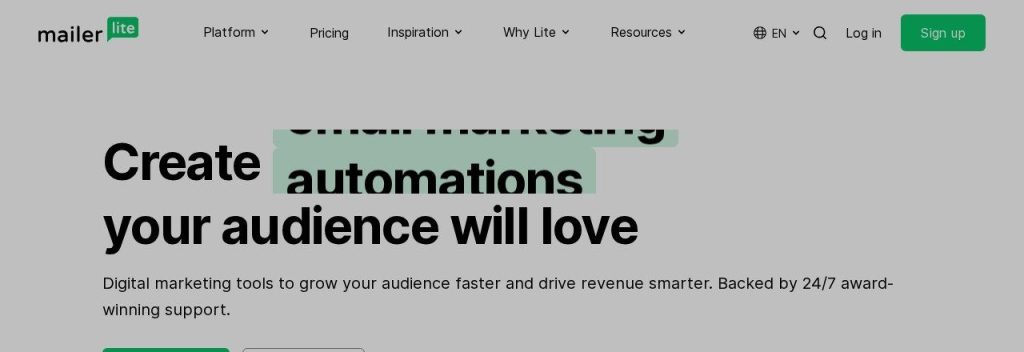
MailerLite feels the most like Mailchimp, just tidier and cheaper. Its Comfort plan costs $10.80 a month on annual billing for 500 subscribers as of November 2026 and includes 50 automations, while Mailchimp Essentials starts at $13 with flows capped at 4 steps.
Switching is quick. A built-in “Import from Mailchimp” option pulls in your subscribers, turns tags into groups and maps your fields. A 2-person bakery could import its list on a Monday and send its weekly specials email the same afternoon.
Key Capabilities
- Mailchimp import: Connect your Mailchimp account and bring over subscribers, tags and basic segments in a few clicks.
- Drag-and-drop builder: Build clean newsletters, landing pages and signup forms without code.
- AI writing assistant: HeyLite intelligence drafts subject lines and email copy, and AI A/B testing helps pick winners.
- Automation on every paid plan: Welcome series, birthday emails and follow ups start on the $10.80 Comfort plan.
- Unlimited emails on Power: The Power plan removes the monthly send cap (fair use) and adds live chat support.
Works With
Shopify, WooCommerce, WordPress, Stripe and Zapier, plus an MCP server for AI assistants.
Pros
- Cheaper than Mailchimp at the same list size
- Built-in Mailchimp import
- Easy to learn if you already know Mailchimp
- 14-day free trial of premium features, no card
Cons
- Free plan is small (250 subscribers, 2,500 emails)
- Templates and automations must be rebuilt by hand
- Comfort has email support only
- Import does not keep syncing on its own
Plans & Pricing
- Free: $0. 250 subscribers, 2,500 emails a month, 3 automations, 2 seats.
- Comfort: $10.80/month (billed annually; $12 monthly) for 500 subscribers. 50 automations, 3 seats, email support.
- Power: $22.50/month (billed annually; $25 monthly) for 500 subscribers. Unlimited emails, automations and seats, live chat support.
- Enterprise: Custom pricing (contact sales) for 200,000+ subscribers.
Money saver
Before you import, archive or delete the unsubscribed contacts in Mailchimp. MailerLite prices by active subscribers, so a cleaner list can put you in a cheaper tier from day one.
Bottom line: Switch to MailerLite if you want Mailchimp’s simplicity for less money. Skip it if you need deep ecommerce flows, where Omnisend or Klaviyo fit better.
2. Brevo
Best for: Owners with large contact lists who send a handful of campaigns each month
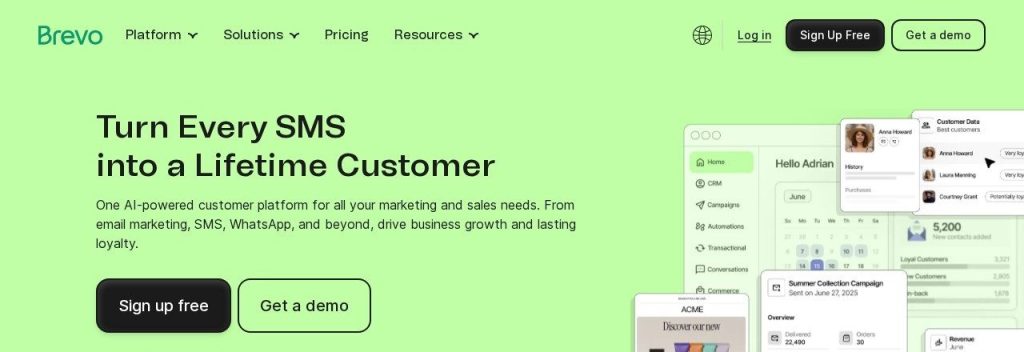
Brevo (formerly Sendinblue) flips Mailchimp’s pricing model. It charges by emails sent, not contacts stored, and the free plan lets you store up to 100,000 contacts and send 300 emails a day.
That matters when your list is big but quiet. A local gym with 4,000 past members could keep every contact on file and pay for 5,000 sends a month on the Starter plan, which costs $8.08 a month on annual billing as of November 2026.
Key Capabilities
- Pay per email, not per contact: Plans are sized by monthly sends, so old contacts do not raise your bill.
- Mailchimp sync: A native integration imports opted-in Mailchimp contacts and keeps syncing them on a schedule.
- SMS and WhatsApp: Send texts with prepaid credits, and add WhatsApp and push on higher plans.
- AI tools: An AI content generator, AI send time optimization and Aura AI for segments and reports.
- Unlimited automation on Standard: Build welcome, cart and follow up flows plus A/B tests.
Works With
Shopify, WooCommerce, WordPress, Wix and Zapier, plus an MCP connection for ChatGPT and Claude.
Pros
- Huge contact storage on the free plan
- Low starting price
- Ongoing Mailchimp contact sync
- Email, SMS and WhatsApp in one place
Cons
- Free plan caps you at 300 emails a day
- Brevo branding on free emails
- Mailchimp import skips unsubscribed contacts and dropdown fields
- Full automation needs the Standard plan
Plans & Pricing
- Free: $0. Up to 100,000 contacts stored, 300 emails a day, Brevo branding.
- Starter: $8.08/month (billed annually at $97; $9 monthly) for 5,000 emails a month. Segmentation and basic reports.
- Standard: $16.17/month (billed annually at $194; $18 monthly) for 5,000 emails a month. Unlimited automation, A/B testing, send time optimization.
- Enterprise: Custom pricing (contact sales).
Bottom line: Switch to Brevo if your list is large and your sending is light. Skip it if you email daily, because send based pricing climbs fast with volume.
3. Kit
Best for: Creators, coaches and solo experts who sell through a newsletter
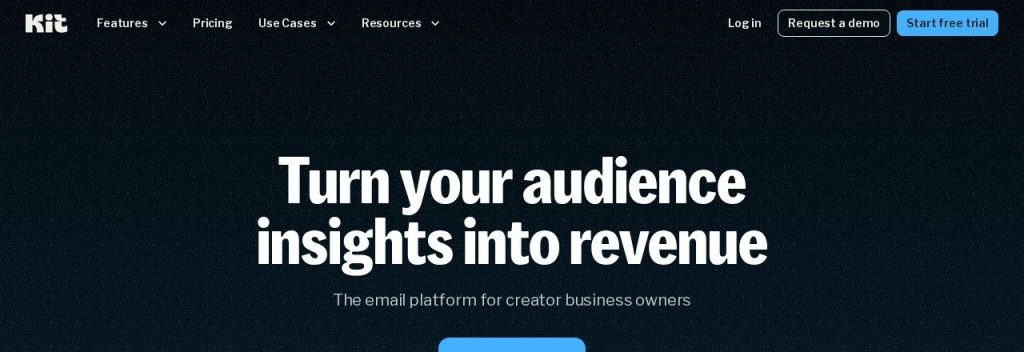
Kit (formerly ConvertKit) is built for people whose newsletter is the business. Its free plan covers up to 10,000 subscribers with 1 user as of November 2026, far more than Mailchimp’s 250 contacts.
Paid plans focus on selling, not decoration. A fitness coach could tag readers by interest, run a 5-email launch sequence for an online program and sell it through Kit’s built-in commerce tools. Kit’s team also rebuilds your forms, templates and automations for free on paid plans.
Key Capabilities
- Big free plan: Up to 10,000 subscribers free, with no sending limits stated on any plan.
- Visual automations: Unlimited sequences and automations on the Creator plan.
- Free migration: Kit’s team moves your forms, templates and automations when you switch to a paid plan.
- Kit + AI: AI writing help, plus Kit MCP to connect Claude, ChatGPT or Gemini on Creator and Pro.
- Referral system: Pro adds a newsletter referral program and engagement scoring.
Works With
Shopify, Stripe, WordPress and Zapier.
Pros
- Very generous free plan
- Free migration help on paid plans
- Strong tagging and sequences for creators
- No sending limits stated
Cons
- Paid plans cost more than MailerLite at small sizes
- Fewer design templates than Mailchimp
- Pro’s lower price applies to the first year only
- Free plan has 1 user
Plans & Pricing
- Free: $0. Up to 10,000 subscribers, 1 user.
- Free trial: 14 days of Creator or Pro, no credit card.
- Creator: $32.50/month (billed annually at $390; about $39 monthly) for 1,000 subscribers. Unlimited automations, SMS, Kit branding removed.
- Pro: $50/month for the first year ($593 billed annually), then $66/month billed annually, for 1,000 subscribers. Subscriber scoring, referral system, unlimited users.
Bottom line: Switch to Kit if you are a creator or coach who sells through email. Skip it if you run a shop that needs product emails and abandoned cart flows.
4. Omnisend
Best for: Ecommerce stores that want ready-made sales flows without Klaviyo’s learning curve
Omnisend is made for online stores. Its Standard plan costs $16 a month for 500 contacts as of November 2026 and includes pre-built abandoned cart, welcome and order follow up flows, so a store can recover lost sales in its first week.
It also takes the pain out of switching. Omnisend’s team migrates lists, flows, segments and templates from Mailchimp for free on every plan, usually in about 5 days. A small candle shop on Shopify could keep selling while the move happens in the background.
Key Capabilities
- Ecommerce flows: Pre-built automations for carts, browse abandonment, orders and win backs.
- Free Mailchimp migration: The team moves lists, flows, segments and templates on all plans.
- Omnisend AI: AI subject lines, an AI segment builder, Forms AI and Reports AI, plus AI agents on paid plans.
- SMS on Pro: Pro adds unlimited emails and SMS from $0.007 a message.
- Product blocks: Pull products and discount codes straight from your store into emails.
Works With
Shopify, WooCommerce, BigCommerce and Wix, plus an Omnisend MCP for AI assistants.
Pros
- Built for store owners
- Free migration from Mailchimp
- Strong pre-built sales flows
- 30% off when you pay 3 months upfront
Cons
- Free plan stops at 250 contacts and 500 emails
- No annual billing option
- SMS needs the $59 Pro plan
- Less useful if you do not sell online
Plans & Pricing
- Free: $0. 250 contacts, 500 emails a month, Omnisend branding.
- Standard: $16/month (monthly; $11.20/month if you pay 3 months upfront) for 500 contacts. 6,000 emails a month, 2 AI agents.
- Pro: $59/month (monthly; $41.30/month if you pay 3 months upfront) for 2,500 contacts. Unlimited emails, SMS, 5 AI agents.
- Custom: Custom pricing (contact sales) for 150,000+ profiles.
Bottom line: Switch to Omnisend if you run an online store and want sales flows that work out of the box. Skip it if you mainly send newsletters.
5. Klaviyo
Best for: Online stores with steady sales that want to segment customers by what they buy
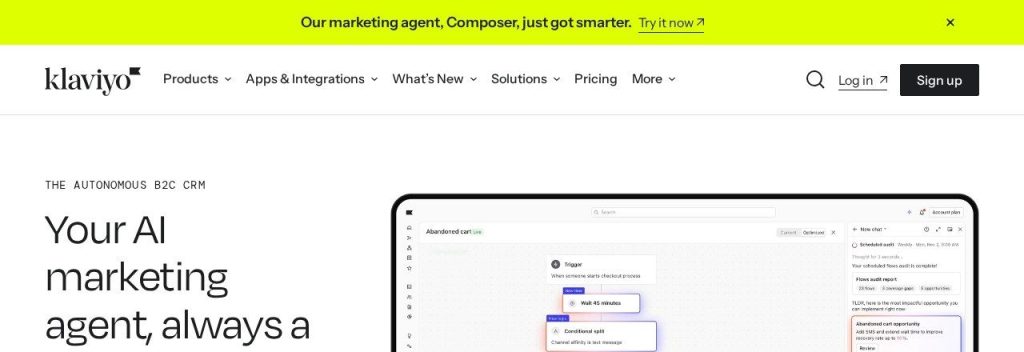
Klaviyo is the email tool many larger Shopify brands graduate to. Its Email plan costs $20 a month for 500 active profiles as of November 2026, and it shines at segmenting customers by purchase history, browsing and predicted spend.
The Mailchimp integration syncs your audiences, subscription status and the last 90 days of engagement. A skincare brand doing a few hundred orders a month could send a refill reminder only to buyers who are due, instead of blasting the whole list.
Key Capabilities
- Deep segmentation: Group customers by orders, products viewed and predicted next purchase.
- Mailchimp sync: Imports audiences, subscription status and 90 days of engagement history.
- Composer AI agent: Audits your flows and builds campaigns from a simple prompt.
- Customer Agent: An AI agent that answers shopper questions, with 10 resolutions a month on the free plan.
- Email and SMS together: The Marketing plan adds SMS alongside email.
Works With
Shopify, WooCommerce, BigCommerce, Adobe Commerce and Stripe.
Pros
- Best-in-class ecommerce data
- Powerful AI for flows and campaigns
- Mailchimp sync keeps engagement history
- Scales well as a store grows
Cons
- No annual discount
- Gets expensive as your list grows
- More to learn than Mailchimp
- Mailchimp templates, forms and automations do not transfer
Plans & Pricing
- Free: $0. 250 active profiles, 500 emails a month, email support for 60 days.
- Email: $20/month (monthly billing only) for 500 active profiles. 5,000 emails a month.
- Marketing: $25/month (monthly billing only) for 500 active profiles. 5,000 emails a month, with SMS and Composer add-ons.
- Custom: Custom pricing (contact sales) for 150,000+ profiles.
Bottom line: Switch to Klaviyo if your store already has steady orders and you want smarter targeting. Skip it if you are just starting out, because Omnisend or MailerLite cost less.
6. Sender
Best for: Startups and side businesses that want a generous free plan and cheap upgrades

Sender has one of the most generous free plans around. As of November 2026 it lets you email 2,500 subscribers and send 15,000 emails a month for free, which is ten times Mailchimp’s free contact limit.
Paid plans stay cheap too. Standard costs $9 a month for 500 subscribers and adds SMS, A/B testing and unlimited landing pages. A new yoga studio could grow to 2,000 subscribers without paying anything, then upgrade only when it wants to remove the branding.
Key Capabilities
- Large free plan: 2,500 subscribers and 15,000 emails a month at no cost.
- Done-for-you migration: A dedicated Mailchimp migration page offers free help moving lists, templates and automations.
- Email and SMS: Standard and Professional add text messages to your campaigns.
- Sender MCP server: Connect Sender to your AI assistant for free.
- Pay as you go: Buy email credits instead of a subscription if you send rarely.
Works With
Shopify, WooCommerce, WordPress, Wix and Zapier.
Pros
- Biggest everyday free plan in this list
- Low paid prices
- 14-day Professional trial, no card
- Free migration help from Mailchimp
Cons
- Free plan shows Sender branding
- No built-in AI writer named on the site
- Smaller app ecosystem than Mailchimp
- Full-service migration is aimed at bigger annual accounts
Plans & Pricing
- Free: $0. 2,500 subscribers, 15,000 emails a month, 1 seat.
- Standard: $9/month (monthly billing) for 500 subscribers. 6,000 emails a month, 3 seats, no branding, SMS. A 30% annual discount is offered during Black Friday.
- Professional: $15/month (monthly billing) for 500 subscribers. 12,000 emails a month, 10 seats, advanced automation, priority support.
- Enterprise: Custom pricing (contact sales).
Time saver
Start Sender’s 14-day Professional trial on the day you import your list. You can test advanced automation for free, and the account simply drops back to the free plan if you do not upgrade.
Bottom line: Switch to Sender if you want to stop paying for email while your list is small. Skip it if you rely on lots of Mailchimp integrations.
7. EmailOctopus
Best for: Solo owners and nonprofits who want a simple, low-cost newsletter tool
EmailOctopus keeps things simple and cheap. Its free Starter plan covers 2,500 subscribers and 10,000 emails a month, and the Pro plan starts at $9 a month on annual billing as of November 2026.
It does not try to do everything, and that is the point. A local charity could send a monthly update and run a 3-email welcome series on the free plan. Nonprofits also get 20% off for life.
Key Capabilities
- Simple editor: A drag-and-drop builder with 100+ templates, or code your own HTML.
- Smart timing: Sends each email when each subscriber is most likely to open it.
- Gradual sending: Spread a big send over up to 24 hours to protect deliverability.
- AI segment building: Describe the group you want and let AI build the segment.
- Automatic upgrades: Your plan moves up as your list grows, with an email to tell you.
Works With
WordPress, Zapier and Make, plus an official API.
Pros
- Generous free plan
- Very low paid price
- Unlimited users on Pro
- 20% lifetime discount for nonprofits
Cons
- No direct Mailchimp import (CSV only)
- Free plan has 3 automations and 1 form
- Fewer advanced features than MailerLite
- No free trial of Pro
Plans & Pricing
- Starter (free): $0. 2,500 subscribers, 10,000 emails a month, 3 automations, 1 user.
- Pro: From $9/month (billed annually; $10 monthly) at the smallest list size. Unlimited landing pages, forms and users, reports kept forever.
- Custom: Custom pricing (contact sales) for 500,000+ subscribers.
Bottom line: Switch to EmailOctopus if you want a no-fuss newsletter at the lowest price. Skip it if you need ecommerce flows or a one-click Mailchimp import.
What to Look For in a Mailchimp Alternative
Leaving Mailchimp is a good moment to pay only for what you send. Check these before you switch.
- Switching cost and data migration: MailerLite has a built-in Mailchimp import, and Omnisend and Sender offer free migration help. Export your audience as a CSV before your Mailchimp plan ends, just in case.
- How contacts are counted: Mailchimp bills unsubscribed contacts too. Brevo charges by emails sent instead, so a big but quiet list costs less.
- Free plan size: Sender and EmailOctopus give 2,500 subscribers free, and Kit allows up to 10,000. Mailchimp, Klaviyo and Omnisend stop at 250.
- Automation on cheap plans: MailerLite Comfort includes 50 automations, and Kit Creator includes unlimited ones. Check step limits before you commit.
- Ecommerce features: If you sell online, look for abandoned cart flows and product blocks. Omnisend and Klaviyo are built for this.
- Billing terms: Klaviyo and Omnisend have no annual plan, while MailerLite and EmailOctopus give a discount for paying yearly.
Which Mailchimp Alternative Should You Choose?
- If you want the easiest switch at a lower price, pick MailerLite.
- If you want to pay nothing for as long as possible, pick Sender or EmailOctopus.
- If you run a Shopify or WooCommerce store, pick Omnisend, or Klaviyo once your store has real volume.
- If you are a creator, coach or newsletter writer, pick Kit.
- If you have a large list but send only a few emails a month, pick Brevo.
- If your team already knows Mailchimp and uses its integrations every day, stay with Mailchimp and clean out unsubscribed contacts to cut your bill.
FAQs
What is the best alternative to Mailchimp for a small business?
For most small businesses, MailerLite is the best Mailchimp alternative. Its Comfort plan costs $10.80 a month on annual billing for 500 subscribers as of November 2026, and it can import your Mailchimp audience directly.
What is the best free Mailchimp alternative?
Sender has the biggest everyday free plan, with 2,500 subscribers and 15,000 emails a month. EmailOctopus also gives 2,500 subscribers free, and Kit is free for up to 10,000 subscribers with 1 user.
Is there a cheaper alternative to Mailchimp?
Yes. Brevo starts at $9 a month, Sender at $9 a month and EmailOctopus at $9 a month on annual billing, compared with $13 for Mailchimp Essentials and $20 for Standard.
Can I move my contacts from Mailchimp to another tool?
Yes. MailerLite and Brevo can import contacts straight from your Mailchimp account, and Omnisend and Sender offer free migration help. Templates and automations usually need to be rebuilt.
Why do people leave Mailchimp?
The most common reasons are the small 250 contact free plan, paying for unsubscribed contacts, and needing the Standard plan for proper automation. Many small teams find cheaper tools that cover the same jobs.
Final Thoughts
Start by exporting your Mailchimp audience and checking how many contacts are unsubscribed. Then try MailerLite or Sender on a free plan, import your list, and only pay once your first campaign goes out smoothly.
Want to compare more email tools, Mailchimp included? See our full list of the best AI email marketing tools for small businesses, or browse our picks of AI tools for ecommerce store owners.