

Prices checked: October 2026
You are under a sink, on a ladder, or halfway through a client’s haircut, and your phone rings. Again. By the time you call back, that caller has booked with someone else.
Missed calls are missed money for any business that sells by phone. A part-time receptionist costs thousands a month, and a live answering service often bills by the minute.
An AI receptionist answers every call, day or night, in a natural voice. It can answer common questions, book appointments into your calendar, take detailed messages and text you a summary the moment the call ends.
Most plans cost less than a single day of a human receptionist’s pay. We checked the official pricing pages for every tool below in October 2026.
Here are the 7 best picks, and who each one suits.
Quick answer
- Best overall for most small businesses: Rosie
- Best on a tight budget: Upfirst (from $20/month)
- Best with human backup: Smith.ai
- Best for phone plus chat, text and a CRM: My AI Front Desk
- Best if you already need a business phone system: Quo (Sona)
What’s the Best AI Receptionist?
| Tool | Best for | Free plan | Starting price |
|---|---|---|---|
| Rosie | Most small service businesses | 7-day free trial | $49/mo (monthly) |
| Upfirst | Tight budgets and low call volume | 14-day free trial | $20/mo |
| Smith.ai | AI with live human backup | Yes (25 calls/mo) | $0 (paid from $150/mo) |
| My AI Front Desk | Phone plus chat, SMS and CRM | 7-day free trial | $79/mo |
| Goodcall | Long calls with predictable bills | Free demo agent | $79/mo (monthly) |
| Dialzara | Pay-as-you-grow minute plans | 7-day free trial | $29/mo (monthly) |
| Quo (Sona) | Teams that need a full phone system | 7-day free trial | $15/user/mo |
Prices checked October 2026. Starting prices use annual billing unless noted.
1. Rosie
Best for: Local service businesses that want a set-up-in-minutes receptionist with generous minutes
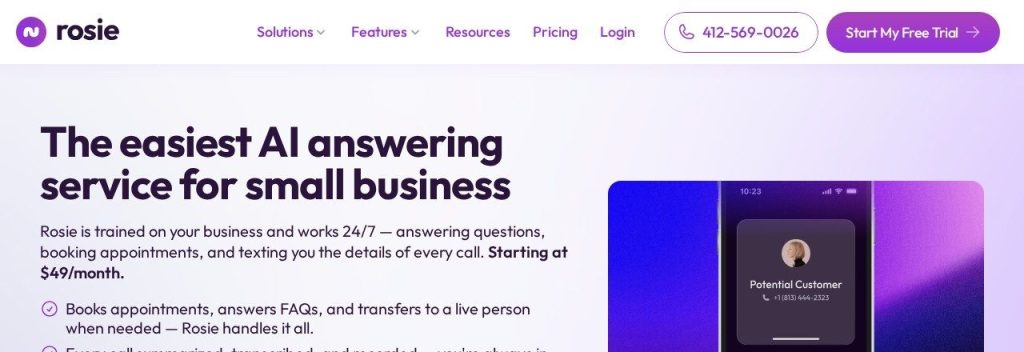
Rosie is an AI answering service built for local businesses like plumbers, salons, roofers and auto shops. It trains itself from your Google Business Profile and website, so you can have it answering calls the same day without writing scripts.
Rosie says more than 2,000 small businesses use it. The entry plan includes 250 minutes a month, which covers roughly 80 to 120 calls if most last 2 to 3 minutes. A 3-person painting company could forward its line to Rosie during jobs and get a text with the caller’s name, address and request after every call.
Key Capabilities
- Self-training setup: Rosie reads your Google profile and website, so it already knows your hours, services and location on day one.
- Message taking with custom questions: You choose what Rosie asks (address, budget, urgency), and you get the answers by text and email.
- Calendar booking and warm transfers: On Scale and above, Rosie books straight into your calendar and briefs your team before passing a live call.
- Bilingual calls: Every plan answers in English and Spanish, with 10+ voices to choose from.
- Website chat included: The same AI answers questions on your website for free on every plan.
Works With
Zapier (1,000+ apps), your calendar (Scale plan and up), native iOS and Android apps, and a website chat widget.
Pros
- Very fast setup from your existing Google profile
- 250 minutes on the $49 plan is generous for the price
- English and Spanish on every plan
- Website chat included at no extra cost
Cons
- Direct calendar booking needs the $149 Scale plan; Professional only texts a booking link
- Live and warm transfers also start at Scale
- Only a 7-day trial, which is short for testing seasonal call patterns
Plans & Pricing
- Free trial: 7 days with all features.
- Professional: $49/month (billed monthly; annual billing gives 2 months free). 250 minutes, message taking with 2 custom scenarios, booking links by text, spam detection.
- Scale: $149/month. 1,000 minutes, calendar booking, warm and live transfers, texting callers during the call.
- Growth: $299/month. 2,000 minutes, waterfall transfers, custom agent training, white-glove onboarding, priority support.
- Website Texting add-on: $50/month for 25 text conversations, then $1 each.
Bottom line: Pick Rosie if you run a local service business and want a solid receptionist this afternoon. Skip it if you need calendar booking on a $49 budget.
2. Upfirst
Best for: Solo owners and small offices that get a handful of calls a day and want calendar booking on the cheapest plan
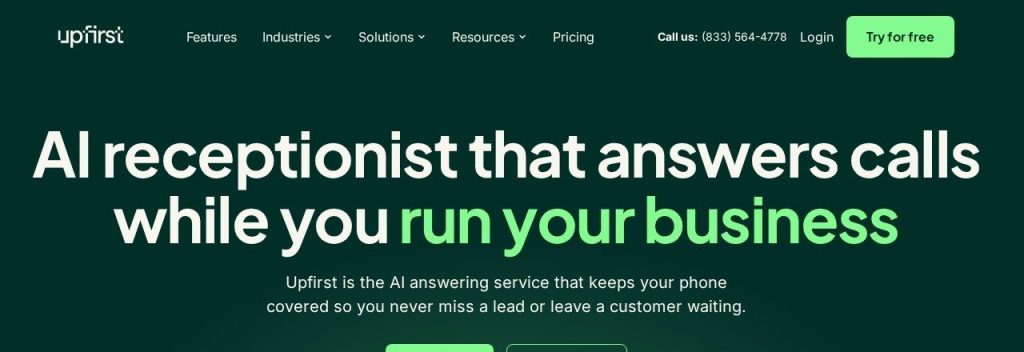
Upfirst is an AI receptionist that prices by calls, not minutes. Every plan, even the $20 Starter, includes call transfers, appointment booking, in-call texting and spam blocking, which many rivals save for pricier tiers.
The Starter plan covers 30 calls a month, with extra calls at $1.50 each. A solo real estate agent could set it to answer only after hours or only when busy (overflow), and pay a few dollars a day for full coverage.
Key Capabilities
- Booking on every plan: Upfirst books directly into Google, Outlook, Calendly, Acuity, Square and Clio, even on Starter.
- Flexible answering modes: Choose all calls, overflow only (when you don’t pick up) or after hours only.
- 35+ languages: It switches languages automatically and translates the transcript into yours.
- Caller memory: It recognizes returning callers and recalls past calls, so customers don’t repeat themselves.
- Spam blocking: AI blocks junk calls, so you don’t pay for robocalls.
Works With
Google Calendar, Outlook, Calendly, Acuity Scheduling, Square, Clio Manage, Zapier, and any CRM with an API through Custom Actions.
Pros
- Lowest paid entry price on this list ($20/month billed annually)
- Booking, transfers and texting are included on every plan
- 14-day free trial with real call forwarding and no credit card
- Extra locations cost $9.95/month per agent
Cons
- 30 calls on Starter goes fast for a busy shop; overage is $1.50 per call
- White-glove onboarding is only on Pro ($128/month annually) and up
- Human support runs weekdays 9 a.m. to 6 p.m. Eastern only
Plans & Pricing
- Free trial: 14 days, no credit card required.
- Starter: $20/month (billed annually; $24.95 monthly). 30 calls, then $1.50 per call.
- Premium: $48/month (billed annually; $59.95 monthly). 90 calls, then $1 per call.
- Pro: $128/month (billed annually; $159.95 monthly). 300 calls, then $0.75 per call. Adds white-glove onboarding and custom integrations.
- Scale: $240/month (billed annually; $299 monthly). 600 calls, then $0.70 per call.
Money saver
If most of your calls come in while you are busy, set Upfirst to overflow or after-hours mode. You only use your call allowance on calls you would have missed anyway.
Bottom line: Pick Upfirst if you want real booking and transfers for about the price of a lunch. Skip it if you take more than 100 calls a month and dislike per-call billing.
3. Smith.ai
Best for: Law firms and high-value service businesses that cannot risk the AI fumbling an important caller
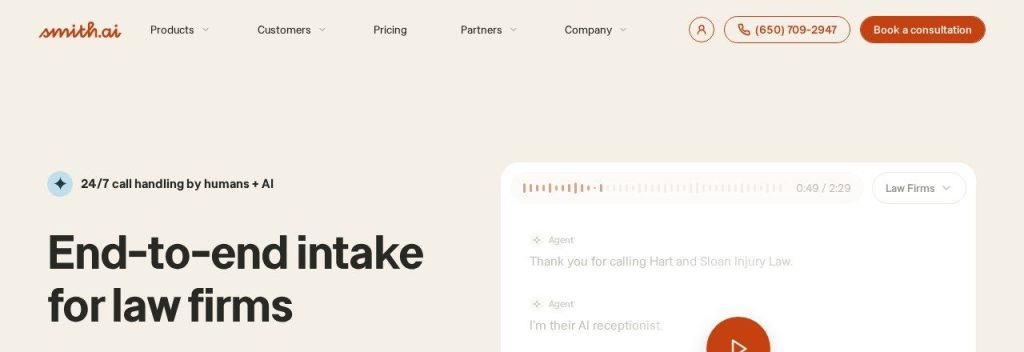
Smith.ai has run a live receptionist service for over 10 years and says it has answered more than 20 million calls. Its AI Receptionist answers first, and complex calls can be passed to a live North America-based receptionist at any hour.
Smith.ai says it is trusted by 5,000+ businesses. A small law office could let the AI screen and qualify new leads, while anything sensitive goes to a human. That backup is why it costs more per call than most tools here.
Key Capabilities
- Human in the loop: Calls the AI cannot handle can be transferred to a live receptionist 24/7.
- Lead qualification and routing: The AI asks your intake questions and sends good leads to the right person.
- Quality Studio: Test your AI with simulated calls before it ever answers a real customer.
- AI scheduling: Books appointments through Calendly and other scheduling tools.
- Recordings, transcripts and summaries: Every call is recorded and summarized for quick review.
Works With
Clio, Calendly and other schedulers, Zapier, plus custom integrations on Enterprise.
Pros
- Real free plan with 25 calls a month
- Live human backup is rare among AI receptionists
- Strong fit for legal intake (native Clio integration)
- Test calls let you check quality before going live
Cons
- Per-call pricing adds up: $2.00 per call on Pro, $2.50 for each extra call
- The jump from Free to Pro is $150/month
- Custom AI prompting and integrations are Enterprise only ($500/month)
Plans & Pricing
- Free: $0/month. 25 calls, then $3.00 per call.
- Pro: $150/month for 75 calls ($2.00 per call; $2.50 per extra call). Higher tiers: 150 calls for $270, 300 calls for $500. Adds dedicated onboarding and live support.
- Enterprise: From $500/month for 300 calls. Full-service setup, custom AI prompting, unlimited custom integrations, multi-location support.
Bottom line: Pick Smith.ai if one lost client costs you more than a month of fees. Skip it if you get lots of short, simple calls, because per-call billing will sting.
4. My AI Front Desk
Best for: Businesses that want one AI to answer calls, website chats and texts, with a built-in CRM
My AI Front Desk (the product is also branded Frontdesk) bundles an AI phone receptionist with web chat, two-way SMS, an AI CRM and follow-up automations in one plan.
Its Business-in-a-Box plan includes 200 voice minutes, 100 chatbot conversations and 400 texts a month. A small fitness studio could have the AI answer a call, text the caller a booking link, then send a follow-up the next day if they don’t book.
Key Capabilities
- One AI across channels: The same assistant answers phone calls, website chat and text messages.
- Built-in CRM: Leads from every channel land in one place without a separate CRM subscription.
- Follow-up sequences: Unlimited automations, like texting a new lead and emailing them the next day.
- Outbound calls: The AI can make up to 20 outbound calls a day for reminders or follow-ups.
- 20+ languages: Answers callers in more than 20 languages.
Works With
Zapier, a verified outbound number, website forms and chat; API access on Partner/Enterprise.
Pros
- Much more than voice for the price: chat, SMS, CRM and automations
- 1,000 overage credits a month included
- Setup in about 5 minutes
- Unlimited read-only seats for your team
Cons
- 200 voice minutes is lower than Rosie’s 250 for $49
- Only one public self-serve plan; everything above it is custom
- Extra usage runs on a credit system that takes a minute to understand
Plans & Pricing
- Free trial: 7 days.
- Business-in-a-Box: $79/month (billed annually; $99 monthly). 200 voice minutes, 100 chatbot conversations, 400 SMS, 1,000 overage credits, Zapier, 3 notification recipients.
- Partner / Enterprise: Custom pricing (contact sales). Volume pricing, API access, custom integrations, dedicated account manager.
Bottom line: Pick My AI Front Desk if you want calls, chat and texts handled by one AI with a CRM built in. Skip it if you only need phone answering and want the most minutes per dollar.
5. Goodcall
Best for: Busy shops with long booking calls who hate per-minute billing
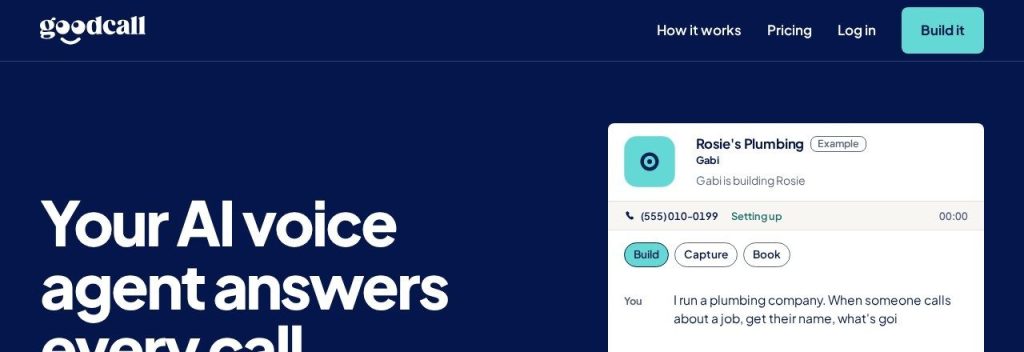
Goodcall bills per unique customer, not per minute or per call. If the same person calls five times in a month, that counts as one customer, and spam and wrong numbers don’t count at all.
The Starter plan covers 100 unique customers a month (about 150 calls by Goodcall’s estimate). An auto repair shop where booking calls run eight or nine minutes pays the same as if they lasted thirty seconds.
Key Capabilities
- No metered minutes: A nine-minute booking call costs the same as a short one.
- Plain-English agent edits: Describe a change to Goodcall’s assistant (Gabi) and it rewrites your agent’s questions, steps or greeting.
- Specialist workers: Add separate workers for booking, message taking or answering questions about your business.
- Connect your own tools: Plug in APIs, MCP servers or code blocks as external tools.
- Local number included: Every plan includes a local number, or you can forward your existing one.
Works With
Zapier, plus APIs, MCP servers and custom code blocks as external tools (1 on Starter, 5 on Growth, 15 on Scale).
Pros
- Bills are predictable because repeat callers count once
- Spam and wrong numbers are free
- Build and test a demo agent free before paying
- Overage rates drop sharply on bigger plans (15 cents on Scale)
Cons
- Starter allows only 1 team member and 30 days of call history
- Only 1 external tool on Starter
- No annual discount shown on the pricing page
Plans & Pricing
- Free demo: Build and test an agent free; pay only when you connect a number.
- Starter: $79/month. 100 unique customers, then 79 cents each. 5 workers, 1 external tool, 1 team member, 30-day history.
- Growth: $129/month. 500 unique customers, then 26 cents each. 10 workers, 5 external tools, 5 team members, 90-day history.
- Scale: $299/month. 2,000 unique customers, then 15 cents each. 20 workers, 15 external tools, 10 team members, unlimited history.
- Enterprise: Custom pricing (contact sales) for 2,000+ customers a month.
Bottom line: Pick Goodcall if your calls run long or the same customers call back often. Skip it if you have a large team on the Starter budget, since it allows only one team member.
6. Dialzara
Best for: Very small businesses that want to start cheap and add outbound calls, SMS or chat later
Dialzara offers four self-serve AI receptionist plans from $29 to $349 a month, plus a $1,500+ done-for-you service where its team writes and tunes your prompts.
The $29 Business Lite plan includes 60 minutes, which suits a home-based business that gets a few calls a week. A growing dental or HVAC office would more likely start on Business Pro ($99 for 220 minutes) to get warm transfers and calendar sync.
Key Capabilities
- Editable prompt: You control exactly what the AI says and asks, on every plan.
- Calendar sync: Books into Google or Outlook calendars on Pro and above.
- Warm transfers: Pro and above brief your team before handing over a call.
- Bilingual answering: English and Spanish on Pro and above, with 50+ premium voices.
- Add-on channels: An AI SMS agent ($19/month plus 5 cents per message) and a website chatbot (100 sessions free with voice plans).
Works With
Google and Outlook calendars, Zapier and Make, API access on Business Elite; UK, AU and NZ numbers on request.
Pros
- $29 entry plan is one of the cheapest ways to start
- Clear per-minute overage rates that drop on bigger plans
- Done-for-you option if you never want to touch settings
- Outbound calling plans available as you grow
Cons
- 60 minutes on Lite runs out quickly, then costs $0.48 per minute
- Warm transfers, calendar sync and Spanish all need Pro ($99)
- Outbound plans start at $750/month, too much for most small shops
Plans & Pricing
- Free trial: 7 days.
- Business Lite: $29/month. 60 minutes, then $0.48/min. Blind transfers only.
- Business Pro: $99/month. 220 minutes, then $0.45/min. Warm transfers, calendar sync, English and Spanish.
- Business Plus: $199/month. 500 minutes, then $0.40/min. Multi-location setup.
- Business Elite: $349/month. 1,000 minutes, then $0.35/min. Initial prompt setup, priority support, API access.
- Done for You: From $1,500/month (contact for a quote).
Bottom line: Pick Dialzara if you want to test an AI receptionist for under $30. Skip the Lite plan if you need booking or Spanish, and go straight to Pro.
7. Quo (Sona)
Best for: Small teams that want business numbers, texting and an AI agent in one app
Quo (formerly OpenPhone) is a business phone system with shared numbers, calling and texting from your phone or computer. Its AI agent, Sona, answers calls 24/7 and is included on every plan.
Every plan includes 1,000 free credits, which equals 10 AI-handled calls a month; more calls come from credit tiers starting at $25 for 40 calls. A 4-person cleaning company could share one Quo number, let Sona answer after hours, and see every call and text in one shared inbox.
Key Capabilities
- Real business phone system: Calling and texting to the US and Canada, shared numbers, phone menus and call transfers.
- Sona AI agent: Answers calls 24/7 when your team is busy or closed.
- AI summaries and transcripts: Business and Scale plans summarize every call; Starter does so for Sona calls.
- AI message replies: Suggests replies to texts so your team responds faster.
- ChatGPT and Claude MCP: Ask questions about your calls, texts and contacts from an AI assistant.
Works With
HubSpot and Salesforce (Business plan and up), Slack, Zapier and Make, plus the Quo API.
Pros
- You get a full business phone system, not just a receptionist
- Low per-user price ($15/month billed annually)
- Sona is included on every plan
- Port your existing number for free
Cons
- Only 10 Sona calls are included; heavier use needs a paid credit tier
- Prices are per user, so a 5-person team pays 5 times
- Texting requires carrier registration ($19.50 one-time plus $1.50 to $3 a month)
Plans & Pricing
- Free trial: 7 days.
- Starter: $15/user/month (billed annually; $19 monthly). One number per user, Sona with 1,000 credits (10 calls).
- Business: $23/user/month (billed annually; $33 monthly). AI call summaries, call transfers, phone menus, HubSpot and Salesforce.
- Scale: $35/user/month (billed annually; $47 monthly). AI call tags, priority support, dedicated onboarding.
- Sona credit tiers: $25/month for 40 calls, $49 for 100, $99 for 250, $199 for 600.
Time saver
Already paying for a separate business phone line? Moving it to Quo and turning on Sona can replace two subscriptions with one.
Bottom line: Pick Quo if your team needs business numbers and shared texting anyway. Skip it if you only want an answering service for one line.
What to Look For in an AI Receptionist
A cheap plan that runs out by the 10th of the month is not cheap. Check these before you sign up:
- How you are billed: Minutes (Rosie, Dialzara), calls (Upfirst, Smith.ai) or unique customers (Goodcall). If your calls run long, avoid per-minute plans.
- Booking on your plan: Upfirst books appointments on its $20 plan, while Rosie and Dialzara save direct calendar booking for higher tiers.
- Transfers to a real person: Make sure urgent calls can reach you. Warm transfers (the AI briefs you first) are better than blind ones.
- Languages: If you serve Spanish speakers, Rosie includes Spanish on every plan; Upfirst handles 35+ languages.
- Overage costs: Look at the price per extra minute or call, not just the plan price. Smith.ai charges up to $3 per extra call on its free plan.
- Setup effort: Tools like Rosie and Upfirst train themselves from your website. Others need you to write instructions.
- A real test period: Upfirst’s 14-day trial and Smith.ai’s free plan let you forward real calls before you pay.
Which AI Receptionist Should You Choose?
- If you want the cheapest real option, pick Upfirst Starter at $20/month (billed annually).
- If you run a local service business and want lots of minutes, pick Rosie.
- If an important caller must never hit a wall, pick Smith.ai for its live human backup.
- If you also want website chat, texts and a simple CRM, pick My AI Front Desk.
- If your calls are long or customers call back often, pick Goodcall.
- If your team needs business phone numbers anyway, pick Quo and turn on Sona.
FAQs
What is an AI receptionist?
An AI receptionist is software that answers your business phone calls with a natural-sounding voice. It can answer common questions, take messages, book appointments and transfer calls, then send you a summary of each call.
How much does an AI receptionist cost?
Most small business plans cost between $20 and $150 a month as of October 2026. Upfirst starts at $20/month billed annually, Rosie at $49/month and Smith.ai offers a free plan with 25 calls a month.
Can an AI receptionist book appointments?
Yes. Upfirst, Smith.ai, Rosie (Scale plan), Dialzara (Pro plan and up) and others can book directly into calendars like Google Calendar, Outlook or Calendly while the caller is on the line.
Will callers know they are talking to AI?
Some will. Modern voices sound natural, but you should be open about it: most tools let you set a greeting that says the caller is speaking with a virtual assistant, and transfer to a person when asked.
Can I keep my current business number?
Yes. All of these tools work with call forwarding, so you keep your number and forward calls to the AI all the time, after hours or only when you don’t pick up. Quo also lets you port your number in for free.
Is an AI receptionist cheaper than an answering service?
Usually, yes. Goodcall points out that live answering services run about $1.50 to $1.90 a minute, while most AI plans here cost a fraction of that per call.
Final Thoughts
You don’t need to pick the perfect tool on day one. Start a free trial with Upfirst or Rosie, forward only your after-hours calls for a week, and read the call summaries.
If the AI handles them well, move all your overflow calls over. Once your phone is covered, turn those new callers into customers with our guide to the best AI lead generation tools, and save more time with these AI social media scheduler tools.